
Open research intelligence for academic research organizations
Every contribution, connected.
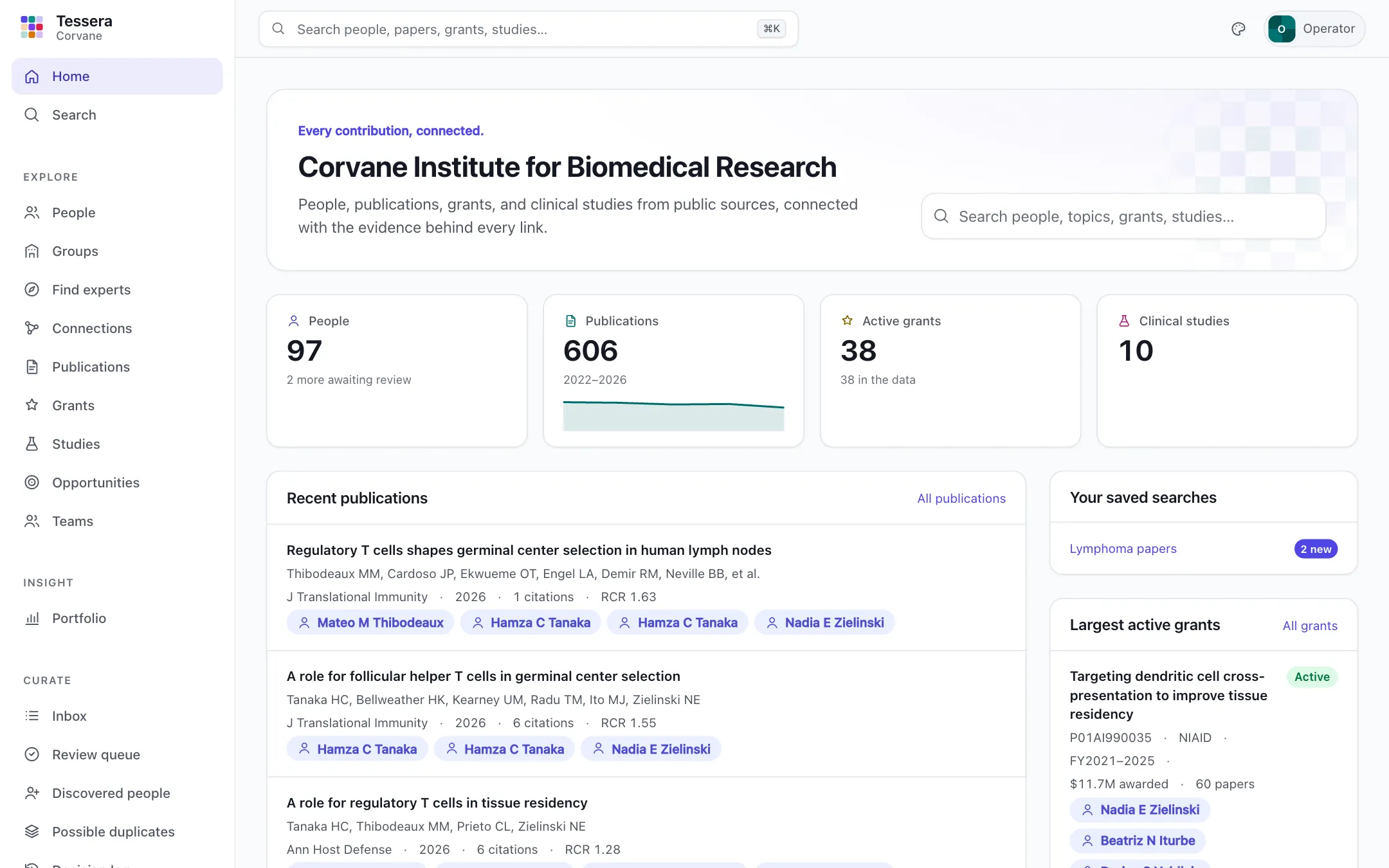
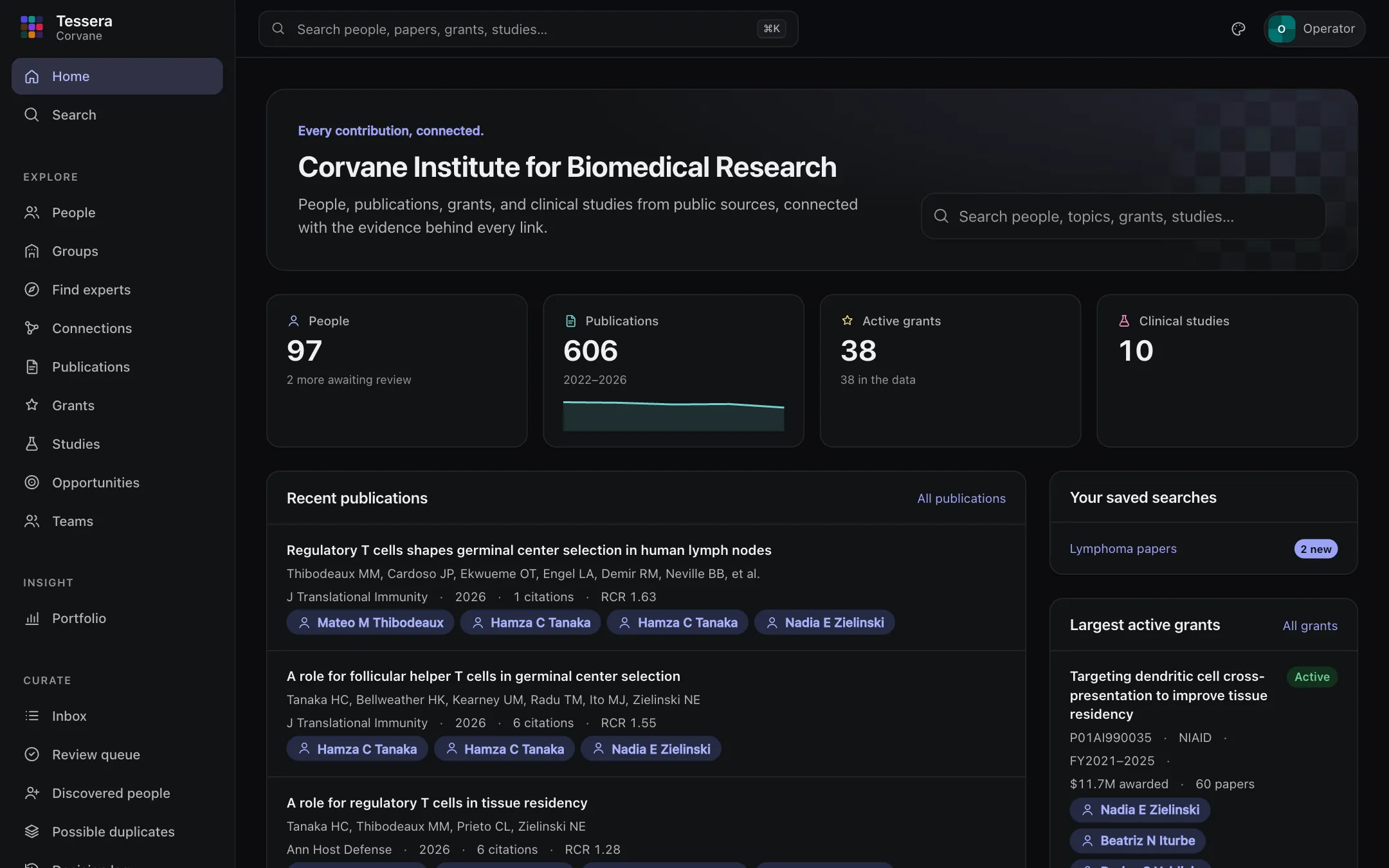
Tessera builds your organization's research footprint from public data: people, publications, grants, and clinical studies, linked with the evidence behind every connection. Curators confirm links in seconds, researchers keep profiles that build their CVs and NIH biosketches, and everyone can find who works on what, who should meet, what followed the work, and which funding fits it next.
Starts from public data
PubMed, NIH RePORTER, ClinicalTrials.gov, iCite, ORCID, MeSH, and Grants.gov. No HR feeds or integrations to begin.
Evidence on every link
Each connection records its source, the evidence for and against it, and who decided.
Humans decide
Automation suggests and curators confirm; decisions survive every refresh and can be undone.
Open and yours
Apache 2.0, runs on a laptop or one server, keeps data in open formats, and takes your brand.
Explainable suggestions
See why, every time
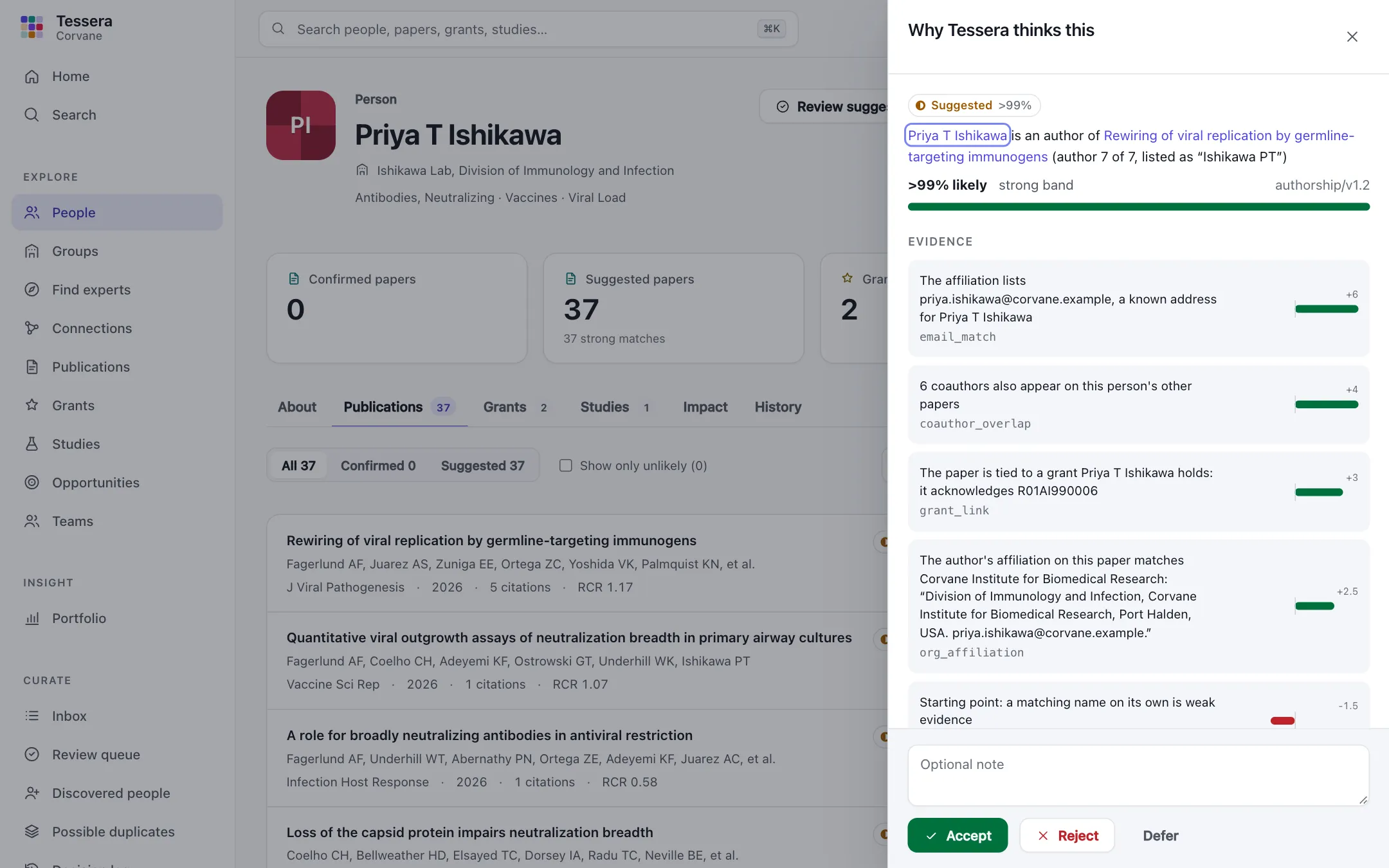
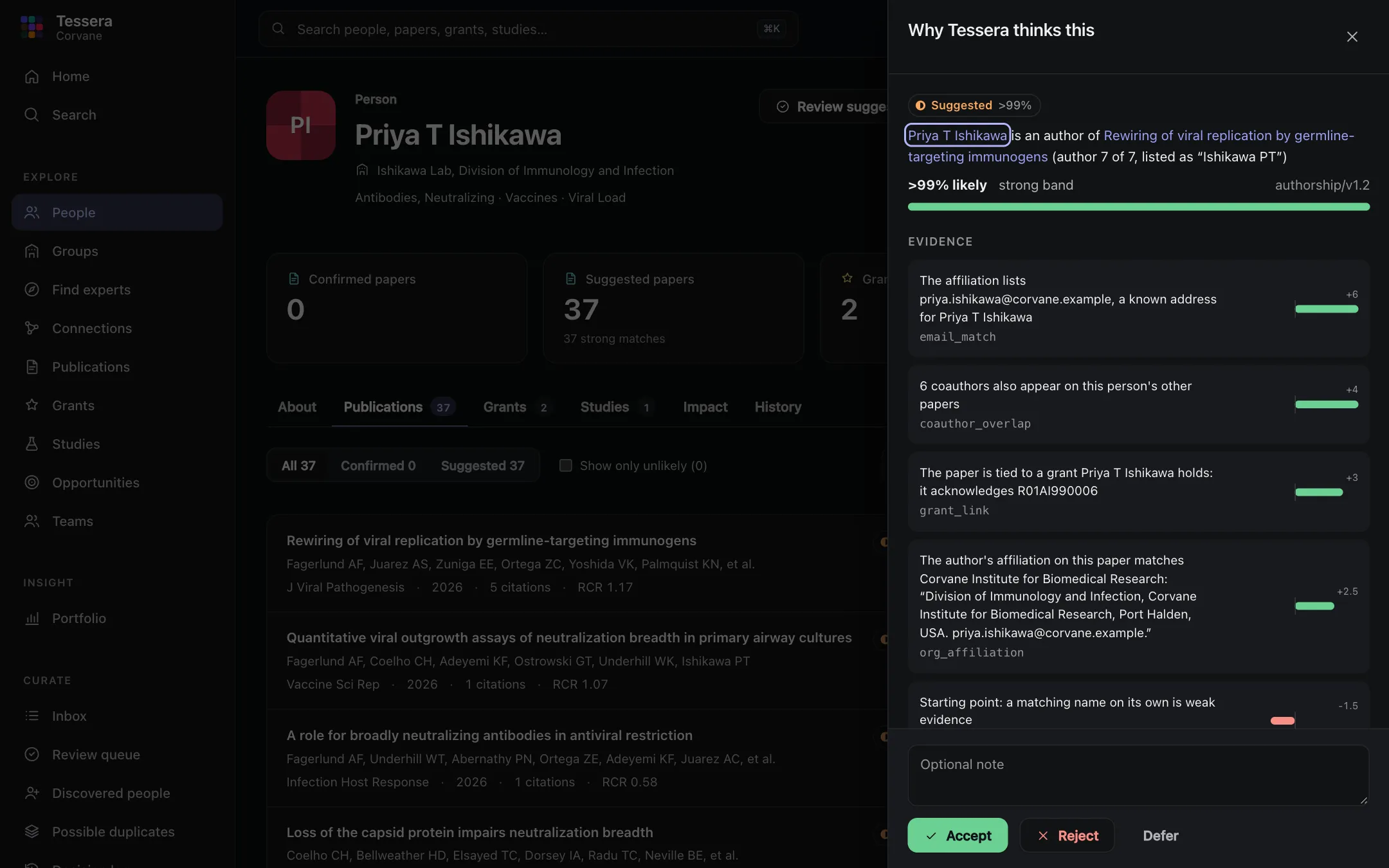
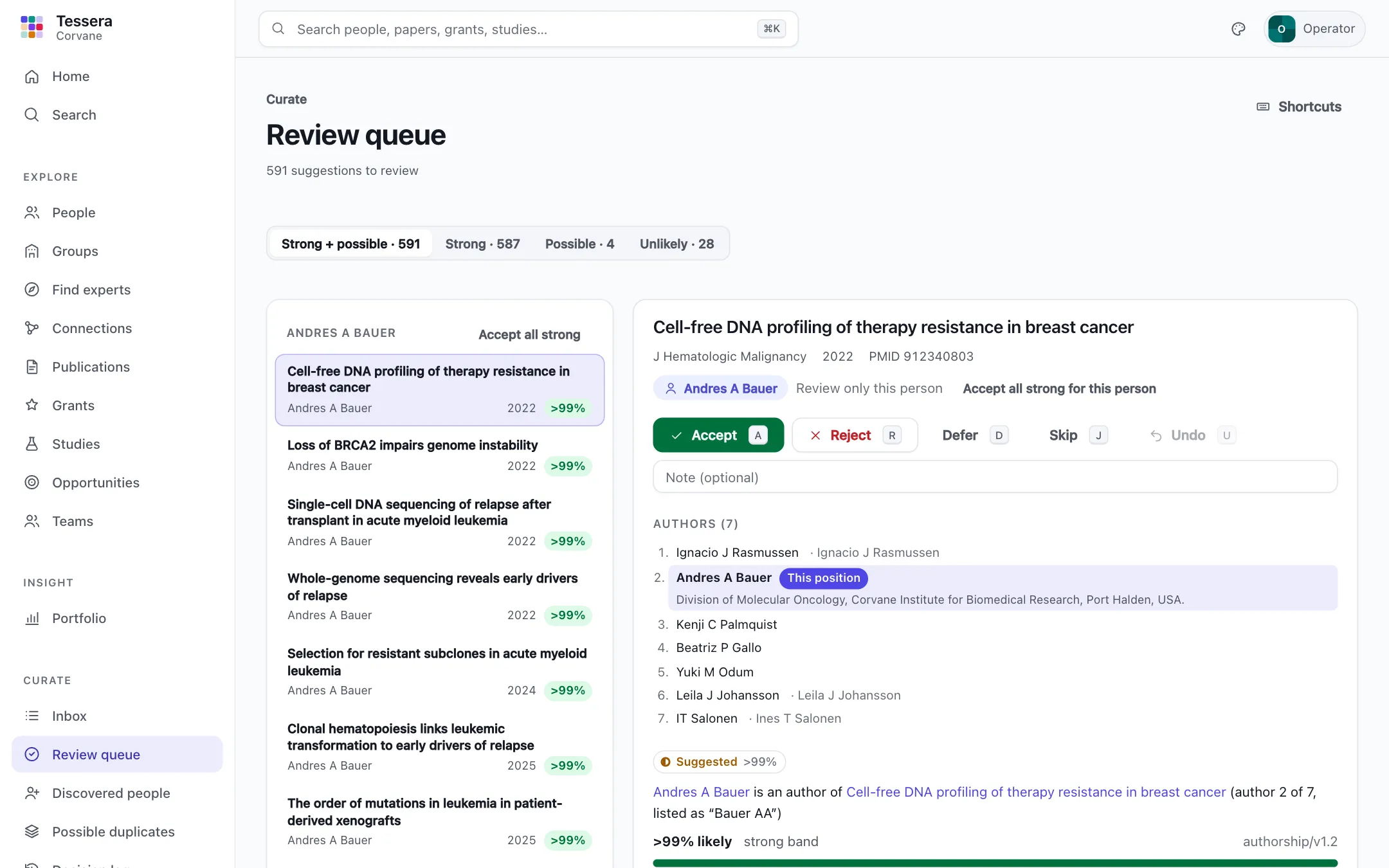
Every suggested link between a person and a paper comes with its evidence, weighed in plain language: the ORCID iD on the paper, the organization in the affiliation, a grant it acknowledges, shared coauthors, a different first name. Weights can be learned from your own decisions, and auto-accept switches on only where the measured precision allows.
Fast curation
Curate in minutes, not months
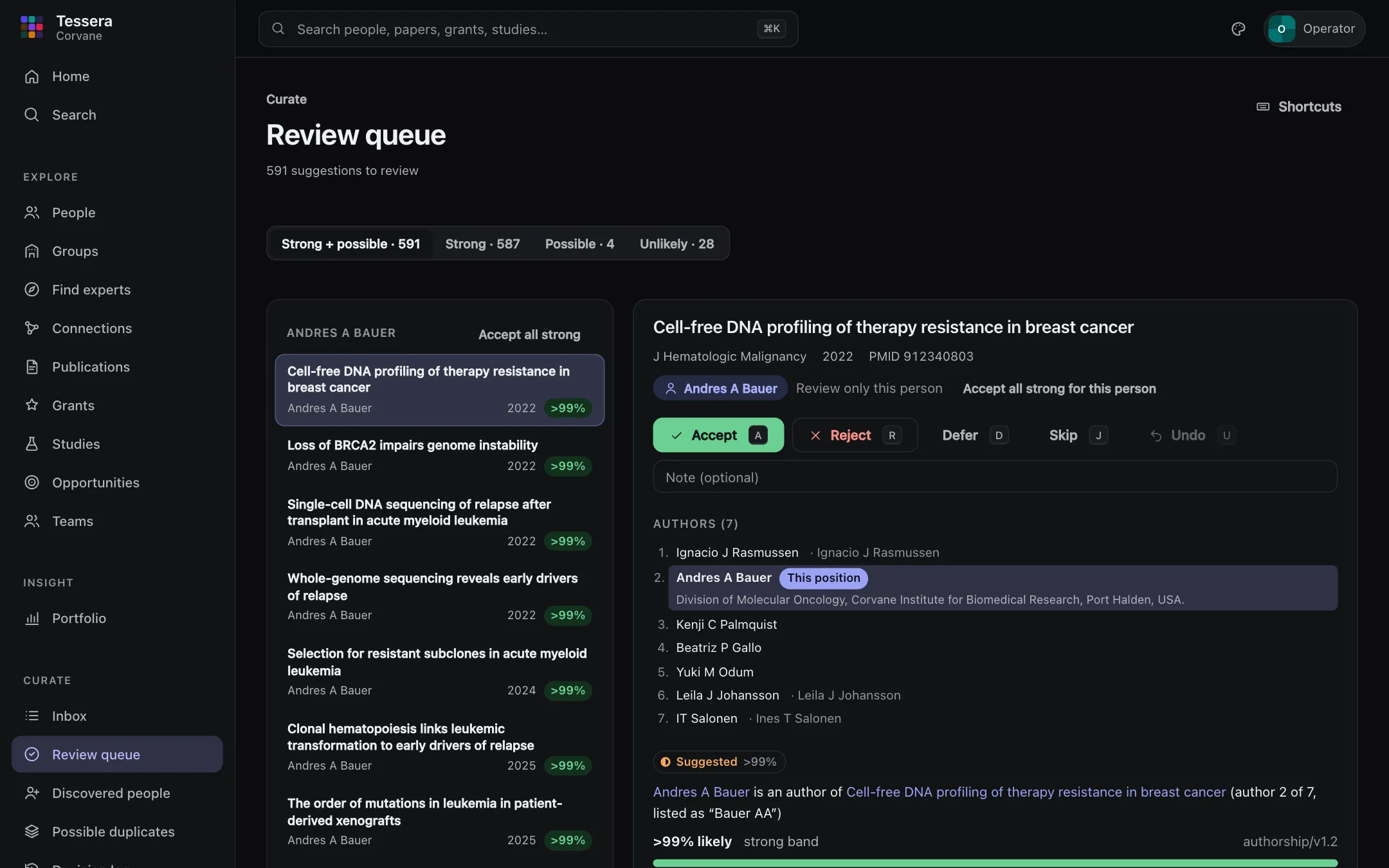
The review queue puts strong matches first, grouped by person, with the matched author and their affiliation highlighted. Accept, reject, or defer from the keyboard; accept all of a person's strong matches in one step, and undo anything.
Expertise
Who works on what
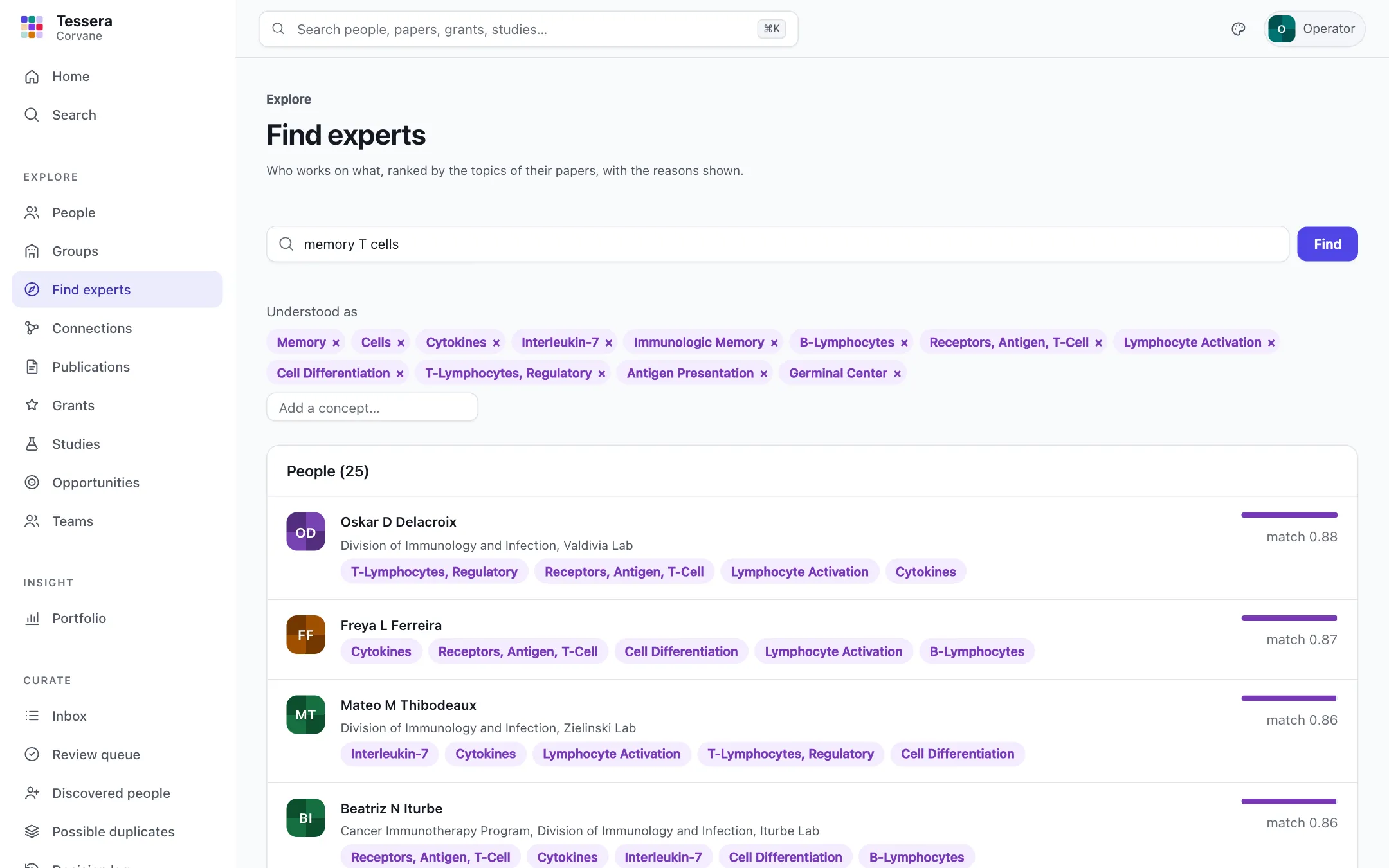
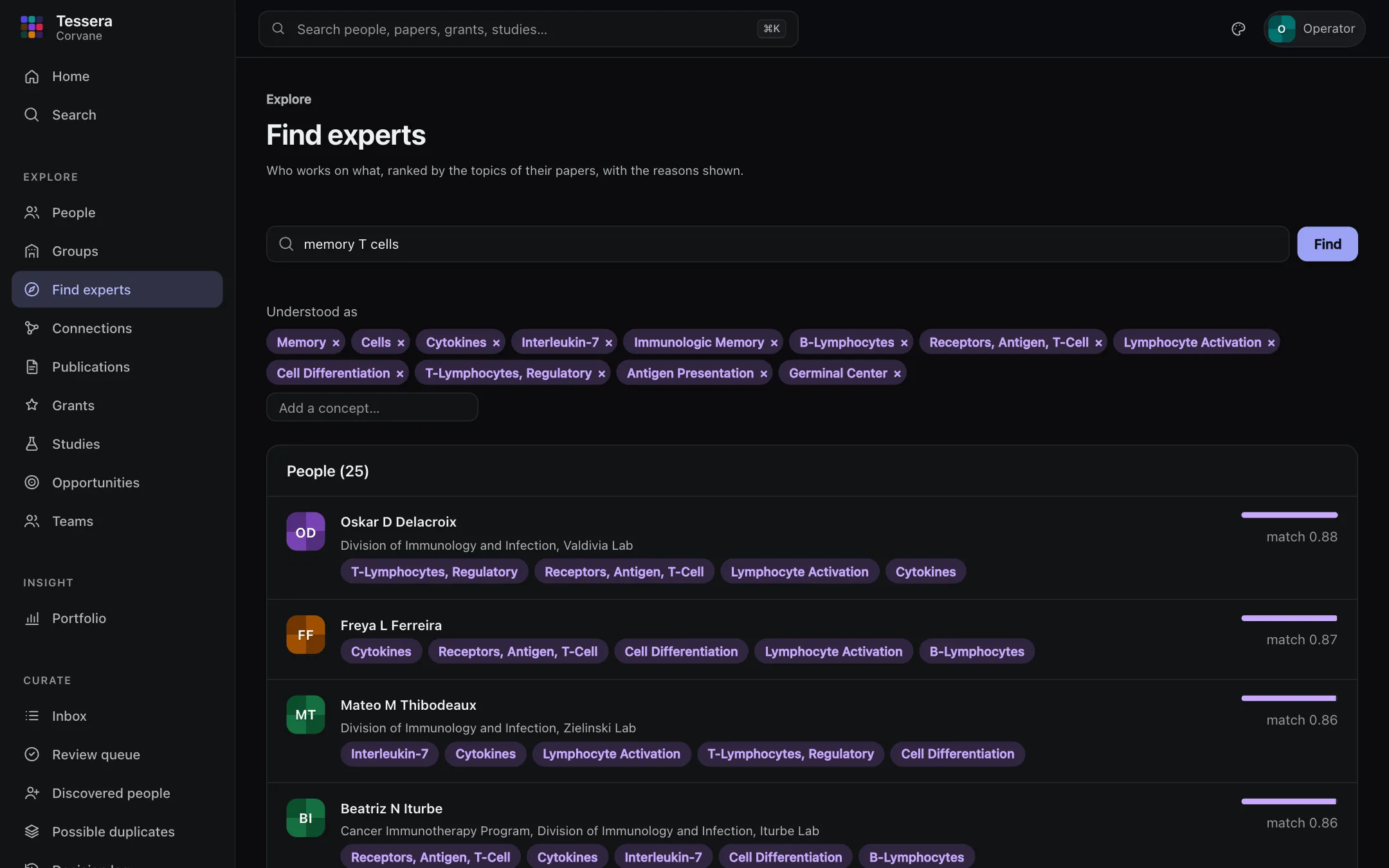
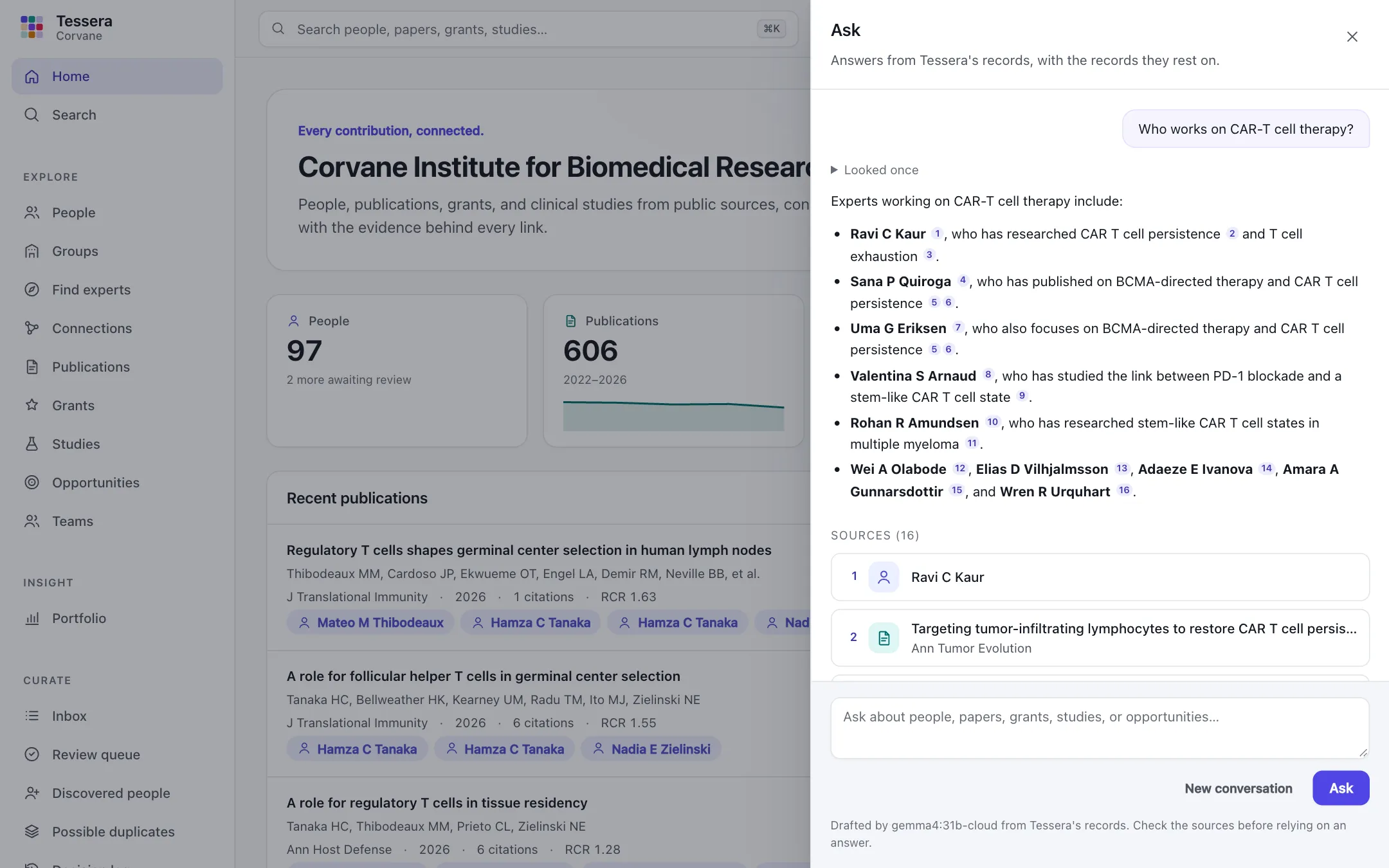
Ask in plain words, such as "memory T cells". Tessera reads the question through your organization's papers, shows the concepts it understood, and ranks people by what they actually publish, with the matching concepts on every result.
Connections
See the shape of your organization
Who works with whom, and how research areas connect. Groups are found from the network itself and named by what they work on; people who bridge groups are marked. Every graph has a list view with the same information.
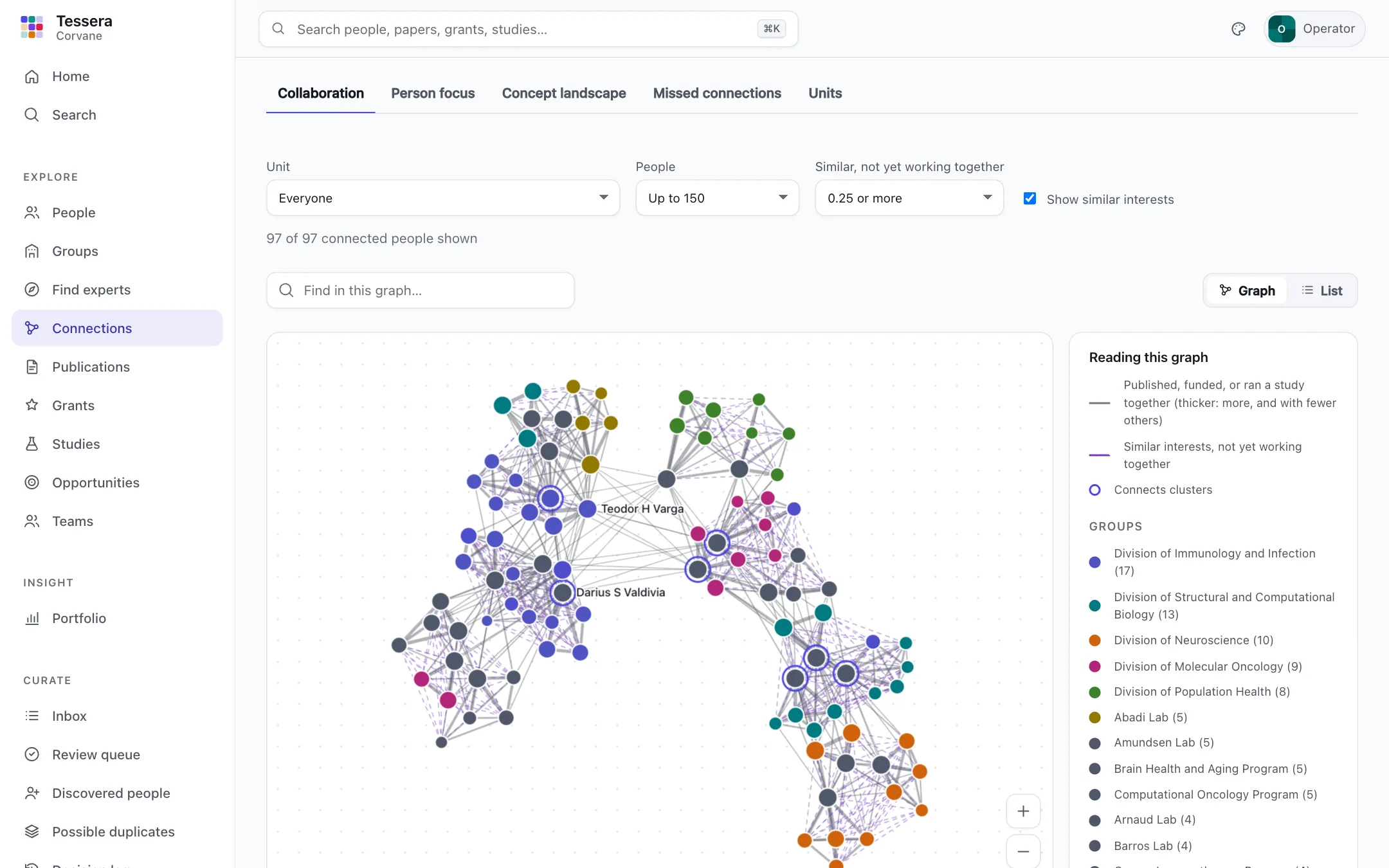
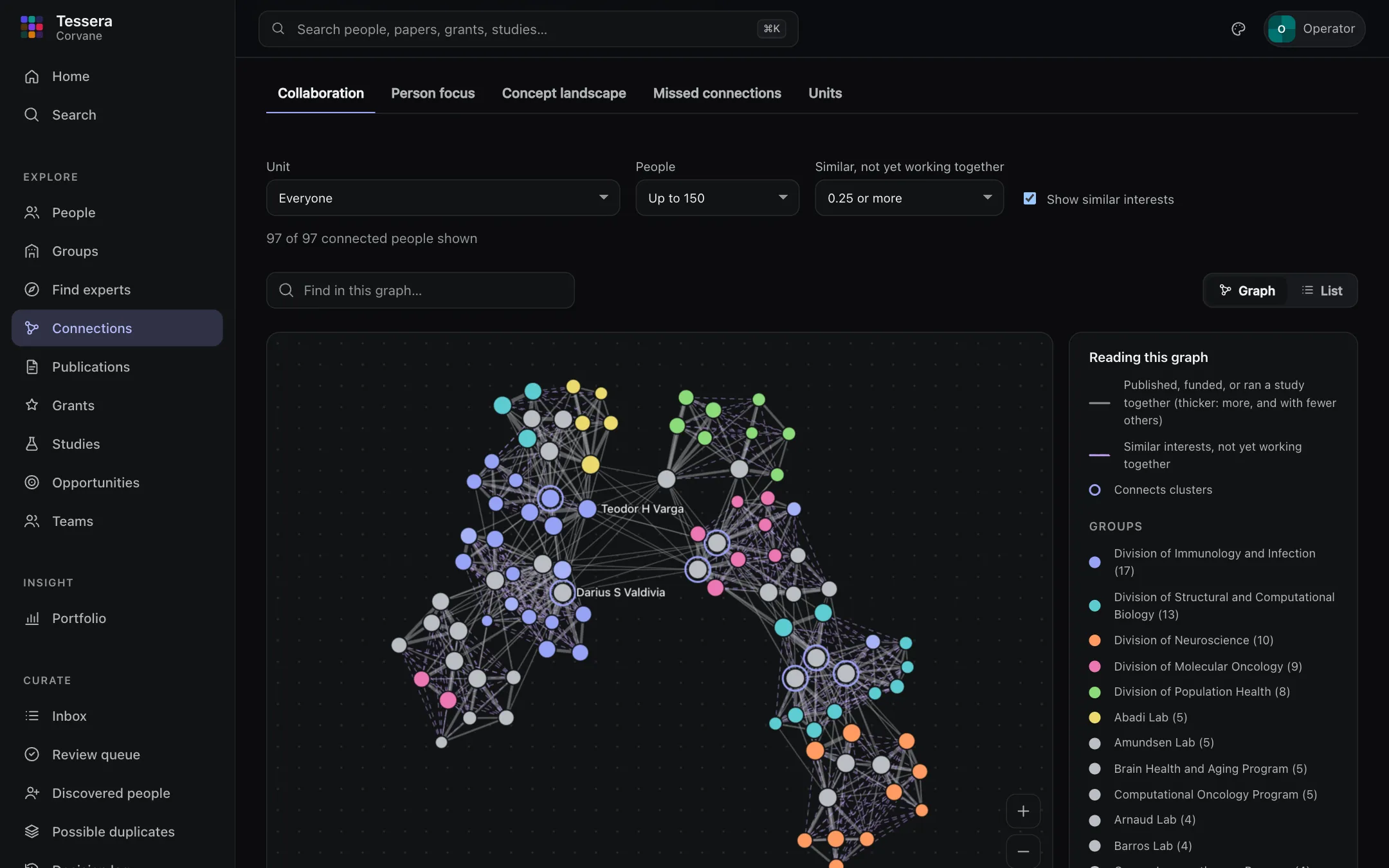
Collaboration
Who should meet
Missed connections are people whose interests are alike but who have never worked together, with the topics they share and anyone who has worked with both. The unit matrix shows which units share interests but rarely collaborate.
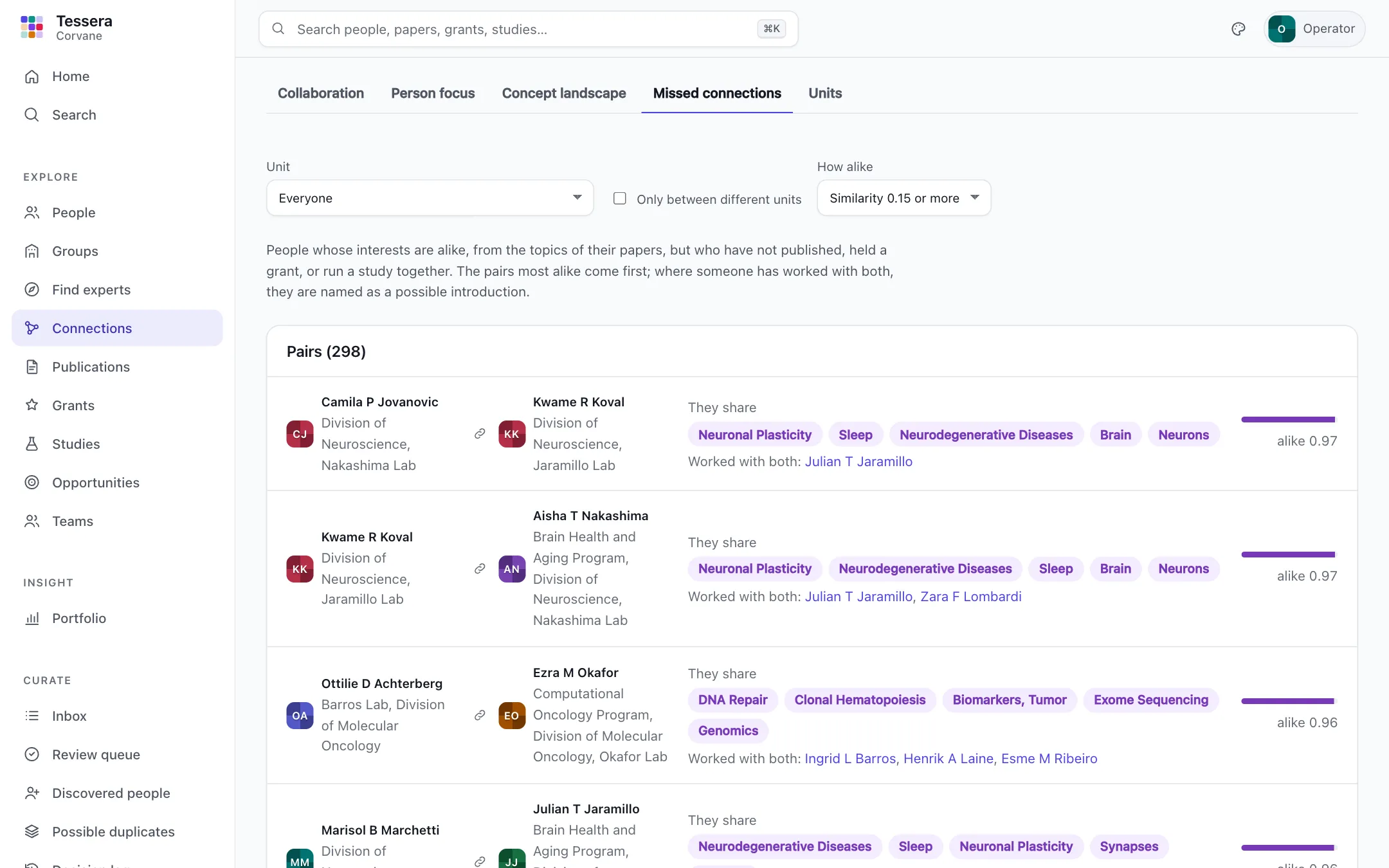
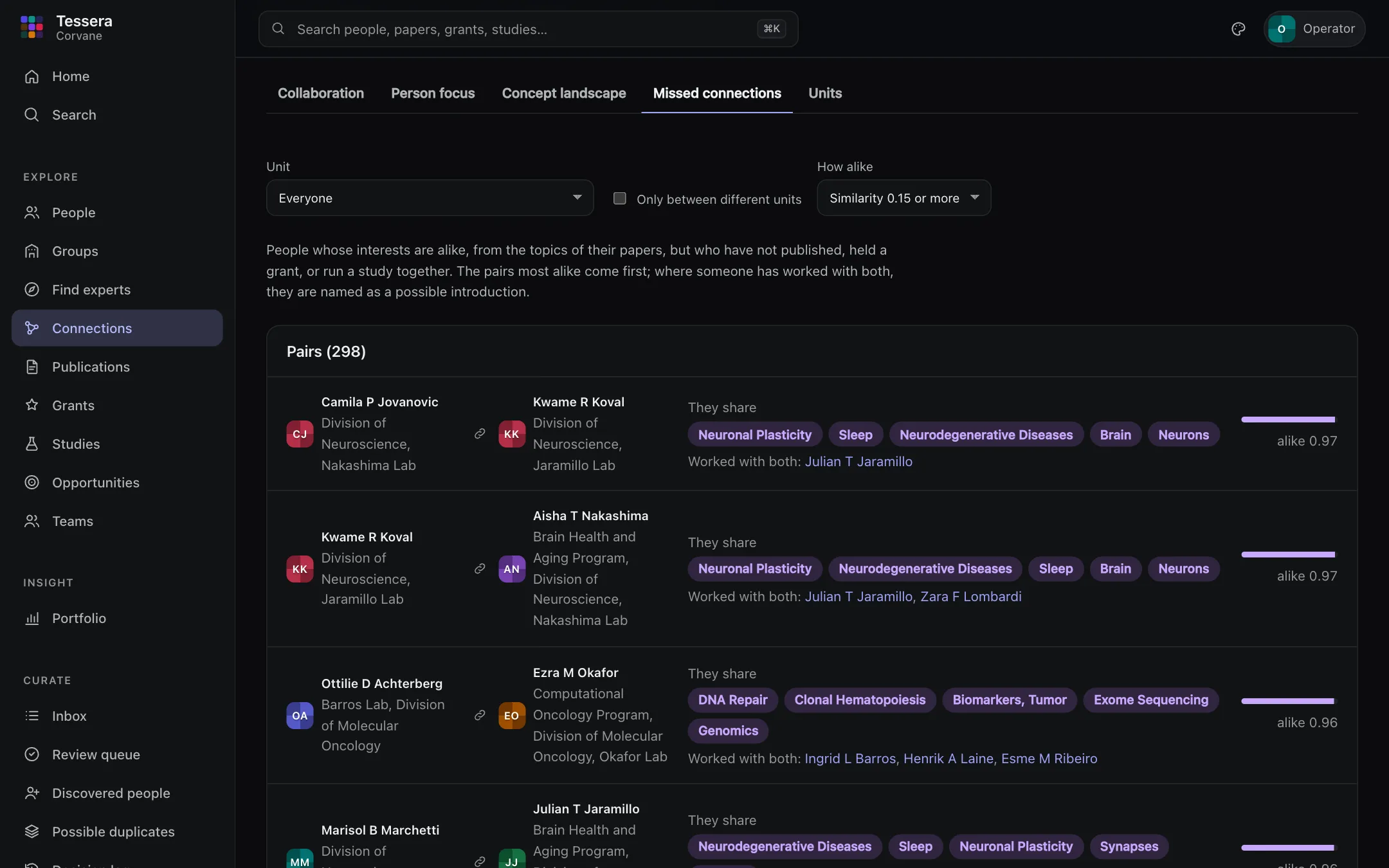
Groups
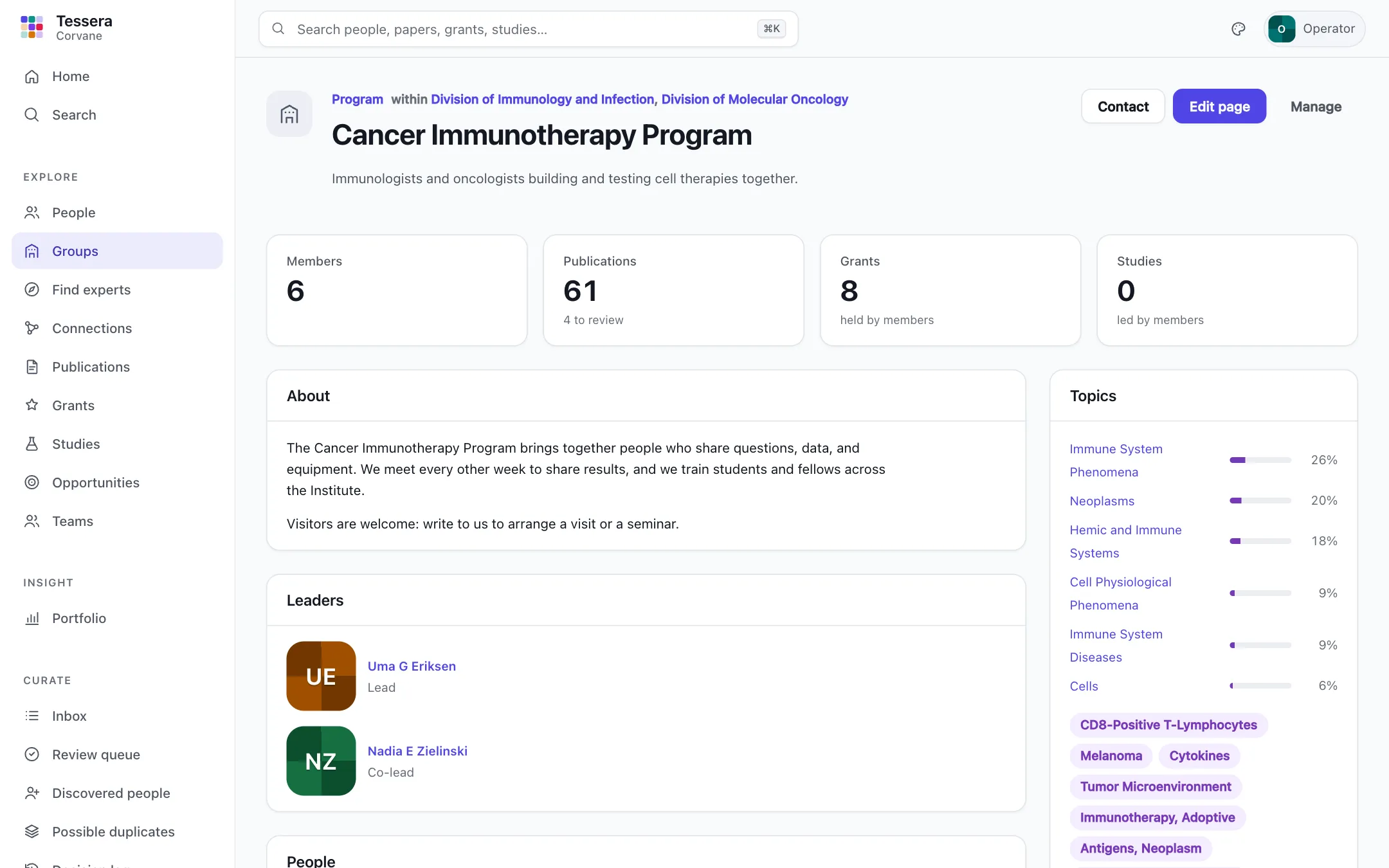
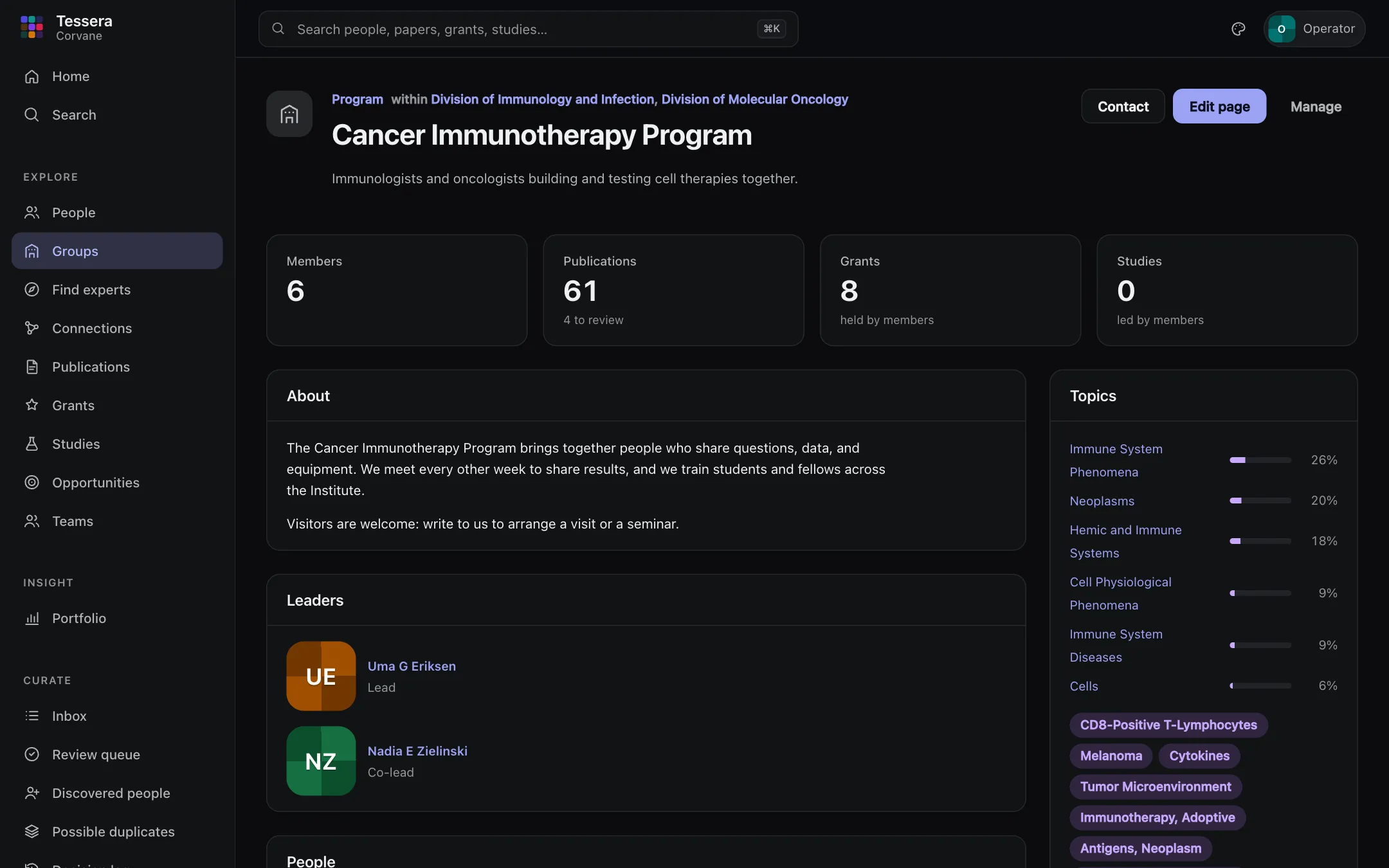
A home for every lab and program
Divisions, programs, labs, and shared resources each get a page: their leaders and people, alumni, the papers that are theirs, their grants, studies, themes, and openings. Their own managers arrange it from approved blocks and publish it, with drafts, history, and rollback, and a weekly inbox brings them what changed.
Profiles
A profile they keep
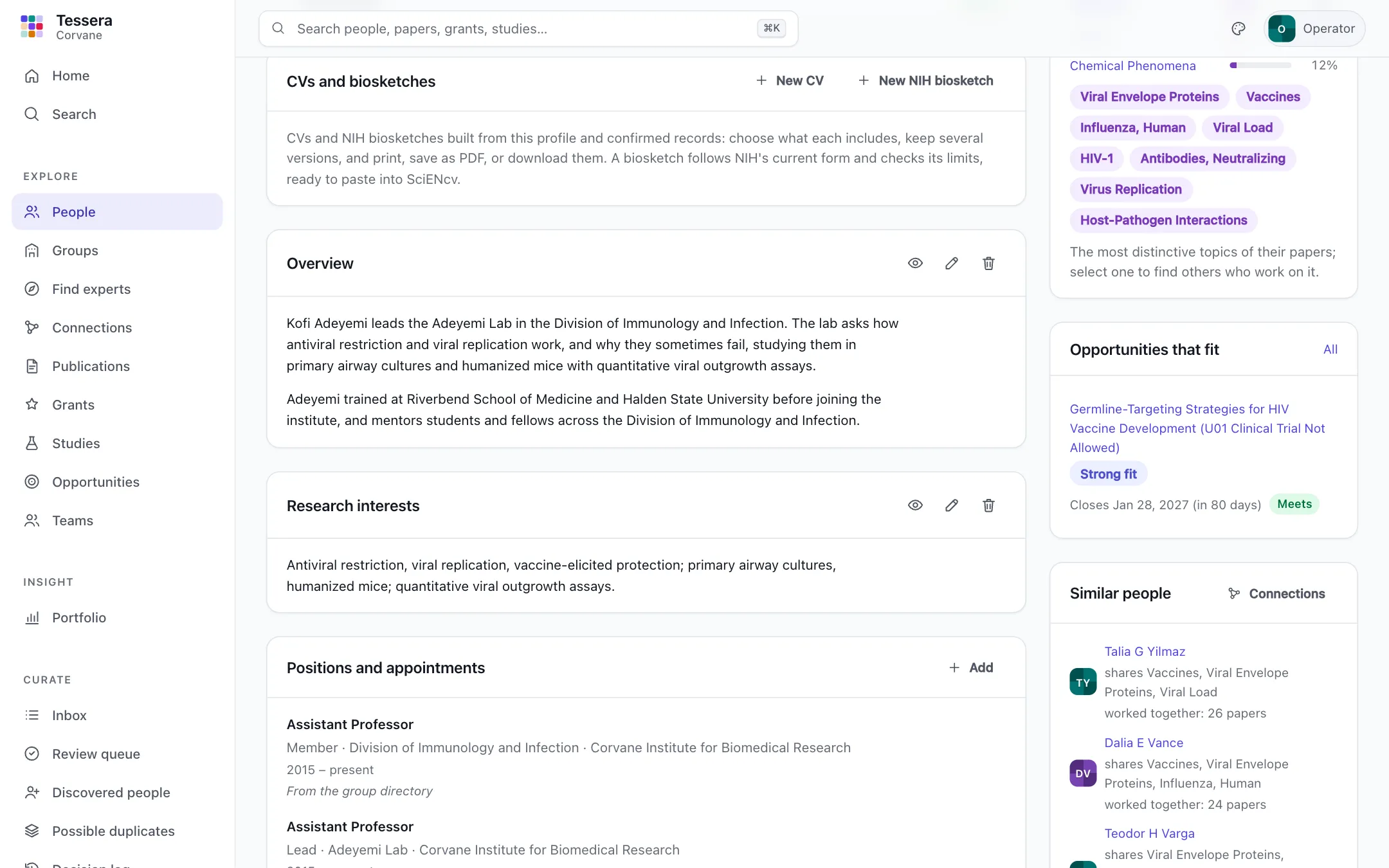
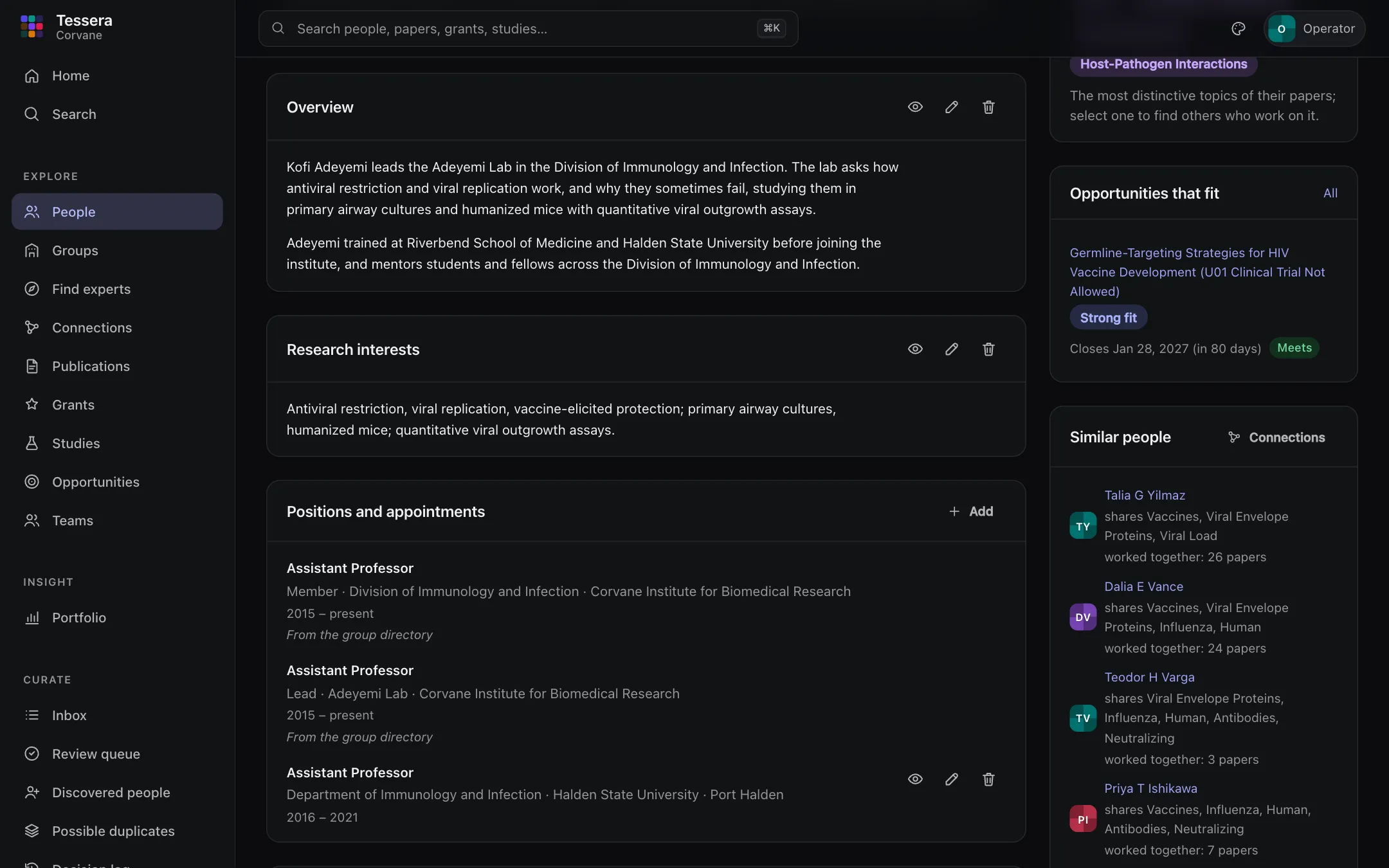
Beside what Tessera builds from public records, every researcher keeps their own sections: an overview and interests, earlier positions, education, honors, service, teaching, talks, links, and the papers they want to feature. They edit them in place, or name someone to do it for them, and every change is recorded. Everyone inside sees the whole profile; the public sees only what the researcher chooses, section by section.
CVs and biosketches
A CV that stays current, a biosketch NIH accepts
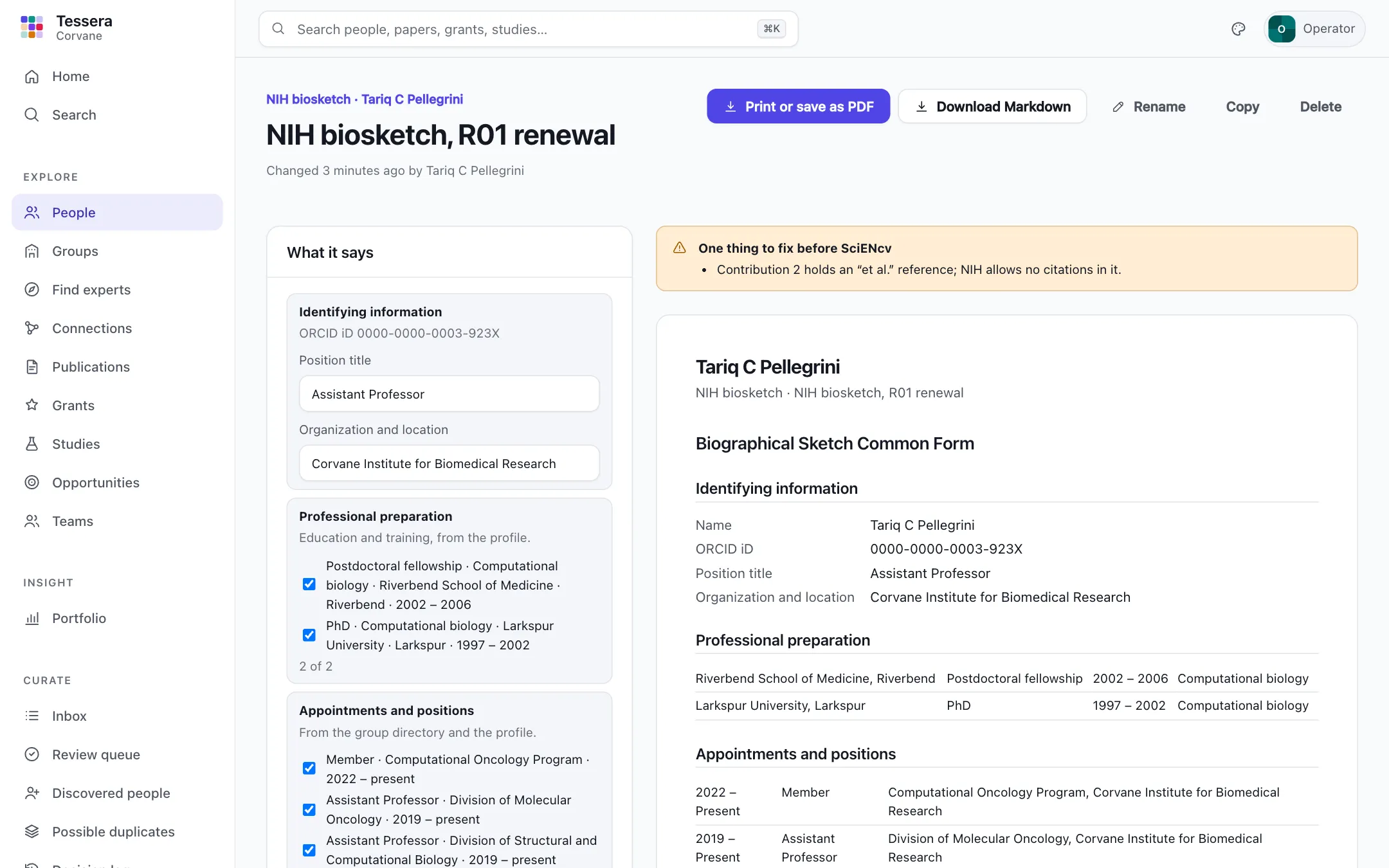
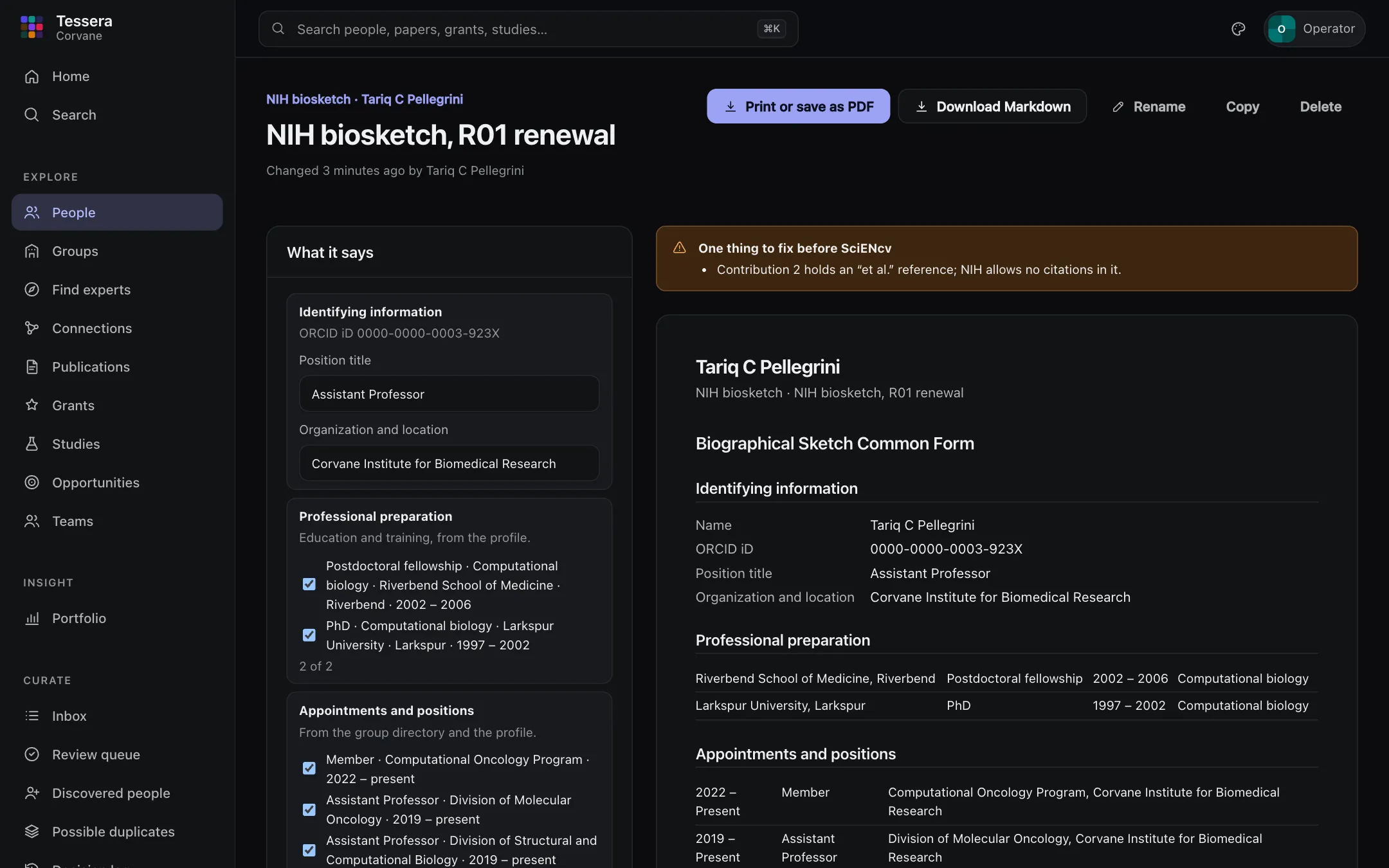
Keep named CVs, one for a promotion and one for a visiting post, each with its own sections and order, built from the profile and confirmed records whenever it is opened, then print or save it as PDF or download it. NIH biosketches follow the form NIH requires since January 2026, with its limits checked as you write and each section ready to paste into SciENcv. With the assistant on, it can draft a first personal statement from the papers you choose.
Portfolio
The portfolio, honestly
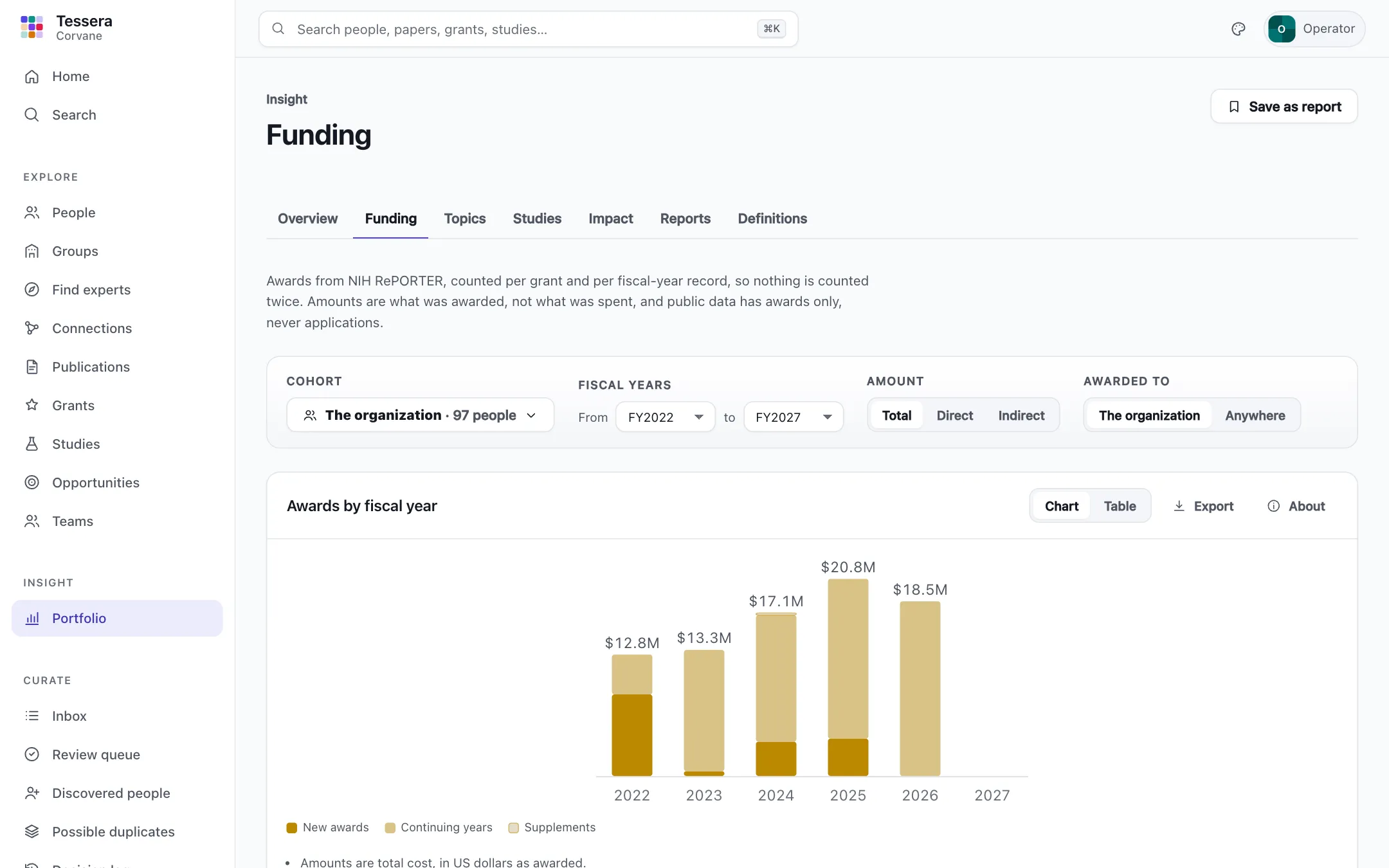
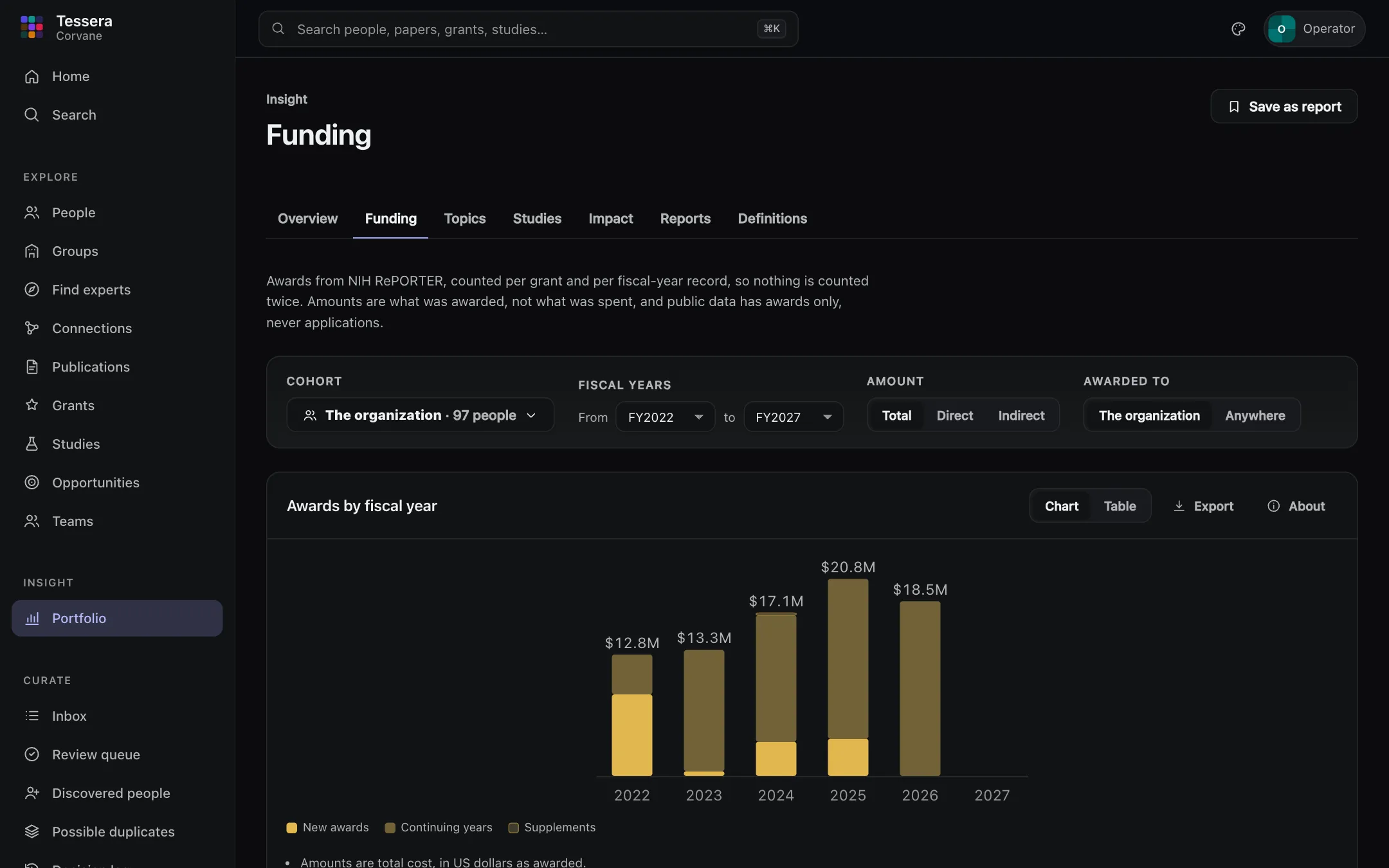
Publications, funding, topics, and studies for the organization, a division, a program, a lab, or people you pick, over the years you choose. Every figure says exactly what it counts, with its definition and version, its cohort, and its sources; money is counted without double counting, small numbers are marked, and nothing ranks people. Freeze a report as a snapshot that verifies years later, and export any figure with the records behind it.
Impact
What followed the work
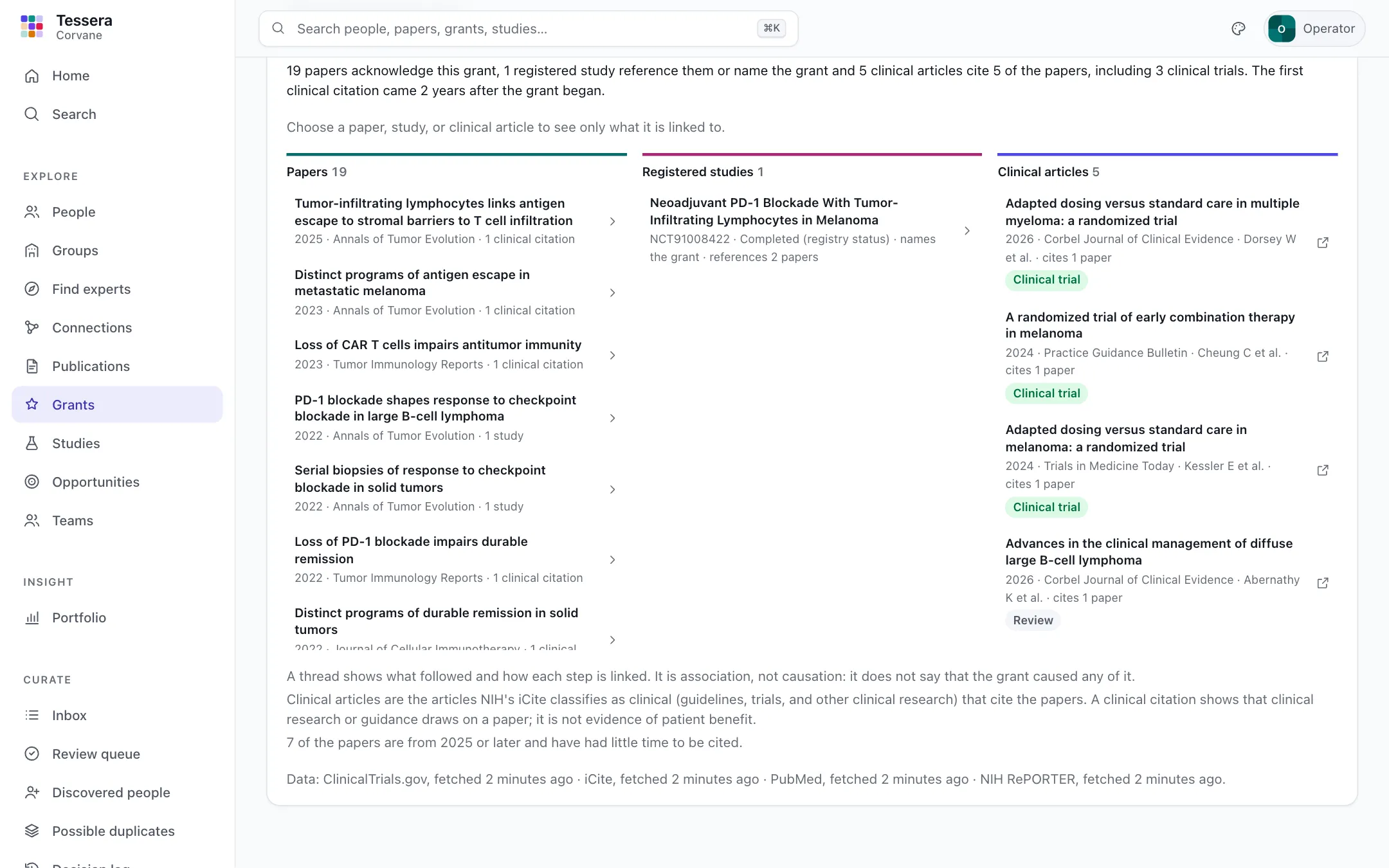
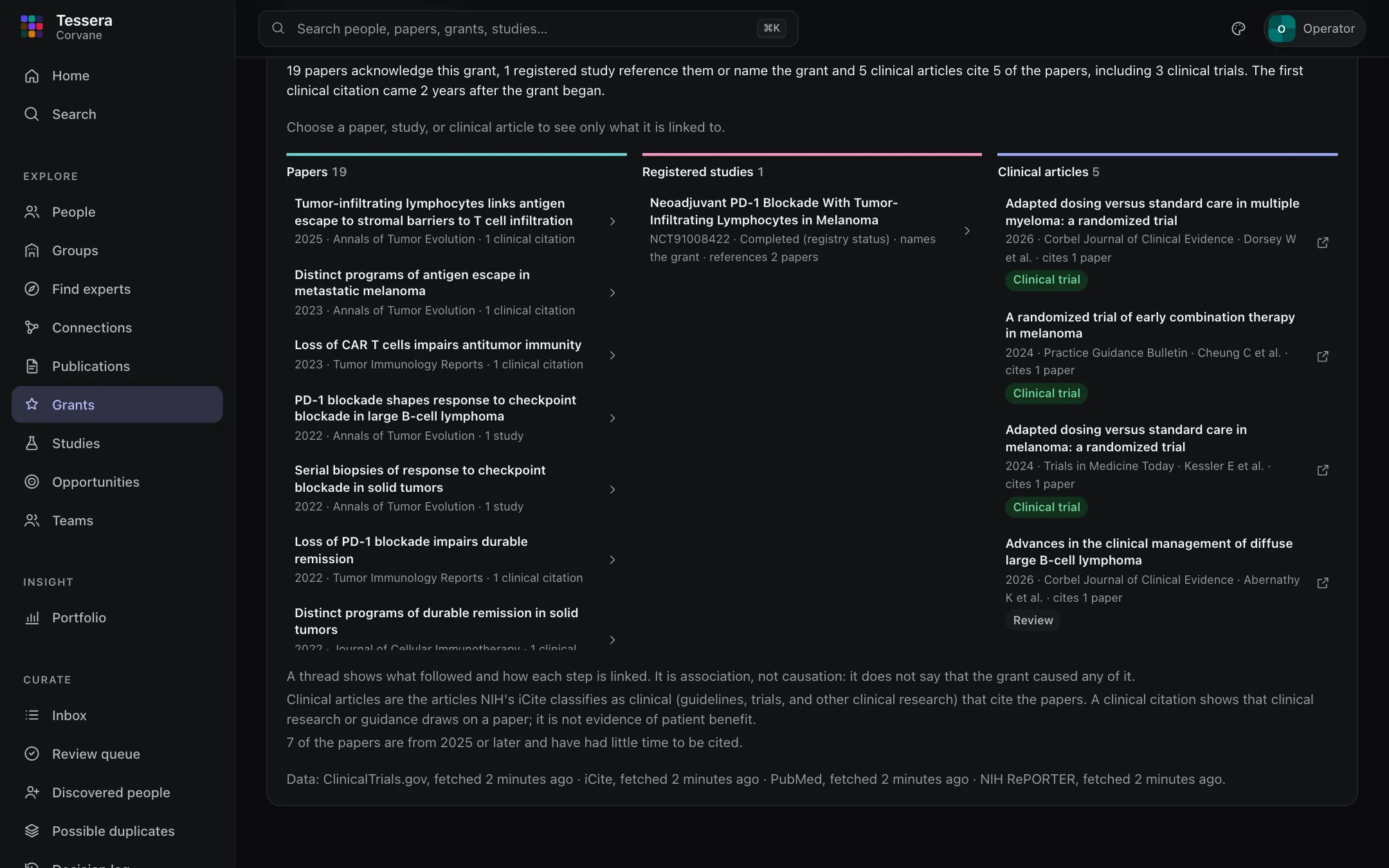
Every grant shows what came after it: the papers that acknowledge it, the registered studies that reference them, and the clinical articles that cite them, with practice guidelines marked and the years from award to first clinical citation. Each step says how it is linked and where that came from, and only confirmed links are followed. It shows association, never causation.
Funding
Funding that fits
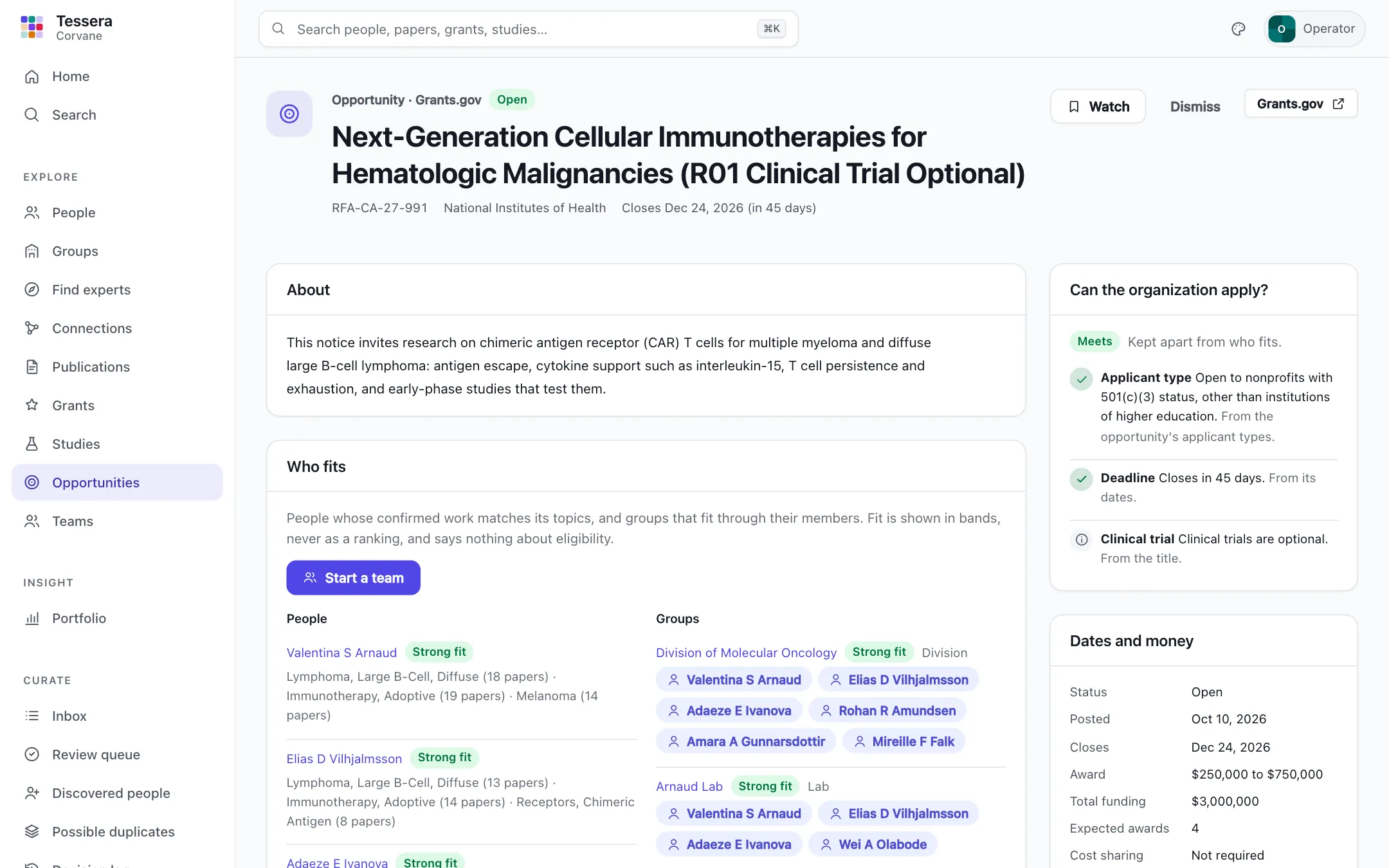
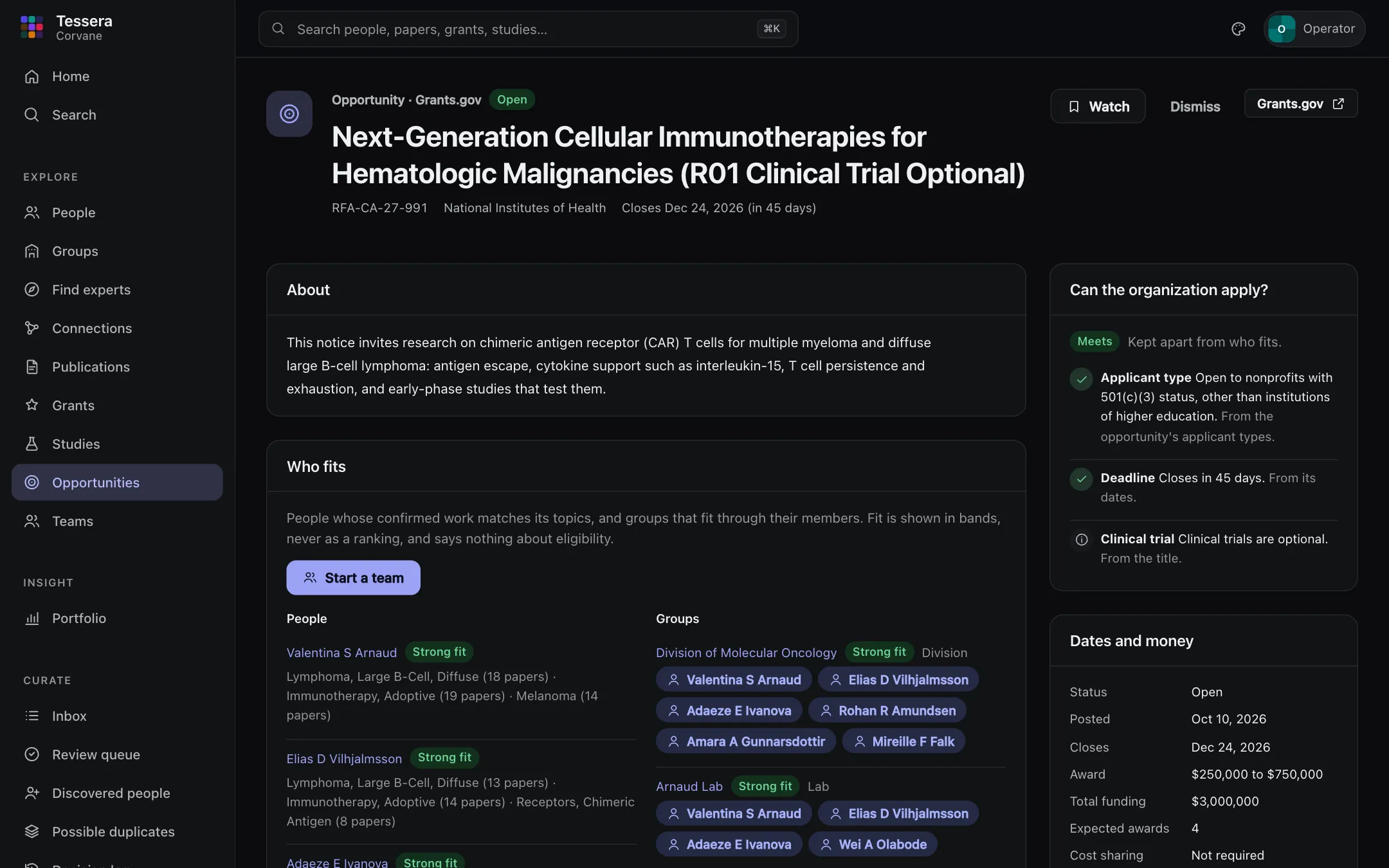
Federal opportunities from Grants.gov, and your own foundation calls, pilot funds, and limited submissions, each read as topics and matched to the people and groups whose confirmed work fits it, with the reasons shown. Whether your organization may apply is checked separately: applicant type, deadlines, limited submission, career stage. Start a team from an opportunity to see which topics its members cover, who could fill the gaps, and a brief to share.
Optional assistant
Ask, and see the sources
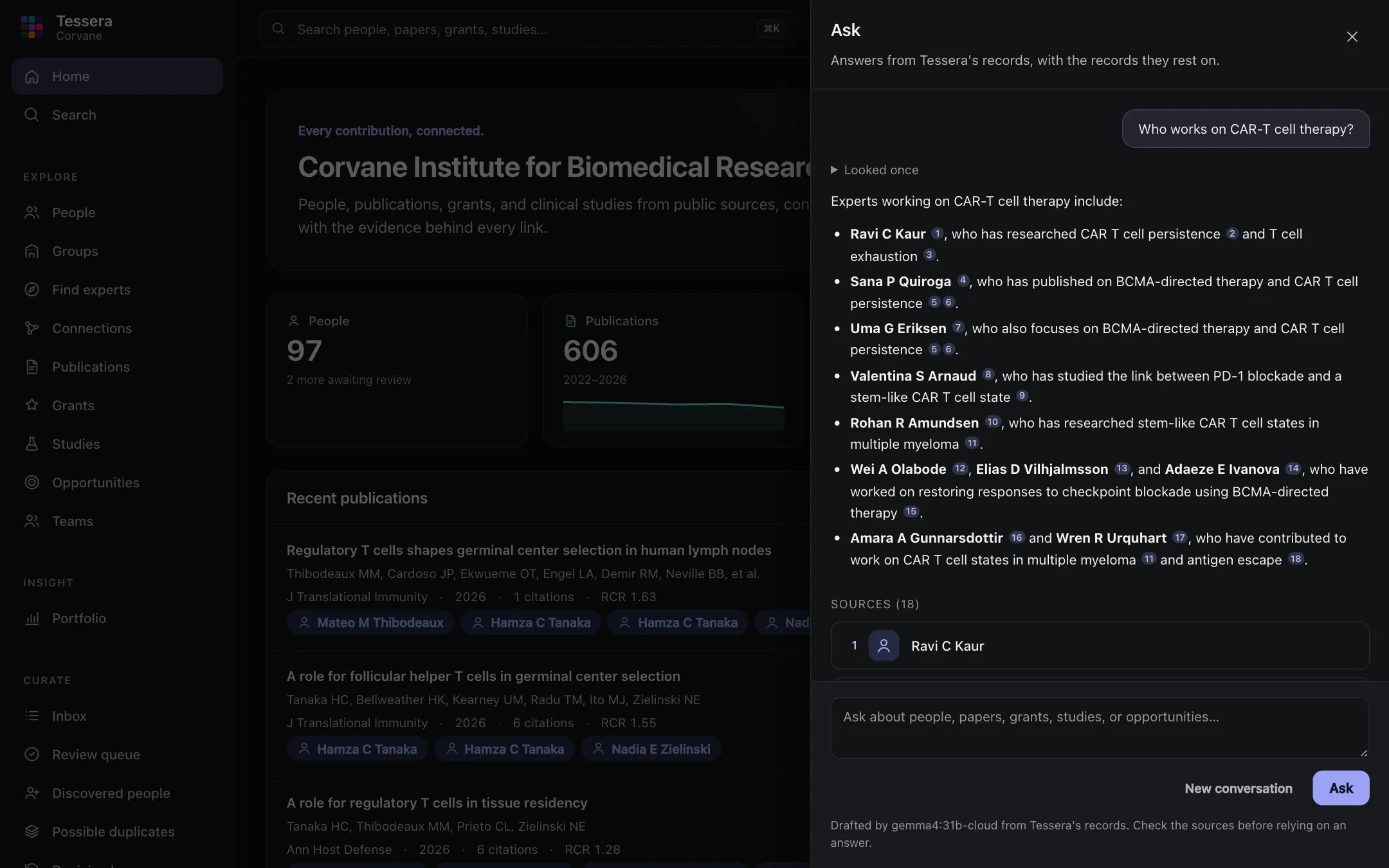
Turn on the assistant and ask in plain words: who works on this, what followed that grant, which opportunities fit this lab. It looks things up with read-only tools, as the person asking, so it sees only what they may see, and every answer cites the records it rests on. A citation it cannot stand behind is removed, and a question the records do not answer is declined, never guessed. It works with any OpenAI-compatible or Anthropic-compatible endpoint, official, self-hosted, or a model on your own machine, and with Amazon Bedrock. It is off until you turn it on, and every exchange is logged.
Plain language
Summaries people approve
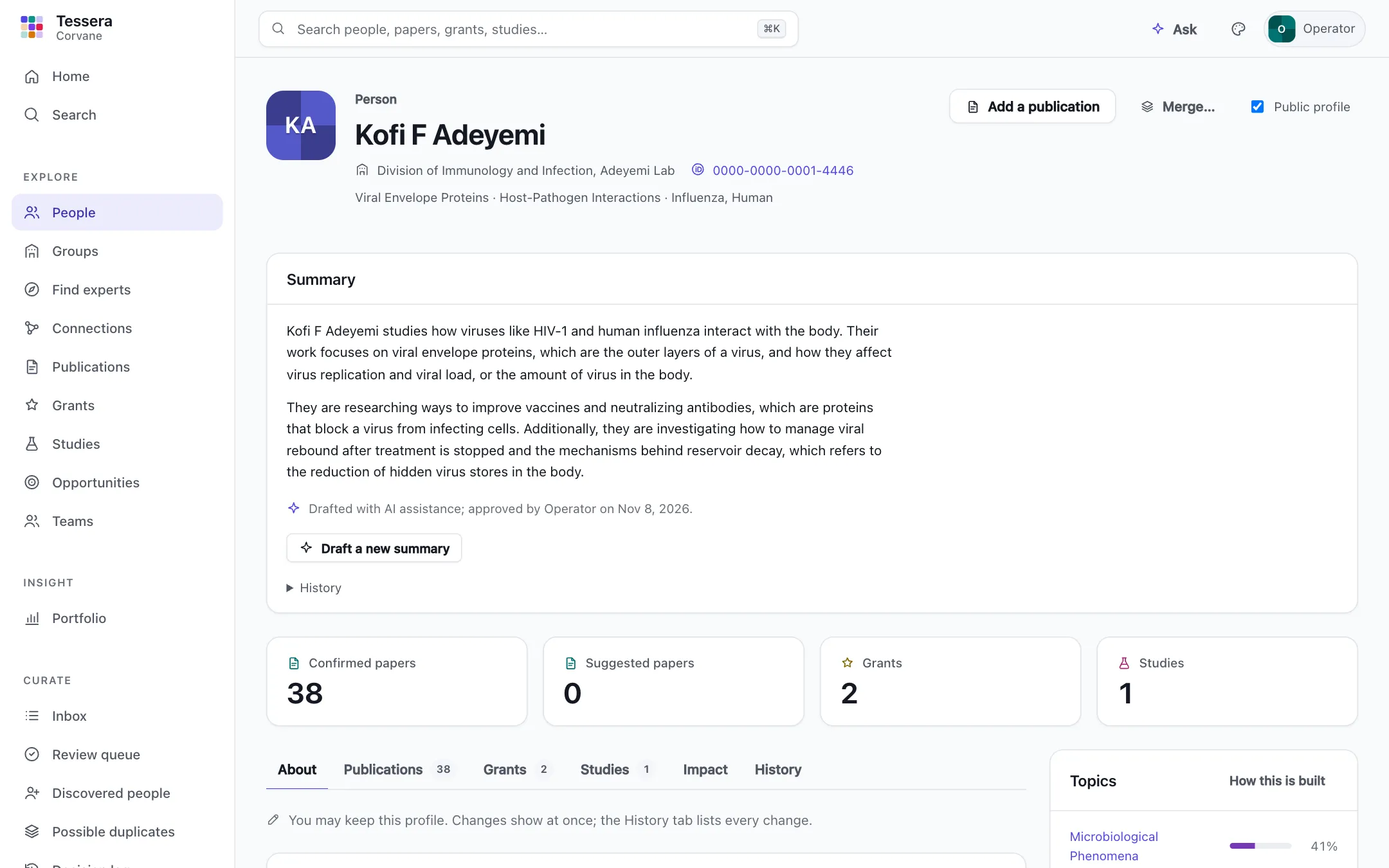
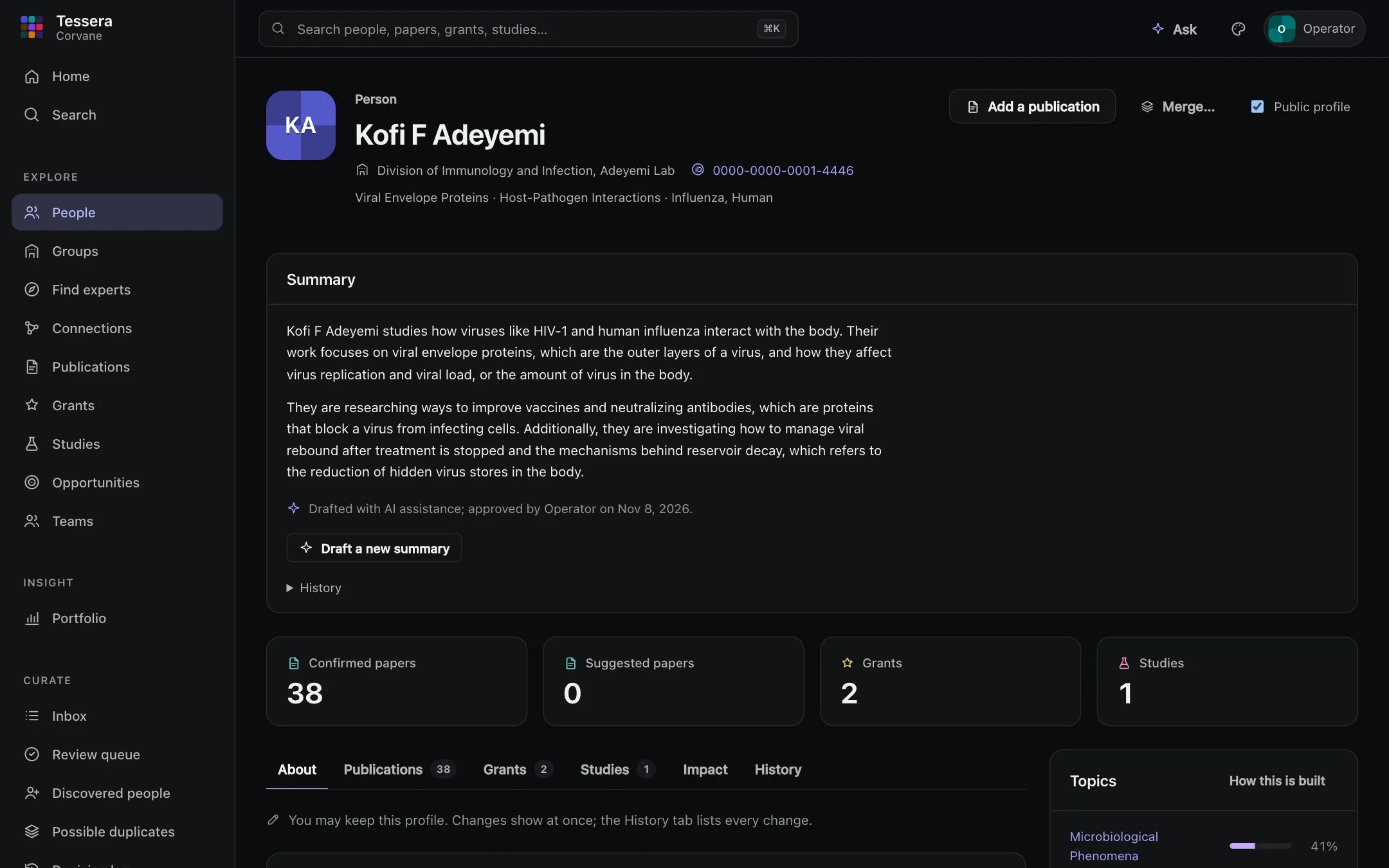
With the assistant on, a profile or a group can have a short summary of its work for patients, donors, and students, drafted from confirmed records only. Nobody sees a draft but its reviewers: the person, their curators, or the group's managers, who edit, approve, or reject it. Approved summaries are labeled as drafted with AI assistance, and by whom they were approved.
Public
A public site, checked
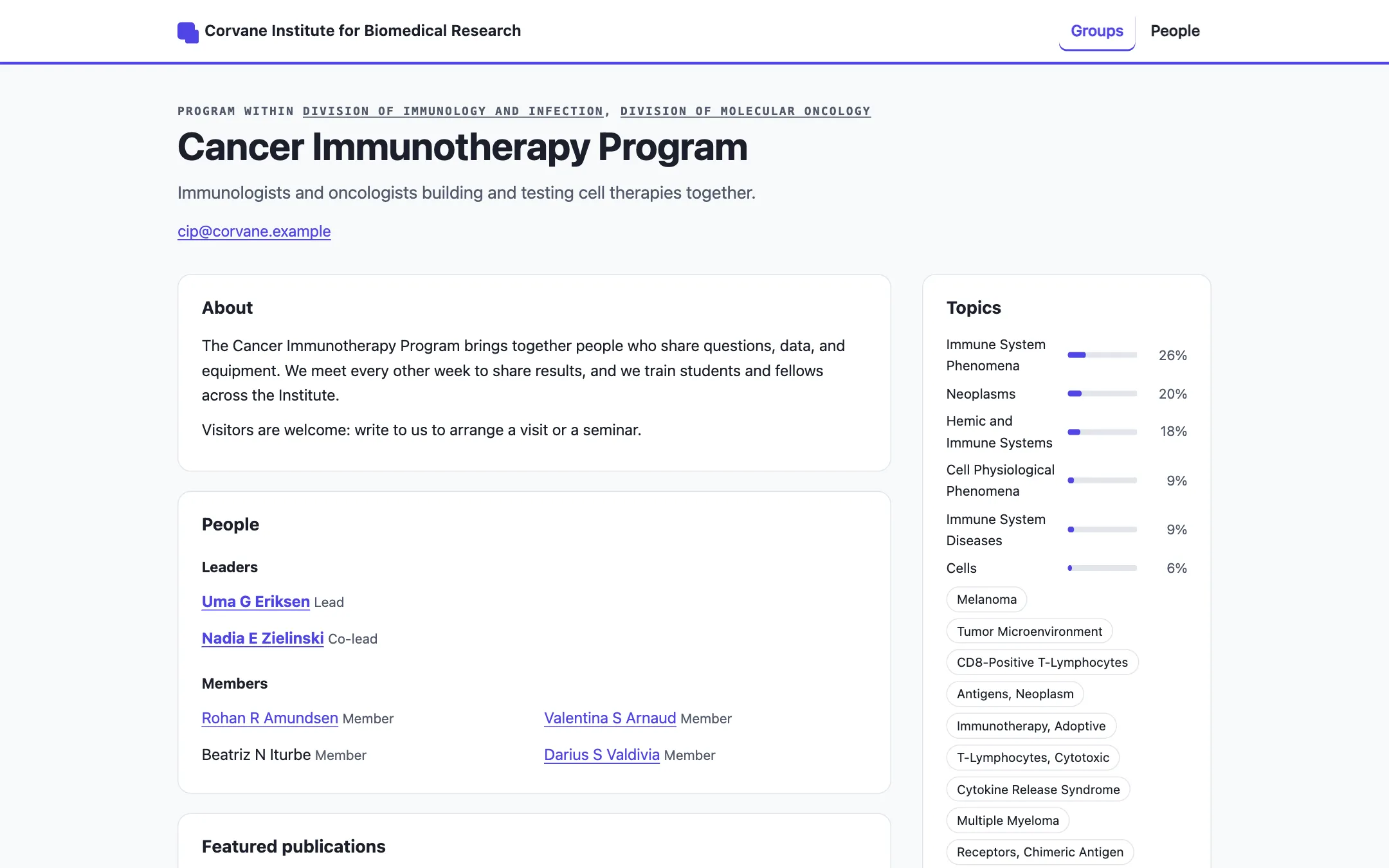
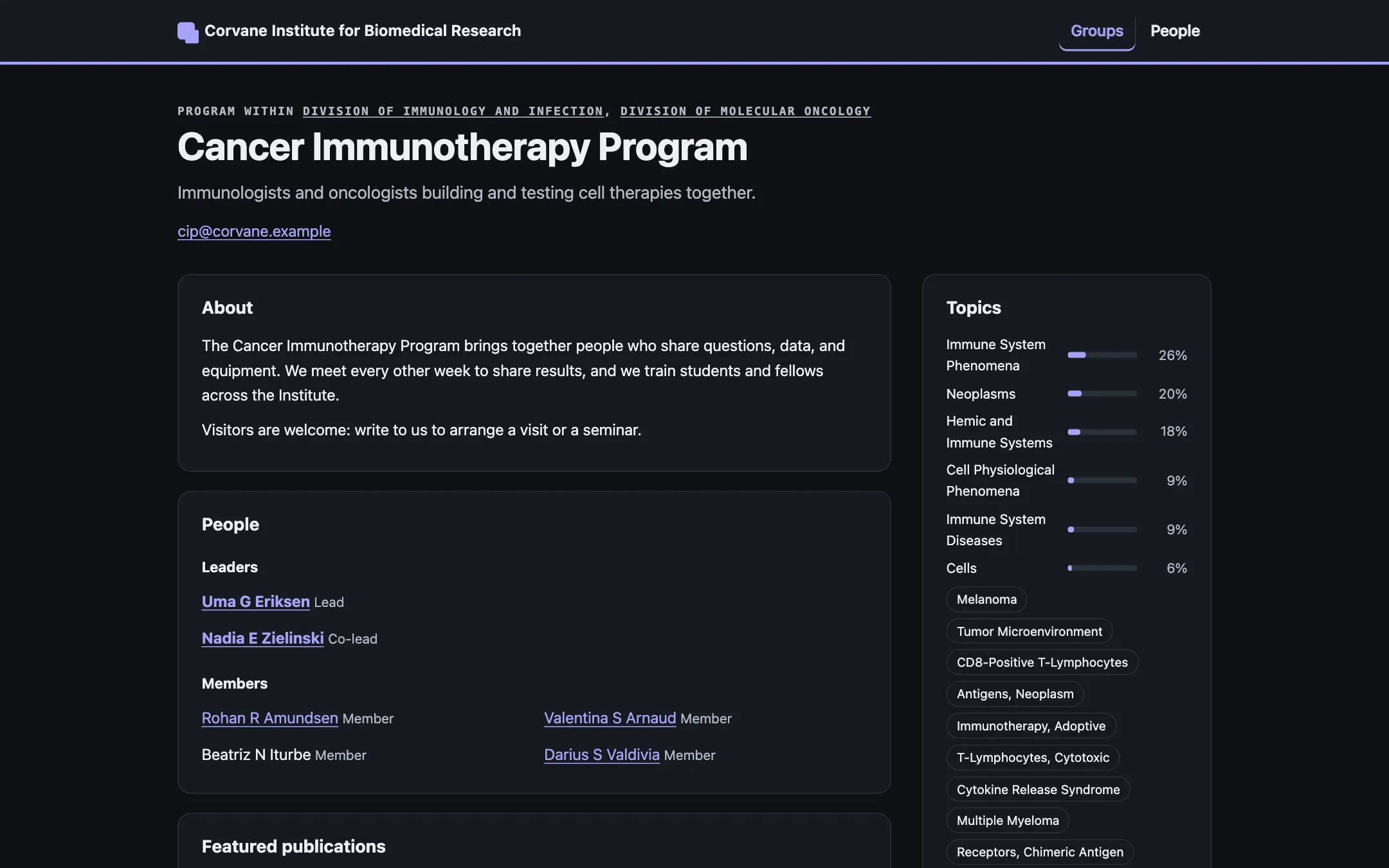
Groups and people who opt in get plain, fast public pages in your colors, showing only what each chose: citations and links, never abstracts, and nothing that is not on an allowlist. Every build is checked for accessibility, broken links, and color contrast before it replaces the last.
Yours
In your colors and words
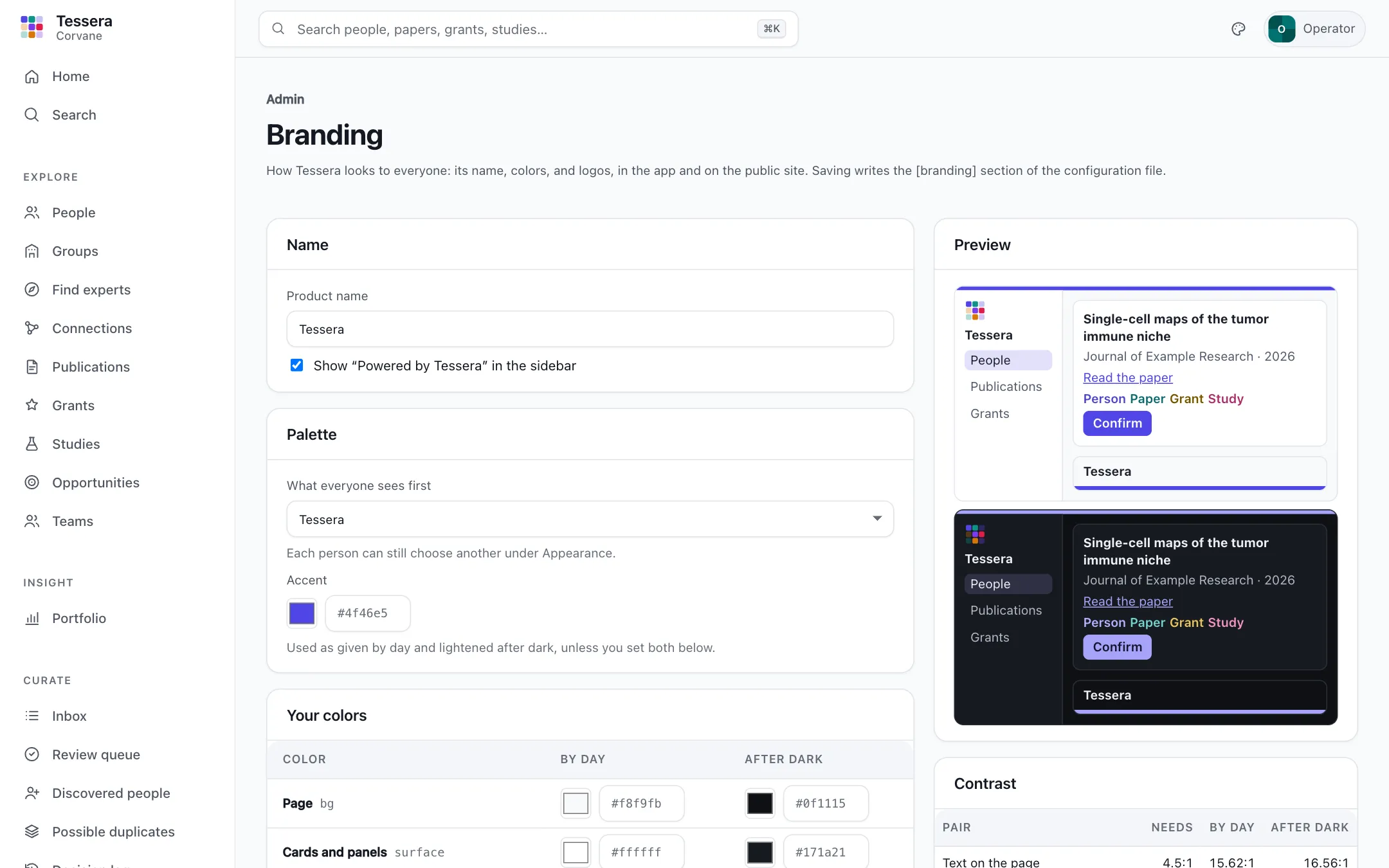
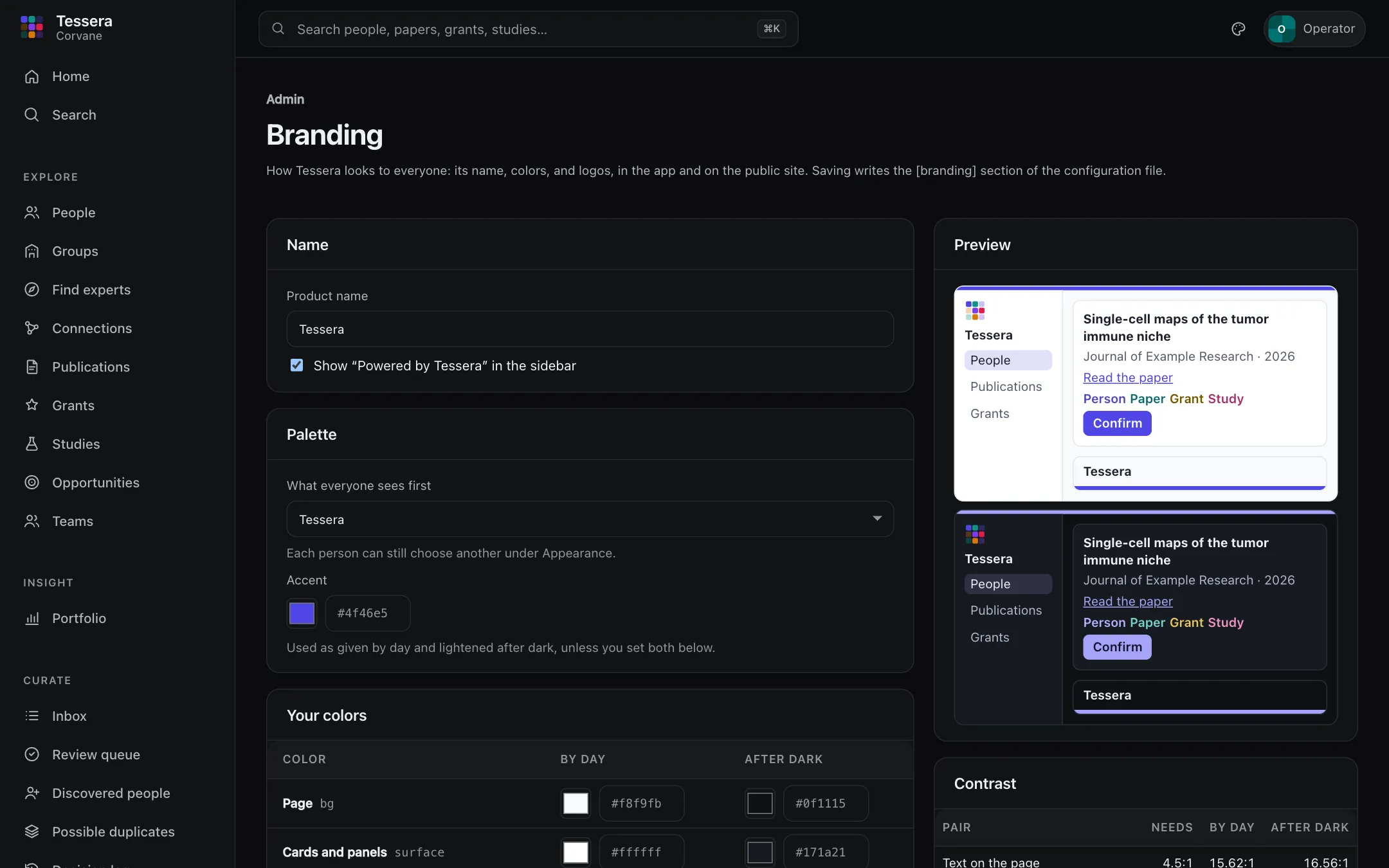
Set the product's name, your colors by day and after dark, your logos, and the links at the foot of every page from Admin → Branding, with a live preview of the app and the public site and the contrast of every pair of colors checked as you go: it will not save a pair below WCAG AA. Presets name groups and roles the way an academic medical center, a university, or a research institute does.
Your sign-in
Single sign-on with Microsoft Entra ID, Okta, Google, Keycloak, or any OpenID Connect provider, with roles from its groups. Single sign-on →
Your server
SQLite or PostgreSQL; a container image, a compose file, systemd units, and proxy examples, with health checks. Running it as a service →
Your size
Measured at 10,000 people and a million papers, with a benchmark you can run on your own server. Sizing a server →
Checked
Every page audited for WCAG 2.2 AA in both themes, and a security review against OWASP ASVS level 1. Adopting Tessera →
Version 1.0: built to keep
From 1.0, what you build on Tessera keeps working when you upgrade, and it was tested the way a first pilot would test it.
Many people at once
Several server processes, each Insight figure built once however many ask for it, and a load test of 20 people at once to run on your own server. Server processes →
A promise kept by a test
The API, commands, configuration, data, exports, and public addresses change only by adding until a 2.0, and retiring anything gives notice. Compatibility →
Upgrades that keep everything
An installation of any release since 0.1.0 upgrades in one step, every row kept, checked on SQLite and PostgreSQL before each release. Upgrading →
Hardened
A review of the code that decides and protects things, drills of what goes wrong on a server, and a soak under load, with what they found fixed. What changed →
How it works
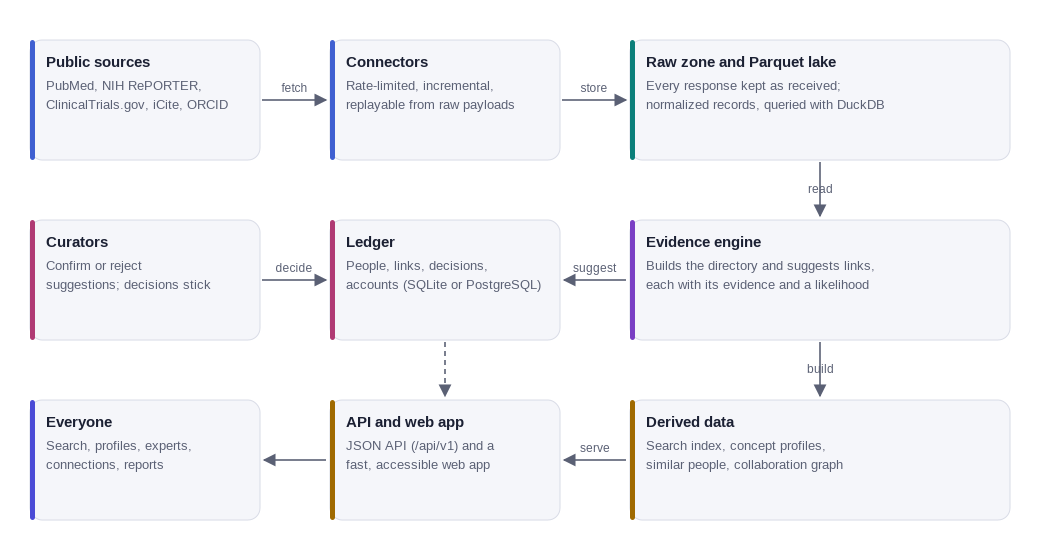
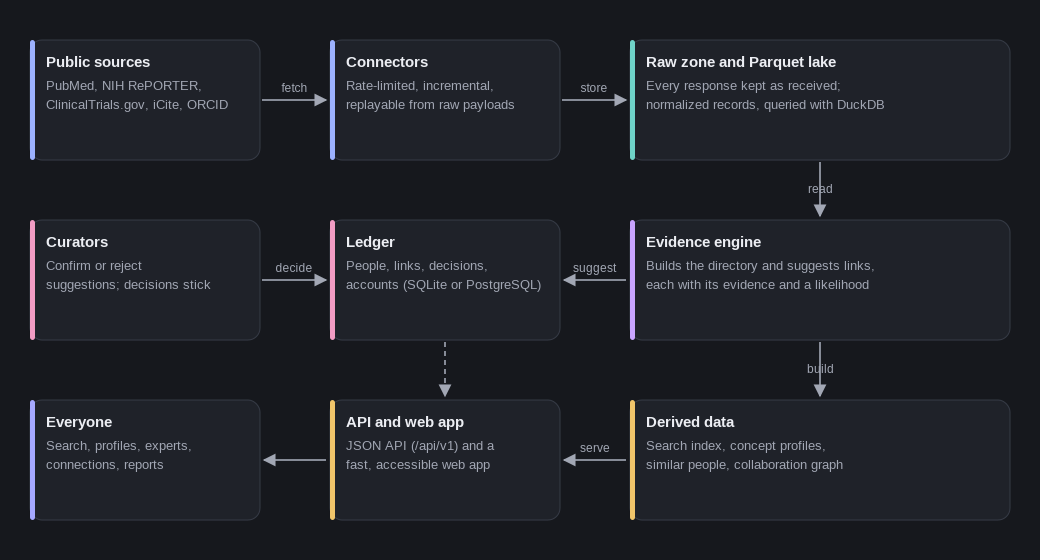
Connectors fetch public records into a Parquet lake. The evidence engine builds the directory and suggests links, each with its evidence; curators decide in the ledger; and the search index and discovery data feed a JSON API and a fast, accessible web app.
Try it in a minute
Tessera needs uv, which provides Python 3.12 or newer. The demo builds an invented research institute, with about 100 people, their publications, grants, studies, and a curator's decisions:
git clone https://github.com/robert-mcdermott/tessera.git
cd tessera
uv sync
uv run tessera demo
uv run tessera --config demo/tessera.toml serve
Then open http://127.0.0.1:8000. To try the assistant there too, see Trying it on the demo. To set Tessera up for your own organization, start with Getting started, and for the whole path to a curated, published site, Adopting Tessera.