

Who can reach an app
Passwords, signing in, share links and lists of addresses.
On this page
Each environment of an app has a gate, in front of everything it serves. Nothing behind it hears of those it turns away, whether it is a process or a static site.
| Gate | Who gets through |
|---|---|
public | Anyone. |
password | Anyone with a password that you share. A browser gets a form, and is remembered for seven days. A script sends it with HTTP Basic. |
login | People signed in to Moorage with a role in the app's project, or with --any-user anyone with an account. The app hears who they are. A script sends an API token with the gate scope. |
share | Only people with a share link. |
Share links get through every gate, and a list of addresses can be combined with any of them.
Which gate it has#
The first of these that says:
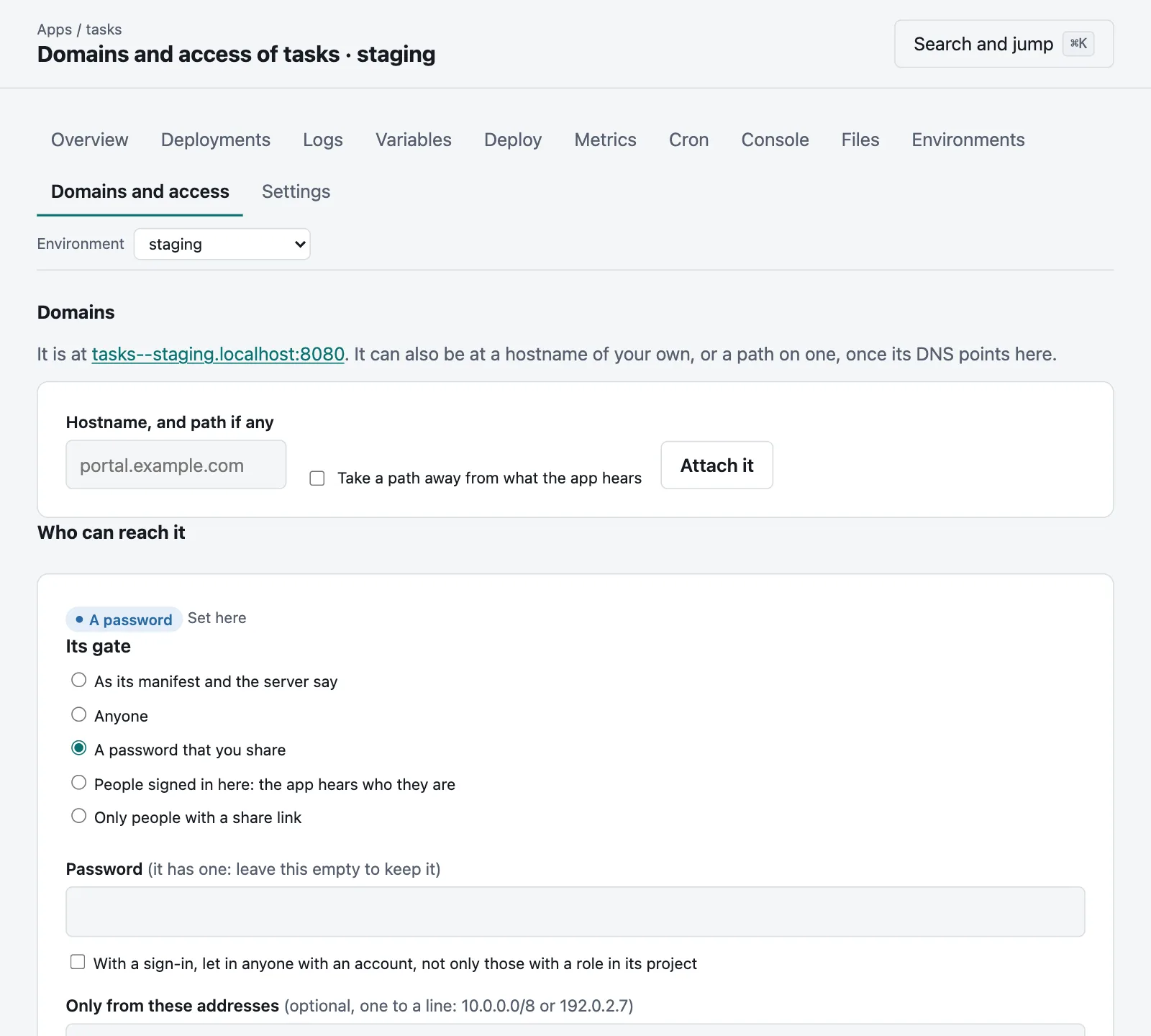
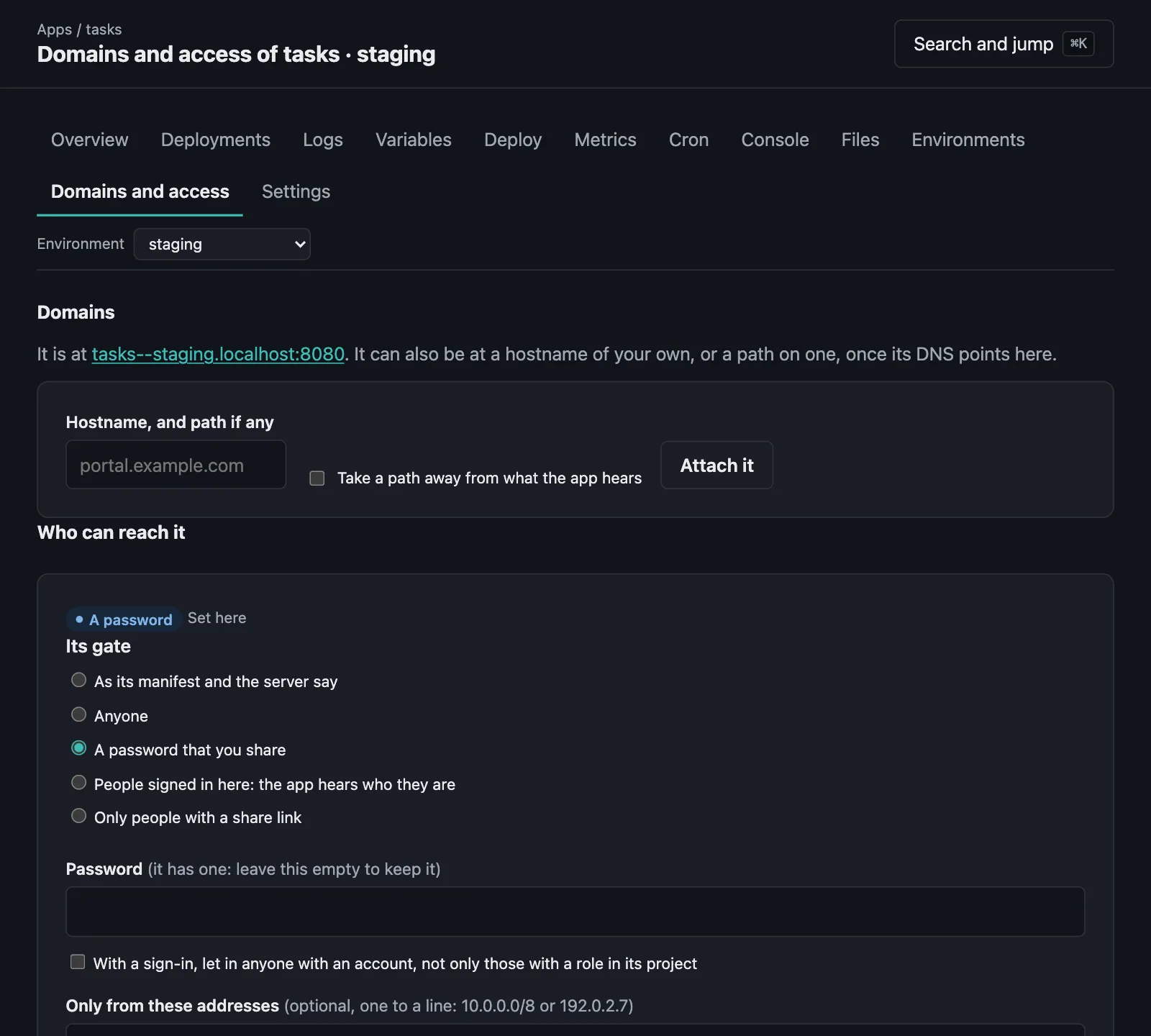
- What a maintainer has set, in the console or with
moor access set. - What its manifest asks:
accessin[environments.NAME], or for previews in[previews]. A manifest is a deployer's, so it can ask for a gate where the server has none, and it cannot open what the server has closed:access = "public"then does nothing, and the app's page says so. - What the server says of that kind of environment, in
server.toml:
[access]
production = "public"
named = "public"
preview = "login"
Those are the defaults. A preview is work in progress, running with production's variables, so that it is not for everyone unless you say so: preview = "public" here opens them on this server, a maintainer can open one, and a link lets someone in.
[environments.staging]
access = "password"
An environment's Access tab in the console says which it has and why, and changes it. So does this:
moor access --env stagingmoor access set password --env stagingmoor access set default --env stagingA change takes effect at once. Changing the gate or its password ends the way in of everyone who was in. If its gate asks for a password nobody has set, nobody gets in until someone sets one.
A password#
moor access set password --env stagingIt asks for the password without showing it, or reads it from standard input. It must have at least 8 characters. A script sends it as the password of HTTP Basic, with any user name. Behind this gate, HTTP Basic is the gate's, and the app does not hear it:
curl -u any:the-password https://shop--staging.apps.example.com/Too many wrong guesses from one address, or from anywhere at one environment, make the next ones wait. So that nobody else's guesses keep you out for long, a password that was right lately needs no check, and those already in are not affected.
Signing in#
moor access set login --env stagingA browser goes to the console to sign in, and comes back. Whoever has a role in the app's project gets through; --any-user lets in anyone with an account. Being let in lasts 12 hours. Losing an account or a role ends it within a minute, and so does signing out of the console or ending that session there, even for a stream or a WebSocket that is already open.
The app hears who they are from these, which Moorage alone can send through itself, since anything a client sends by those names is removed, however they are spelled:
| Header | |
|---|---|
X-Moorage-User | The user's ID, which stays the same if their address changes |
X-Moorage-User-Email | Their email address |
X-Moorage-User-Name | Their name, if they have one |
A script sends an API token that has the gate scope, for a user who may get through, and the app does not hear of it:
moor tokens create ci --scope gatecurl -H "Authorization: Bearer $TOKEN" https://shop--staging.apps.example.com/An Authorization header that is not a Moorage token is not for the gate, and stays for the app. A Moorage token never reaches an app, behind any gate, since it would let the app act as whoever sent it.
Should the app believe them?#
Behind Moorage, on a machine it shares with nothing that might lie to it, it can. But instances listen on this machine's loopback, so that another app here can reach them directly, past the gate, and say what it likes. Where apps here do not trust one another, an app should check that a request came through Moorage: X-Moorage-Proxy-Token is the same as $MOORAGE_PROXY_TOKEN, which differs by environment.
hmac.compare_digest(request.headers["X-Moorage-Proxy-Token"], os.environ["MOORAGE_PROXY_TOKEN"])Apps that are not in containers all run as one user today, and can read each other's environment, so that the token only keeps out what runs apart from them. Giving each app a user of its own comes in a later release.
Share links#
A link lets whoever holds it through any gate, without an account or a password:
moor share --env staging --expires 3dIt is shown only when it is made, since only a hash of it is kept. It lasts a week unless you say otherwise, and up to a year. Opening it sets a cookie for that hostname, and goes on to the app.
moor share --max-uses 1 --env stagingA link with a limited number of uses asks for a click, so that what fetches addresses to preview them, as chat programs do, does not use it up.
moor share list --env stagingmoor share revoke shr_01J8ZQ --env stagingRevoking one ends it, and within a minute the way in of everyone it let in. Someone already in stays who they are if they open a link.
Only from some addresses#
A list of addresses goes with any gate. Anyone else is turned away, with no form and no link that helps:
moor access set login --allow-cidr 10.0.0.0/8 --allow-cidr 192.0.2.7moor access set login --anywhereThe list stays until it is replaced, or --anywhere takes it away. Behind a proxy, the address is the nearest one in X-Forwarded-For that is not a proxy listed as trusted: what a client said before that proves nothing. Anything on this machine can reach a server that trusts 127.0.0.1 as a proxy, and say what it likes, so that a list is no protection from other apps here.
What else to know#
- Cookies are each for one hostname and environment, and signed, and the app does not hear of them: others it sets are its own affair. Without HTTPS, an app on another hostname of this server can set cookies for this one, so that gates are for keeping out those who are not trying very hard: use HTTPS.
- Caches: what a gate guards is sent as
private, so that a shared cache does not hand it to others. - Search engines are asked to leave alone everything but production, whatever its gate.
- Those turned away do not wake an environment that is asleep, and do not count as using it.
- Cross-origin requests to a gated app from another site are turned away, since browsers send no cookies with a preflight.
/.moorage/on an app's hostname belongs to Moorage.