

When something is wrong
moor server doctor, stopping everything, and where the logs are.
On this page
Ask the doctor#
moor server doctor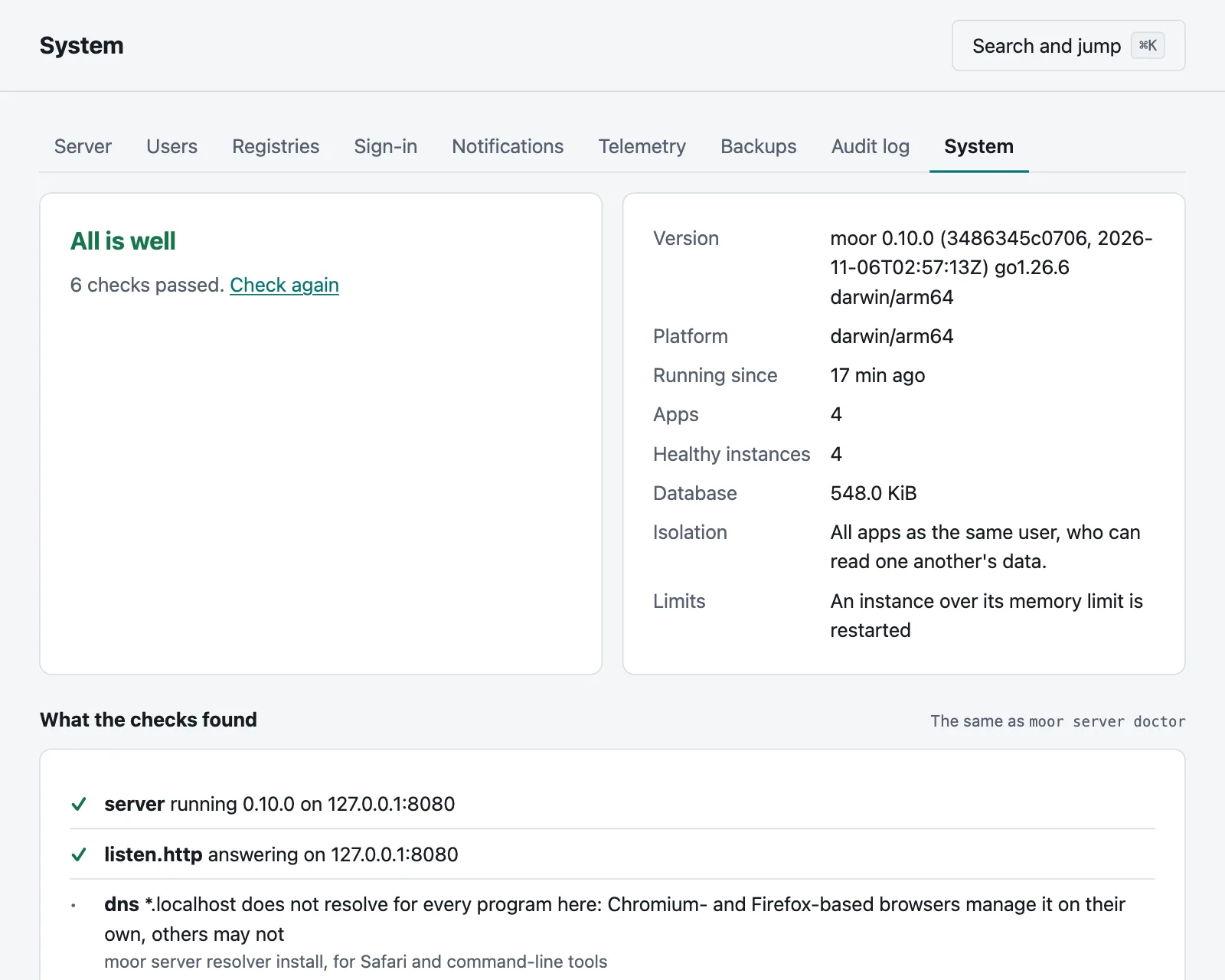
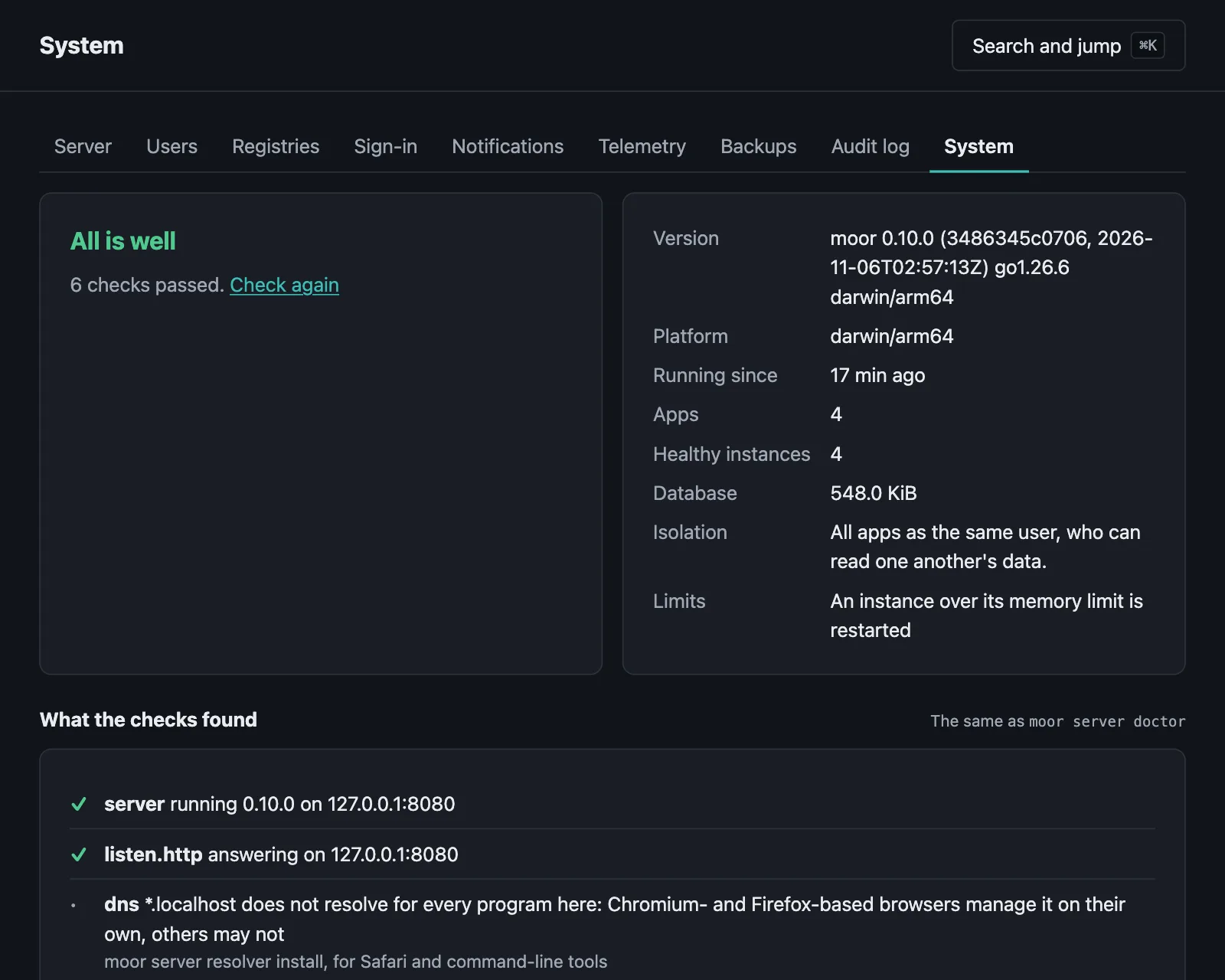
It checks a server on this machine, running or not, and says how to fix what it finds. Run it with sudo if the server runs as root, so that it can read the server's files.
✔ config         /etc/moorage/server.toml
✔ server         running 0.10.1 on :80
✔ listen.http    answering on :80
✔ listen.https   answering on :443
✔ listen.ssh     answering on :2222
✘ dns (apps)     doctor-7f3a91c2.apps.example.com does not resolve
                 → add a wildcard DNS record, *.apps.example.com, for this server or its proxy
✔ dns (console)  moorage.apps.example.com → 192.0.2.10
✔ tls (ca)       the internal CA expires on 3 Nov 2036, SHA-256 4F:9A:…:C1
· tls (trust)    this machine does not trust the internal CA, and browsers will warn about its certificates
                 → moor trust, on each machine that uses the server
✔ tls (serving)  serves moorage.apps.example.com with a certificate from it, until 3 Dec 2026
✔ containers     podman version 5.8.5, answering
✔ data           /var/lib/moorage, with a database of 2.4 MiB
✔ disk           63.6 GiB free of 926.4 GiB, for /var/lib/moorage
✔ clock          synchronised
✔ kernel         cgroup v2 (cpu, memory, pids), Landlock: for isolating native apps, in a later release
✔ apps           4 instances, reachable only through the router

1 problem.| Check | What it looks at |
|---|---|
server | That it answers, is healthy, and is the version of this moor |
listen.* | That it answers on each address; while it is stopped, that it could listen there |
dns | The console's hostname and a made-up app's, through the system's resolver |
tls | The CA or certificate files: that they exist, match, cover the hostnames, and how long they have left. Plain HTTP where it should not be |
containers | That the engine is there and answers: a problem if server.toml names it, a warning if it was only found on this machine |
data, keys | The data directory, and that nobody else can read its keys |
disk | Free space where the data is |
clock | That the clock is synchronised (Linux) |
kernel | cgroup v2 and Landlock (Linux), which isolating native apps will use |
apps | That no instance listens beyond loopback, where it could be reached without the router |
--public-url adds the path through a proxy. The exit status is 1 if anything failed, and --json prints the checks for a script.
A build cannot get its toolchain#
A build downloads the toolchain it needs, and refuses one that does not match what the project publishes.
"is signed by a key that this moor does not know". Node.js releases are signed by those who make them, whose keys come with moor. A new releaser's first release can come before the moor that knows them, so upgrade moor (upgrading) and deploy again. If you cannot yet, and have a mirror that leaves signatures out or trust the download for now, this goes on and says so in the build's log:
[toolchains]
signatures = "warn"
"failed verification". What arrived is not what was published: its checksum or its signature is wrong, and signatures does not change that. A proxy may be changing it on the way, or a mirror may be damaged.
Stopping everything#
Apps and services keep running when the server stops, on purpose. moor server stop stops the server, as a service or as started with moor server run; with --all it stops the apps too, in containers or not, and their services, whether or not a server is running:
moor server stop --allThe server starts them again when it next starts. A service keeps what it holds.
*.localhost does not resolve#
On your own computer, apps are at http://<app>.localhost:8080. Chromium- and Firefox-based browsers and systemd-resolved on Linux resolve those names by themselves, as do some versions of macOS. On the others, Safari and command-line tools do not, and this fixes that:
moor server resolver installIt adds /etc/resolver/localhost, for which it uses sudo, and turns on a small DNS responder in the server, which answers on loopback only, for that domain only. Restart the server to take it up. moor server resolver shows where things stand, and moor server resolver remove undoes it.
On Windows, it takes an elevated terminal, and adds a block with the names of what is deployed to the hosts file, which has no way of saying all of them at once. A server in an elevated terminal keeps it up to date, and otherwise, run it again after adding an app. Or send the name as the Host header:
curl -H "Host: tasks.localhost" http://127.0.0.1:8080/What happened#
moor events shows what happened on the server, and so does Activity in the console: deployments, releases, changes of variables, and instances that exited or sickened.
Where the logs are#
| Log | |
|---|---|
| The server's | logs/server/moorage.log in the data directory, and the journal on Linux (journalctl -u moorage.service -f) |
| An app's | moor logs -f |
| A deployment's | moor deployments show ID |
| Requests to an app | logs/router/<app>/<env>.log in the data directory |