

Cron jobs and one-off commands
What runs on a schedule, and what runs once, in the current release.
Both run as one-off instances of an environment's current release: the same build, variables and data directory as its processes, for as long as the command takes.
Cron jobs#
Declare them in moorage.toml, and they run from the next deployment:
[[cron]]
name = "nightly-cleanup"
schedule = "0 3 * * *"
timezone = "Europe/Paris"
command = "python manage.py cleanup"| Key | Default | |
|---|---|---|
name | required | Its name, unique in the app. |
schedule | required | Five fields (minute, hour, day, month, weekday), @hourly, @daily, @weekly, @monthly, @yearly, or @every 15m. |
command | required | What to run. |
timezone | the server's | Such as Europe/Paris. |
timeout | "1h" | It is stopped after this long, a day at the most. |
overlap | "skip" | If the run before is still going: skip this one, allow both, or replace the one before. |
environments | ["production"] | Where it runs. "*" is every environment that stays; previews need naming, as "preview". |
A job that was due while the server was down waits for its next time. It runs in an environment that is asleep, without waking the rest of it.
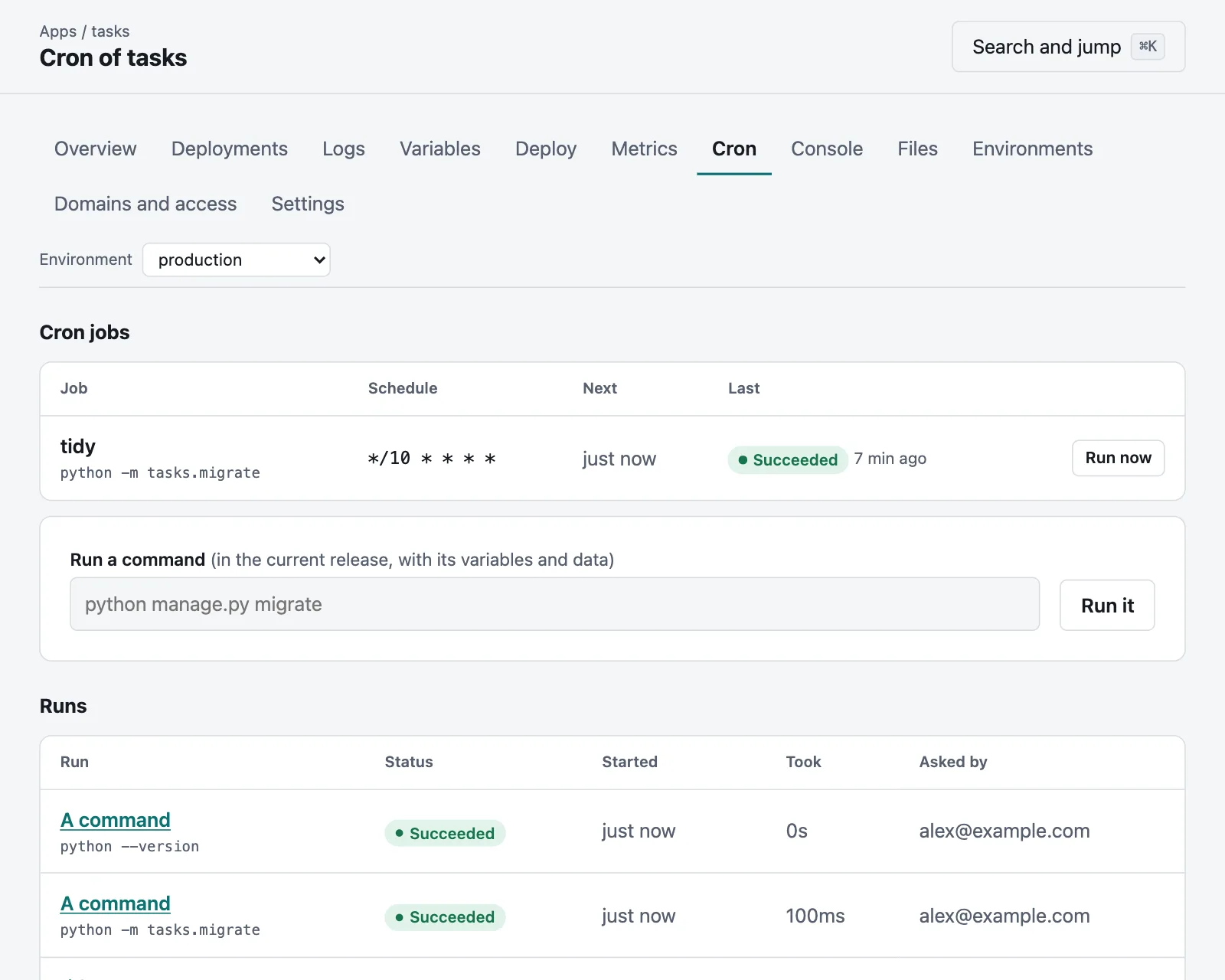
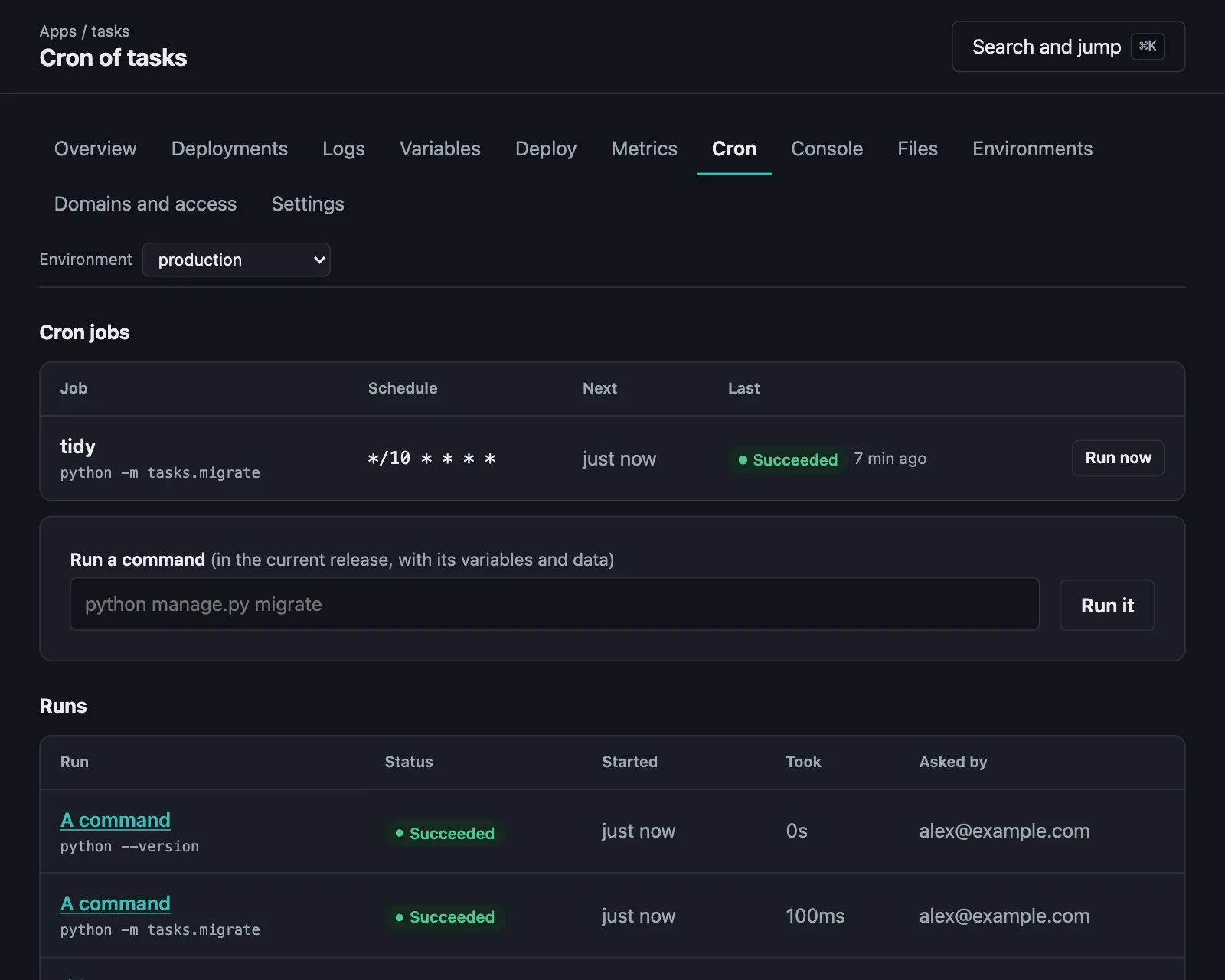
moor cronmoor cron run nightly-cleanupmoor cron runs nightly-cleanupmoor cron log run_01J8ZQThe last 100 runs of each job are kept, with what they said, how long they took and how they ended. A job that fails is in the activity. An app's Cron tab in the console has its jobs, with when each next runs and how it last went, and runs one now.
One-off commands#
moor run -- python manage.py migratemoor run --env staging --timeout 10m -- ./seed.shWhat follows -- runs as you gave it, word for word. One word is a command line, for the shell that Moorage has built in:
moor run -- 'python manage.py migrate && python manage.py seed'What it says comes back as it says it, on standard output and standard error, and moor ends with its exit status, so that a script can tell. Interrupting moor stops the command. --detach leaves it running.
It takes an hour at the most unless --timeout says otherwise, up to a day. A command that asks for input gets none, unless you are at a terminal, with -it. Running a command takes a deployer, as deploying does, and each is in the audit log. Secrets are kept out of what is recorded of its output.
The Cron tab in the console has a box to run one, too.
Inside a run#
$MOORAGE_PROCESS says what it is: cron-nightly-cleanup for a job, and run for a command. A release command, which runs with each deployment, says release.