

Getting started
From nothing to an app with a URL, a preview and a rollback, on your own computer, in about ten minutes.
On this page
This takes you from nothing to an app with a URL, a preview of a branch and a rollback, on your own computer, in about ten minutes. You need Git, a browser, and nothing else: no containers, no database and no proxy. Moorage downloads the toolchains an app needs by itself.
1. Install moor#
On macOS or Linux:
curl --proto '=https' --tlsv1.2 -fsSL https://raw.githubusercontent.com/robert-mcdermott/moorage/main/install.sh | shIn PowerShell on Windows 11:
irm https://raw.githubusercontent.com/robert-mcdermott/moorage/main/install.ps1 | iexmoor is one program: the server, and the command line that talks to it. The installer checks it against the release's checksums, needs no administrator rights, and starts nothing. Installing Moorage has everything else about it.
2. Start a server#
moor server init --preset localmoor server runThe local preset is for this computer only: plain HTTP on 127.0.0.1:8080, with apps at http://<app>.localhost:8080. Leave it running, and use another terminal for the rest.
3. Claim it#
moor server init printed a link, and moor server status shows it again. Open it, and create the first account, which is the server's administrator. The link is what stops anyone else from doing this first.
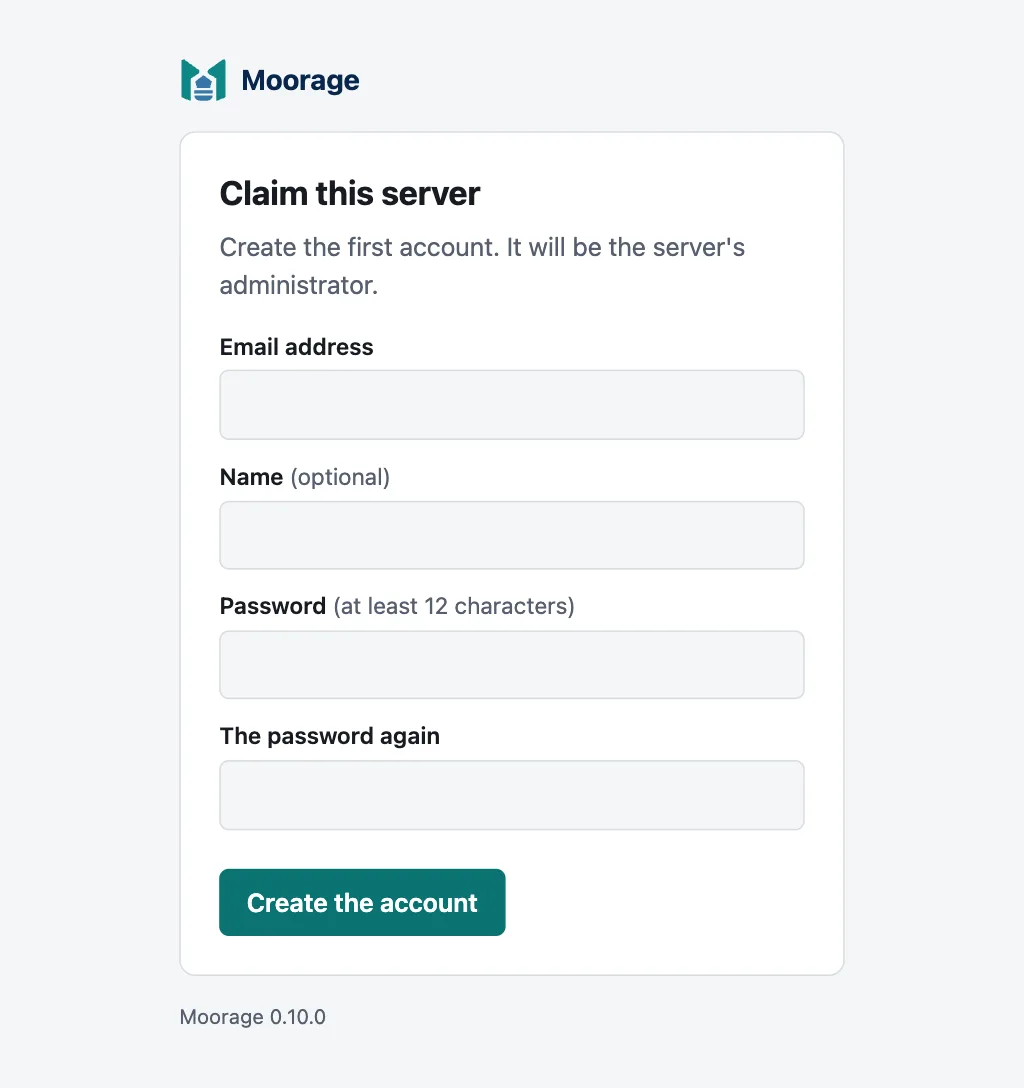
The page then leads to Getting started in the console, which checks how the server is set up and watches for your first deployment.
4. Deploy an app#
The examples are complete apps, ready to deploy. Take the task list, which is FastAPI with a small database, and make it a repository of its own:
git clone --depth 1 https://github.com/robert-mcdermott/mooragecp -R moorage/examples/python-fastapi taskscd tasksgit init -b maingit add . && git commit -m "First commit"Then deploy it:
moor deployOn the server's own computer, moor needs no sign-in. It says what it is doing as it does it (some lines are left out here):
Created app tasks.
Uploaded 13 files (56.9 KiB); deployment dep_01M6MQN3BN394RAM4D6XRSASHR is queued.
moorage  tasks · production · dep_01M6MQN3BN394RAM4D6XRSASHR
▸ detected   python · uv latest (the python runtime) · python 3.13 (.python-version)
             web runs uvicorn on tasks.main:app
             verified uv-aarch64-apple-darwin.tar.gz (13.7 MiB, SHA-256 81b811b57e4624df…)
             installed uv 0.13.7
             installing Python 3.13.18 with uv 0.13.7
▸ toolchains uv 0.13.7, python 3.13.18
▸ install    uv sync --no-dev --locked
▸ built      883 files, 15.1 MiB in 4.3s
▸ release    v1: python -m tasks.migrate
             applied migration 1
             applied migration 2
▸ rollout    web ×1
✔ live       v1  http://tasks.localhost:8080  (5.2s)
Nothing told it this is Python: it looked. It fetched uv and the Python the app asks for, checked them against their published checksums, installed the dependencies from uv.lock, ran the migrations in the app's moorage.toml, and moved the traffic once the new instance answered its health check.
Open http://tasks.localhost:8080. Chromium- and Firefox-based browsers find *.localhost addresses by themselves; for Safari and the command line, moor server resolver install sets that up.
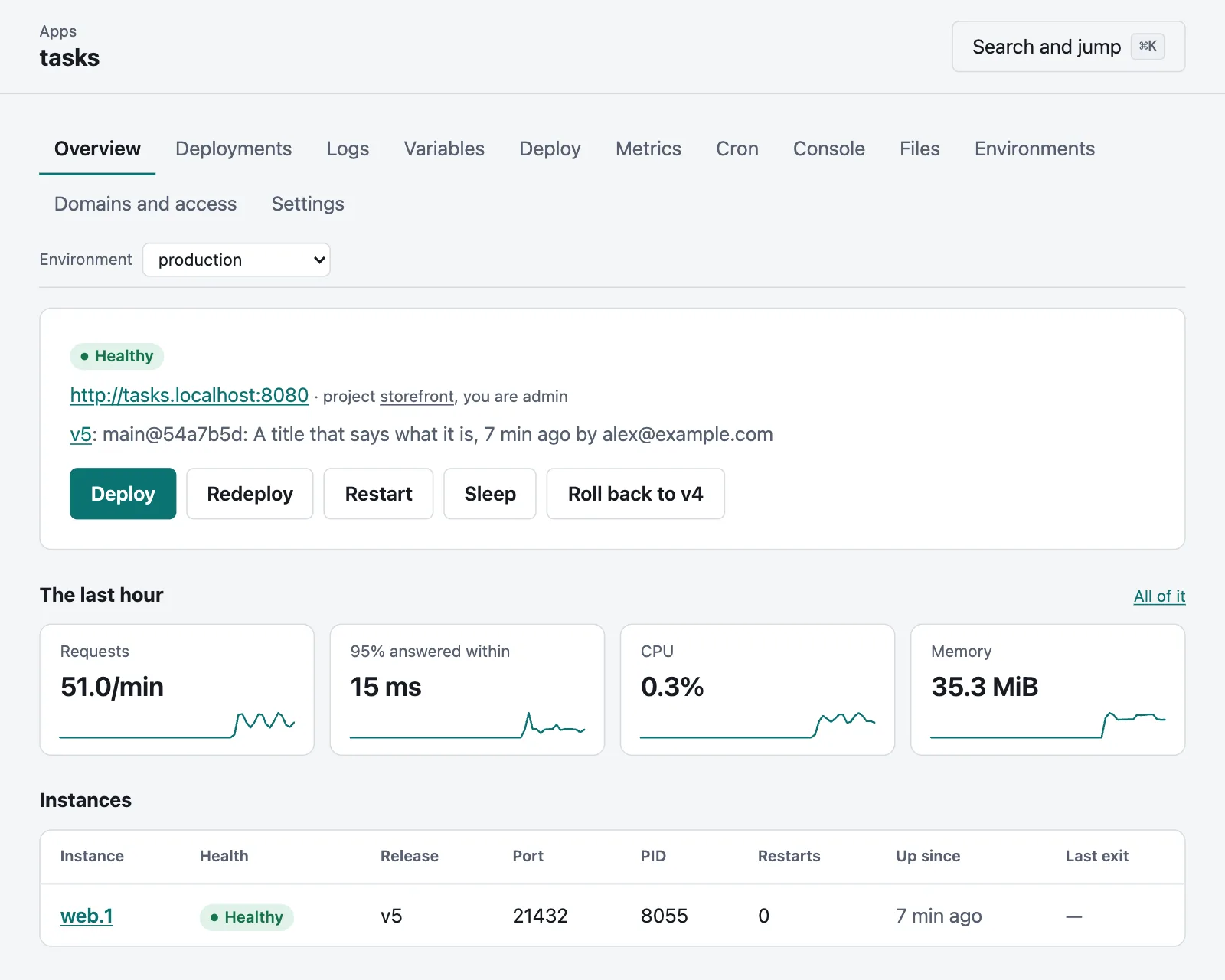
The console, at http://moorage.localhost:8080, shows the same thing with more to look at:
5. Change it, and go back#
A variable is part of a release, so changing one releases it, in less than a second and without downtime:
moor env set TASKS_TITLE="Team tasks"Set TASKS_TITLE for production of tasks.
Released v2 with the new variables.Going back needs no build either, since the builds of recent releases are kept:
moor rollbacktasks now serves v3 (the build bld_01M6MQN3BHZMBD3KD5WE8YK7D4).
http://tasks.localhost:8080A rollback is a new release of an earlier build, so that the record stays in order:
moor releases RELEASE REASON FILES SIZE CREATED
* v3 rollback 883 15.1 MiB just now
v2 config 883 15.1 MiB just now
v1 deploy 883 15.1 MiB just nowIt runs with the variables you have now. Releases, rollbacks and scaling says more.
6. Push with git, and preview a branch#
Add the server as a remote, and pushing deploys. The push shows the build, and fails if the deployment does:
moor git remote --httpgit push moorage mainAny other branch gets a place of its own, with its own address, data and releases. Make a change on a branch:
git switch -c new-promptIn tasks/static/index.html, change What needs doing? to something else, then:
git commit -am "Ask what is next"git push moorage new-promptremote: moorage tasks · new-prompt · dep_01M6MSG6DQ00AF6M5CE1G9HAQR
remote: ▸ source new-prompt @ e409bbf Ask what is next
remote: ▸ built 883 files, 15.1 MiB in 600ms
remote: ▸ release v1: python -m tasks.migrate
remote: ▸ rollout web ×1
remote: ✔ live v1 http://tasks--new-prompt.localhost:8080 (1.4s)That build took just over half a second, as the toolchains and packages were already there. Open the address, and it asks you to sign in: a preview is for those with a role in the app, unless you say otherwise.
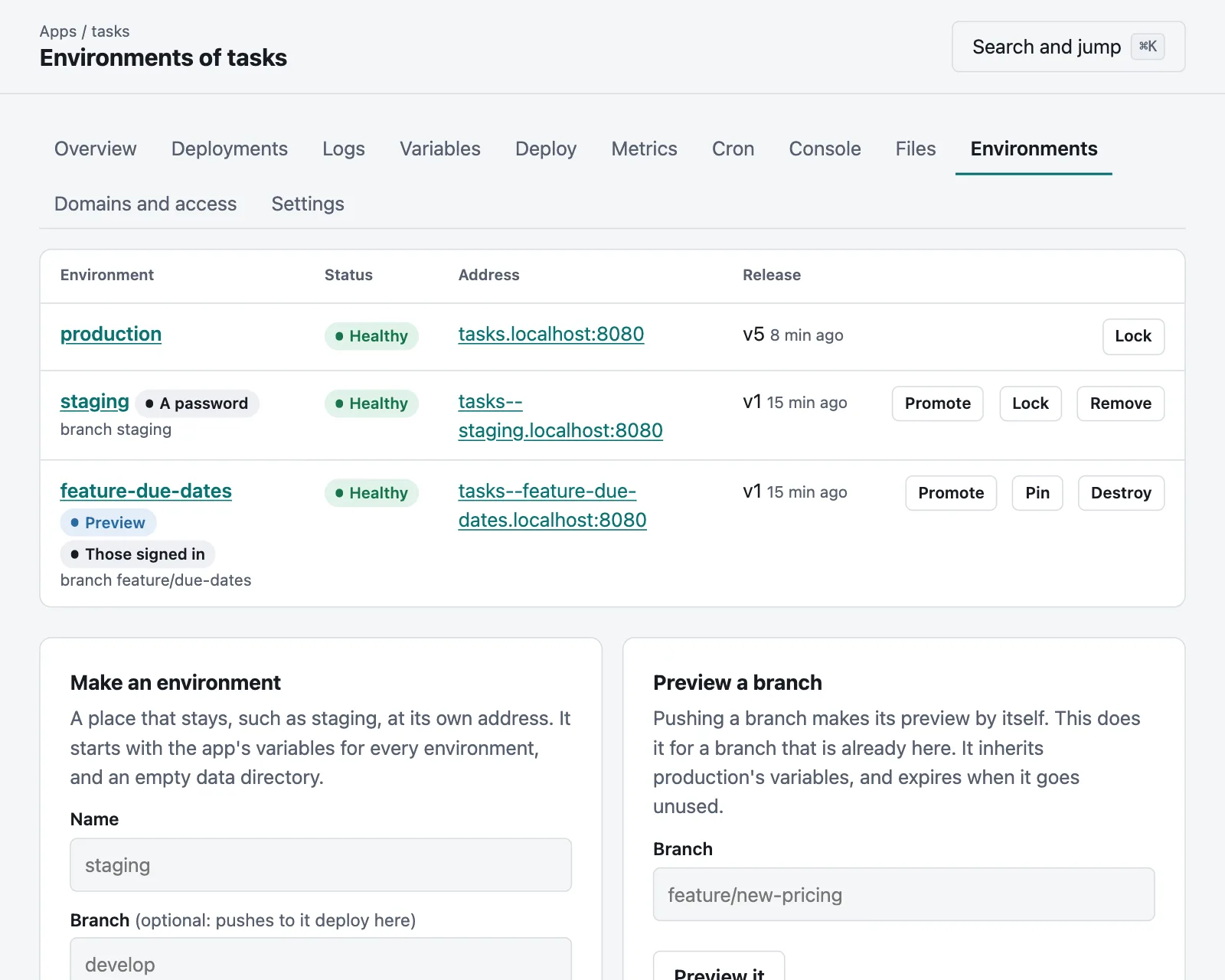
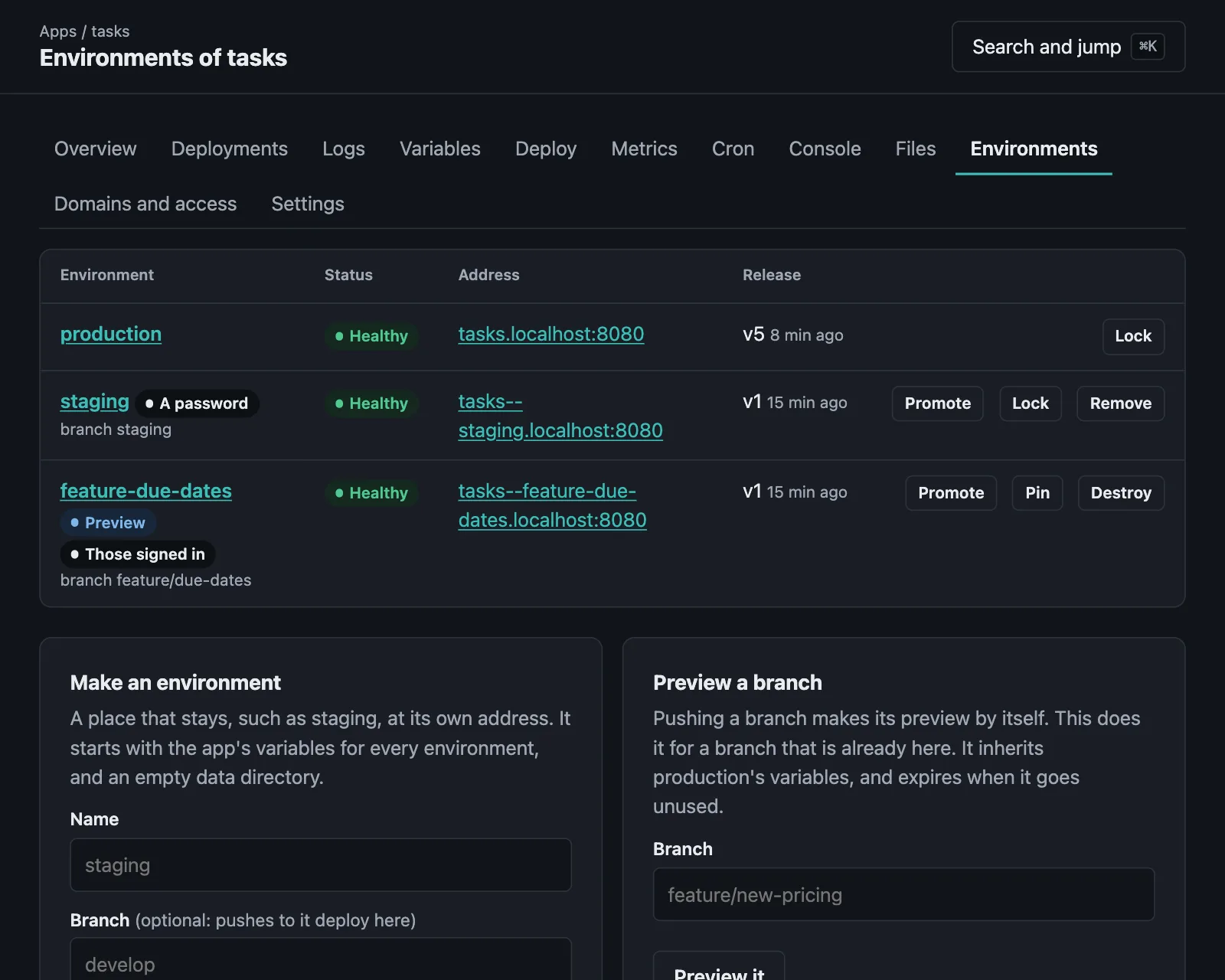
Delete the branch, and the preview goes with it:
git push moorage --delete new-promptPreviews and environments has staging, promoting, locks and sleeping.
7. See how it is running#
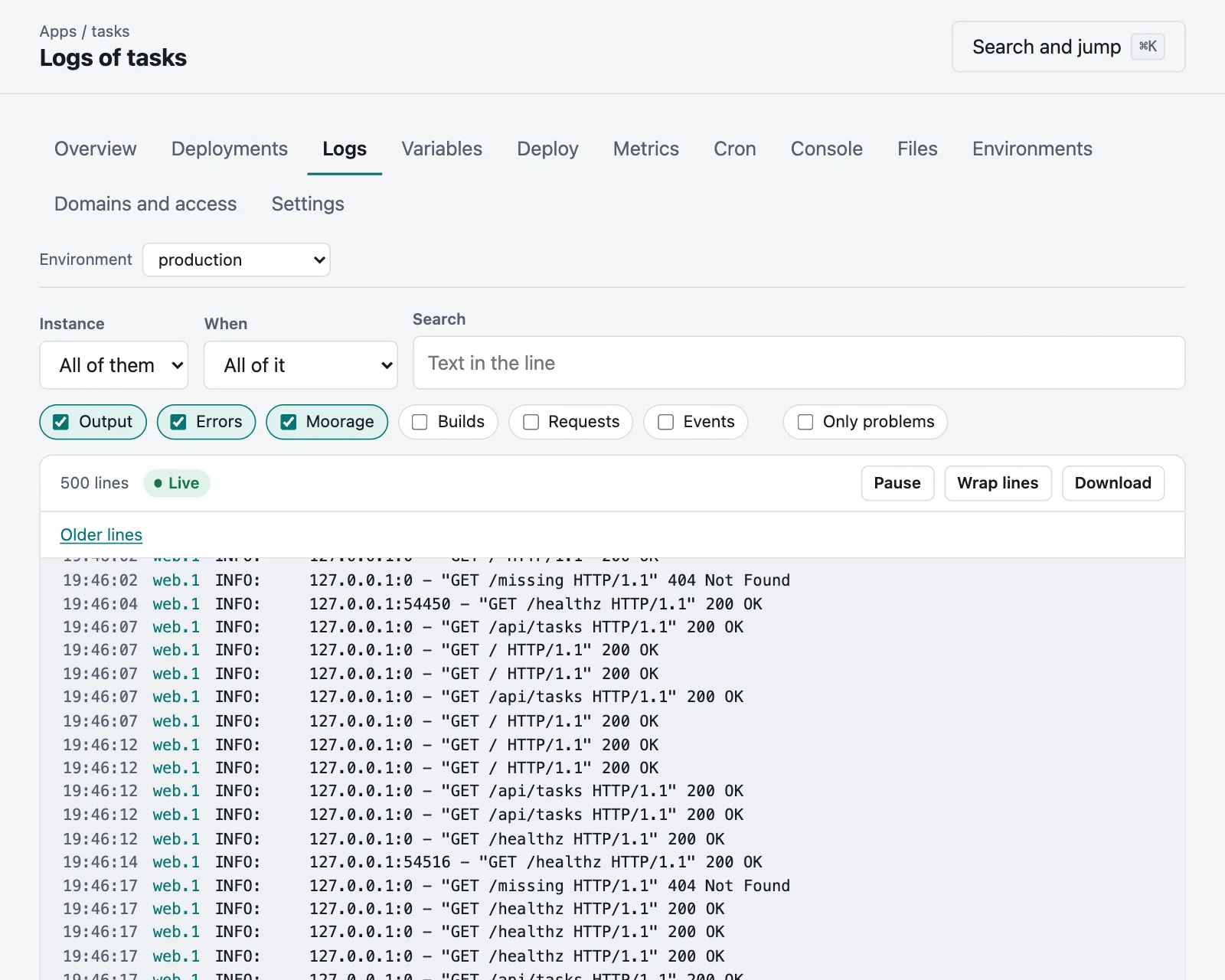
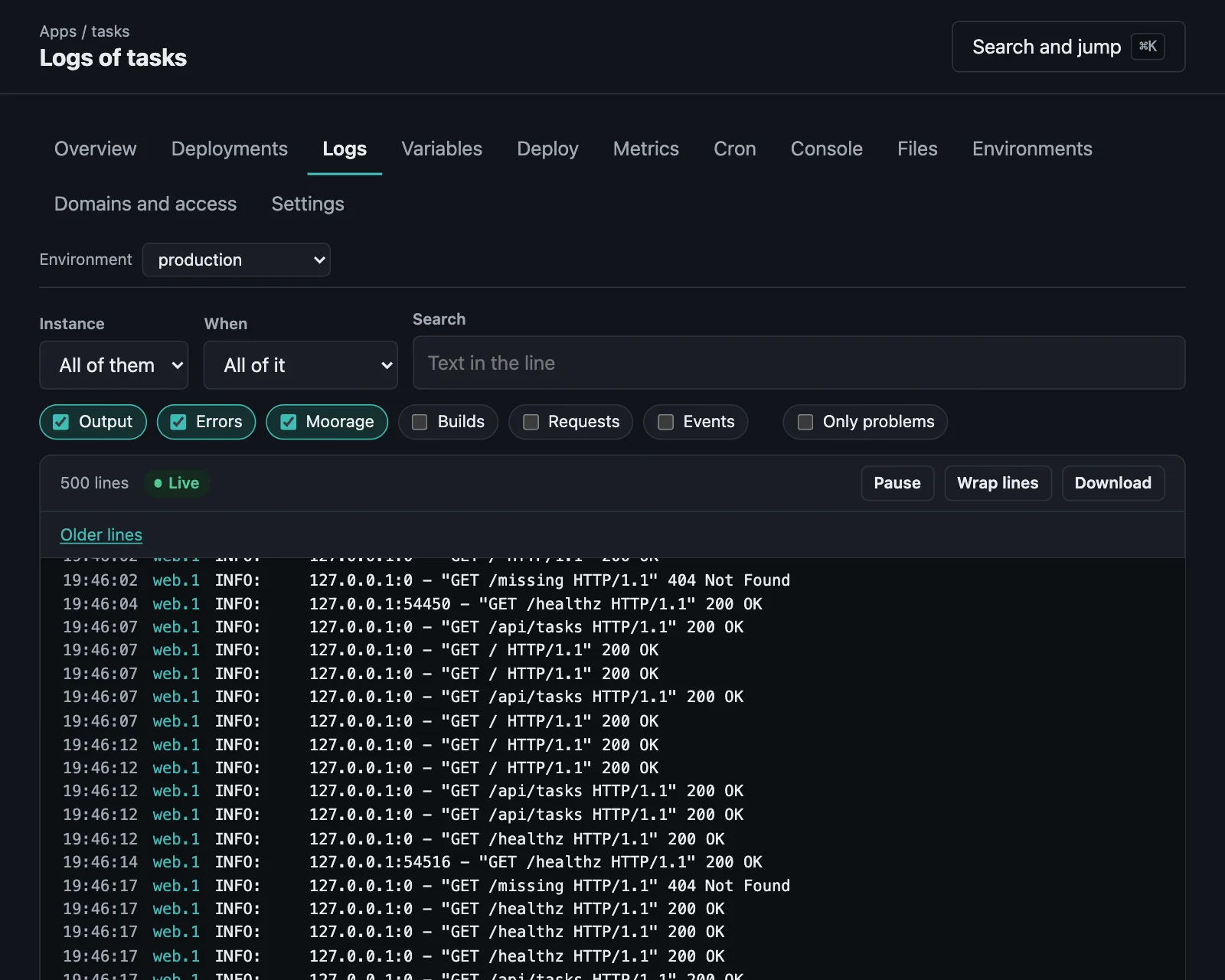
moor psmoor logs -fmoor metricsThe console has the same as it happens. An app's Logs tab follows and searches what it says, and Metrics charts its requests, response times, CPU and memory, with each release marked:
8. Clean up#
This stops the server and every app on it:
moor server stop --allTo remove everything, delete ~/.moorage as well (%LocalAppData%\Moorage on Windows). To keep trying things, start it again with moor server run: everything is as you left it.
Where to go next#
- Your own app: run
moor deployin its directory. Moorage works out Go, Python, Node.js and static sites by itself, and runs anything else or a container if you say how.moor manifest explainshows what it would do. - The words Moorage uses: Concepts has them on one page.
- A server for your team: install it as a service, with its own domain and certificates, then add people. Running a server says what to set up in the first week.
- Deploying from GitHub, GitLab or Gitea: connect a repository, and each pull request gets a preview.