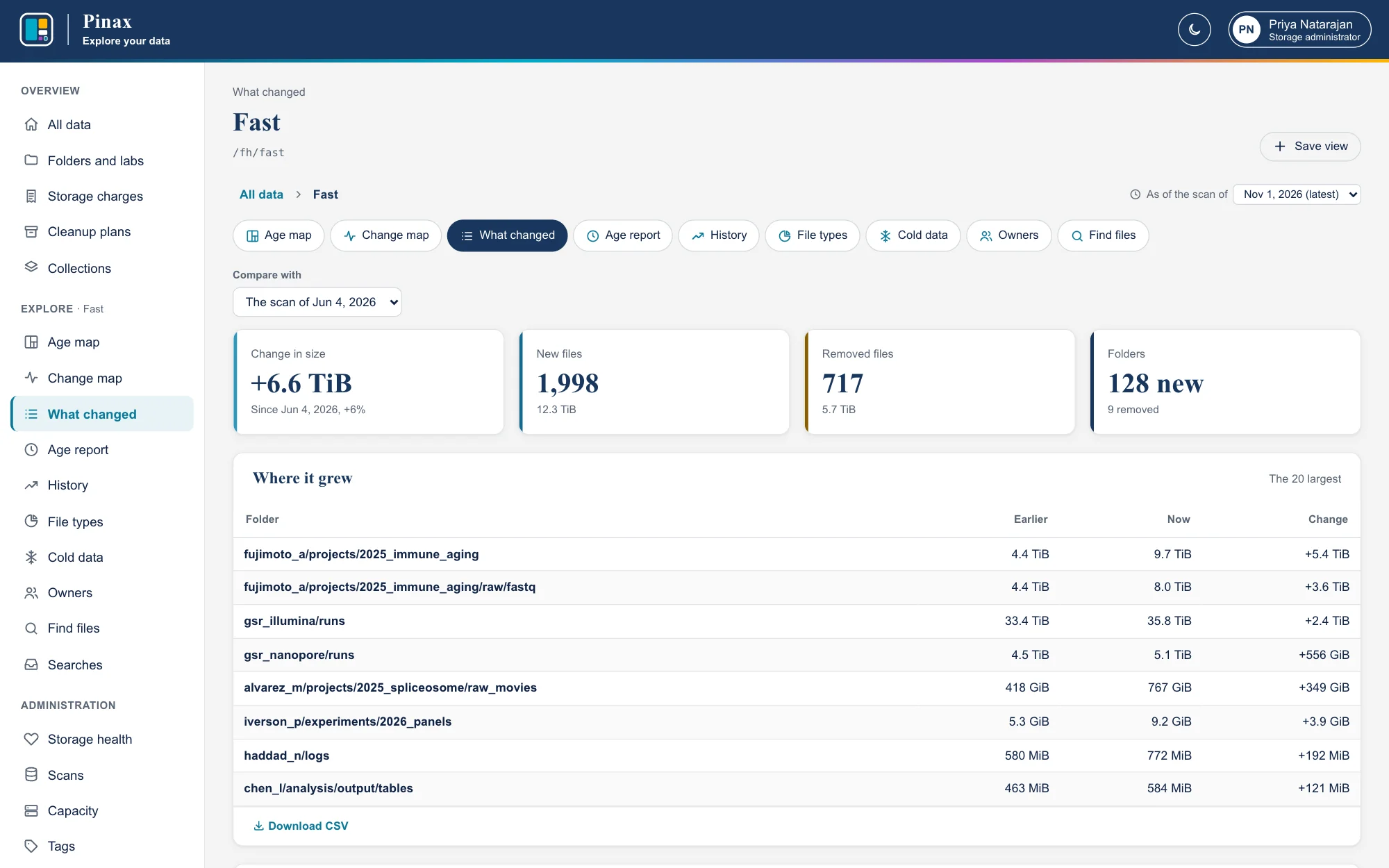
Change map and what changed
Where a folder grew and shrank between two scans, and the files behind it.
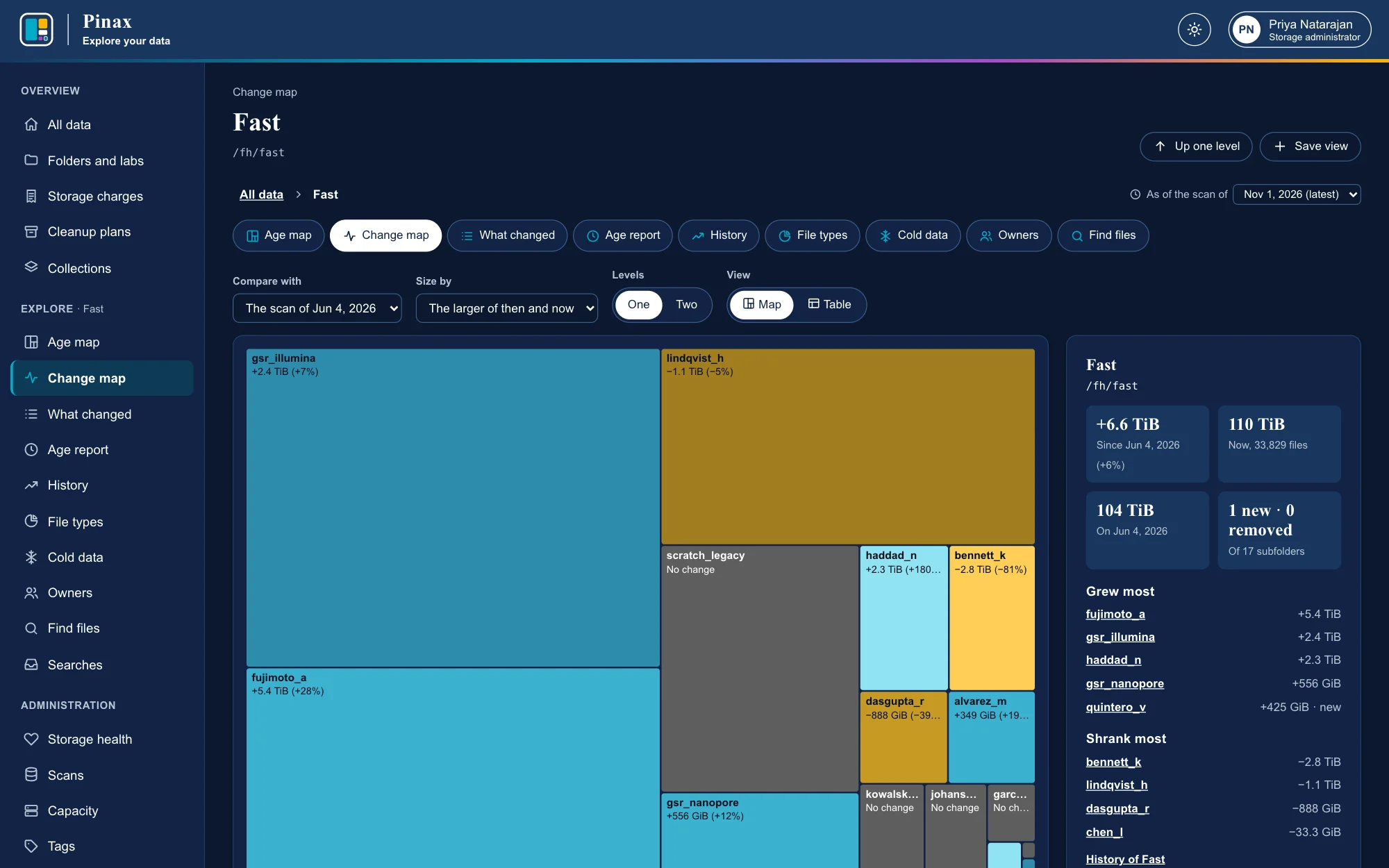
The change map is the age map colored by change: how much each folder grew (teal) or shrank (gold) since an earlier scan, the previous one by default. New folders and removed folders are drawn, a removed folder keeping the room it had. Compare with picks the scan; the panel lists what grew and shrank most.
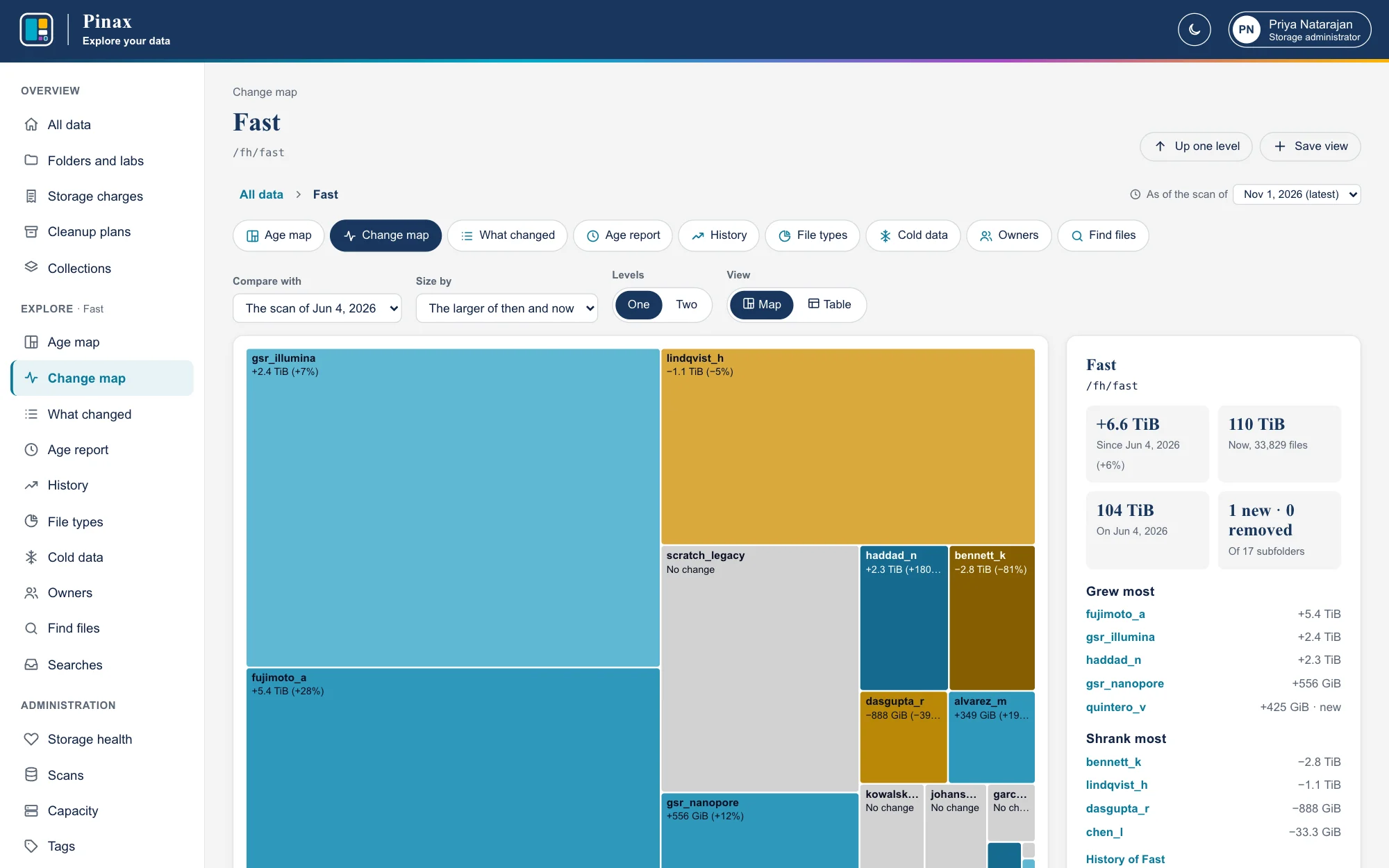
Folders are matched by path, so a folder that was renamed or moved shows as one removed and one new; the tooltip of a new folder says how old its data is, which tells a move from new data.
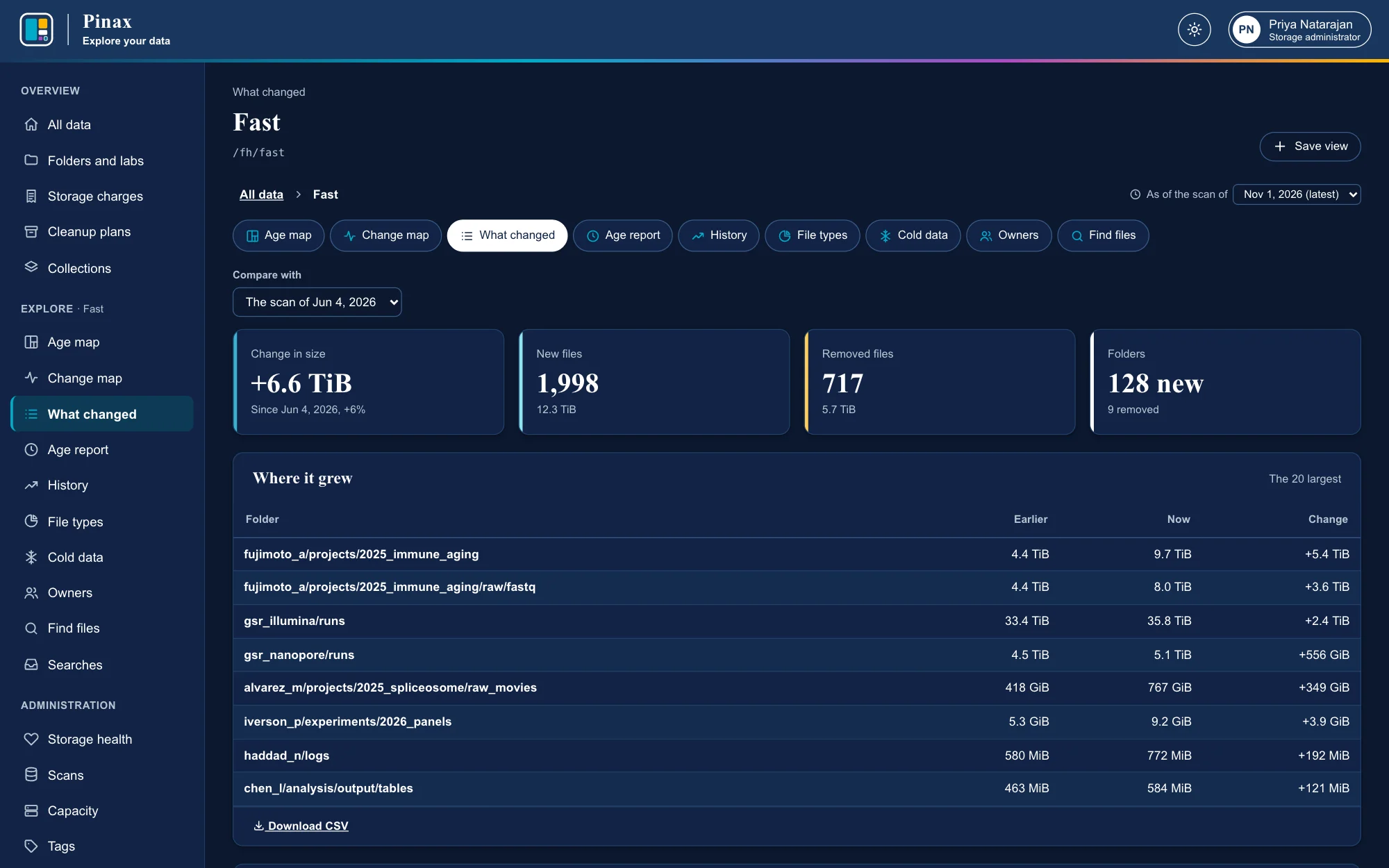
What changed lists the same changes for any folder and two scans: the change in size, the new and removed files and folders, where it grew and shrank most, the new and removed folders, and the largest new and removed files. Each list downloads as CSV.