
Folders and labs
Every top-level folder, who owns it, and how to change that.
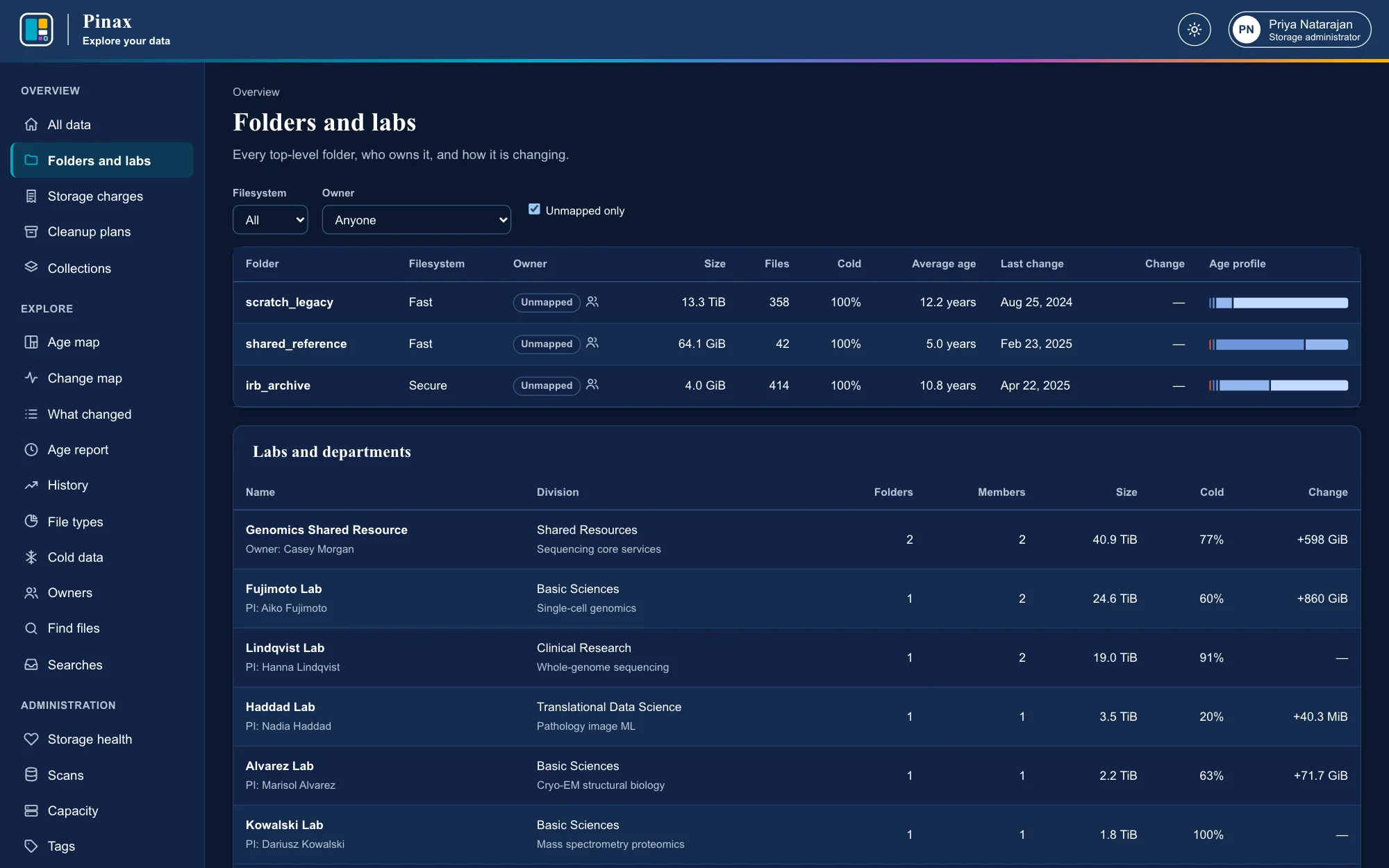
Every top-level folder of every filesystem: who owns it, its size, files, cold share, average age, last change, change since the previous scan, and age profile. Filesystem, Owner, and Unmapped only narrow the list; the person icon beside an owner changes it.
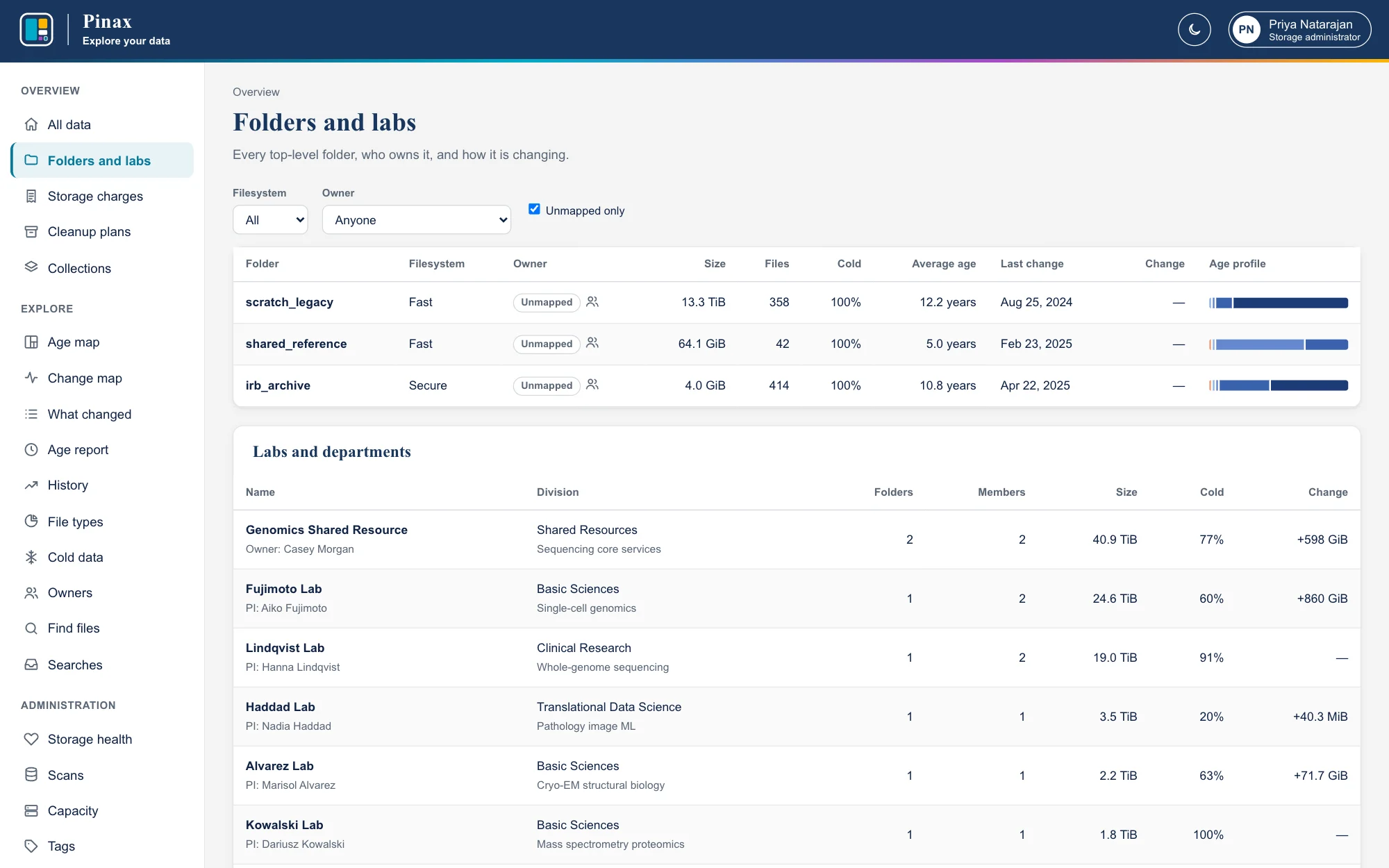
- Map a folder: choose its lab or department. Its members see it from then on, and it is charged to its owner from the moment it was mapped.
- Move a folder to another lab: choose the new owner. The old lab stops seeing it; charges move with it from that moment, and earlier months stay as they were.
- Unmap it: no lab owns it; only administrators and auditors see it, and nobody is charged.
Every change is audited, and Pinax keeps when each folder belonged to whom, for past months' charges. Below the folders, Labs and departments lists each with its owner or PI, division, folders, members, size, cold share, and change.
For many folders at once, import them from CSV (IMPORT.md). Until the site chooses an authoritative source of folder ownership, the import files are how to keep it in step.