Scans and storage health
Every snapshot and its state, automatic ingest, and what the scans say is wrong with the storage.
Scans
Every snapshot: its filesystem, when its scan started, its status, entries and files, size, scan errors, how long the scan and its index took, the index's size, and the fs-inventory version and the scan's status. Automatic ingest at the top says whether the watcher (pinax ingest --watch) is running, when it last looked, and what it did.
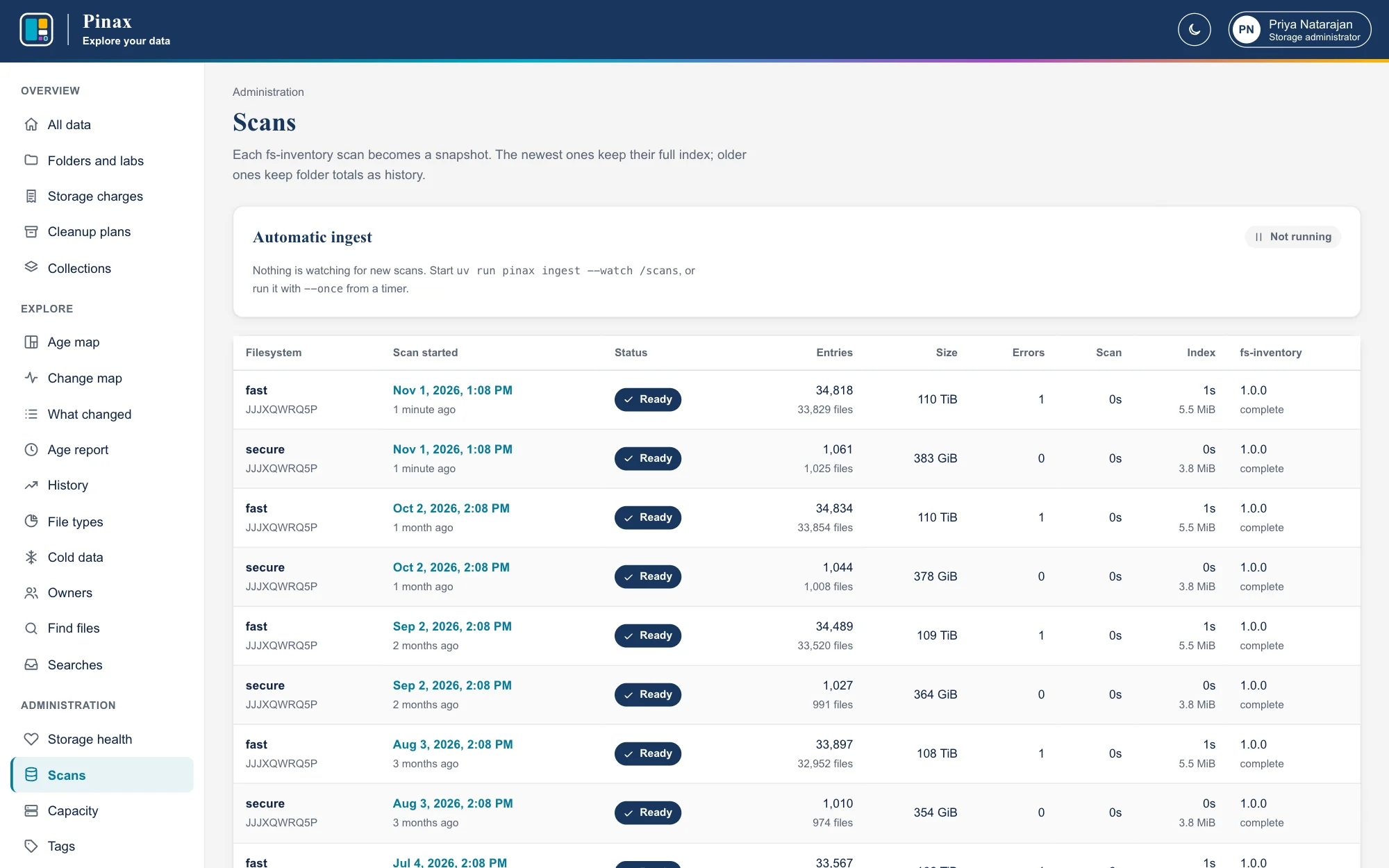
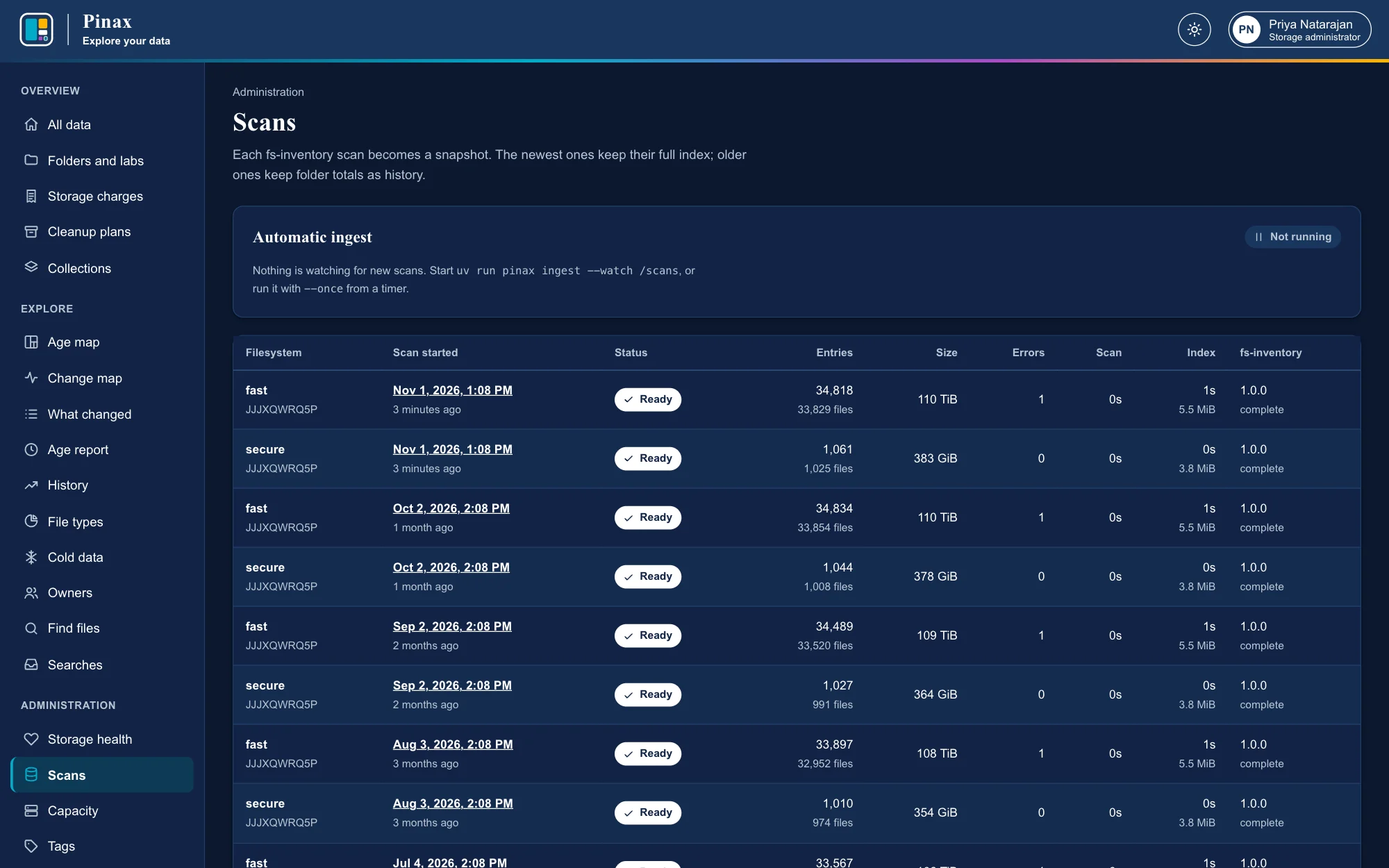
- Ready: indexed and kept in full; click its date to open every report on that scan.
- Pruned: its index was deleted to keep
PINAX_KEEP_SNAPSHOTS; its folder history is kept, in History. - Skipped: automatic ingest found it but did not load it (an incomplete or unverified scan), with why.
- Failed: the index could not be built, with the error. Fix the cause and
pinax ingestthe scan again.
Scans are added by pinax scan and automatic ingest (Scans); pinax rebuild builds an index again, and pinax check checks one against fs-inventory (CLI.md).
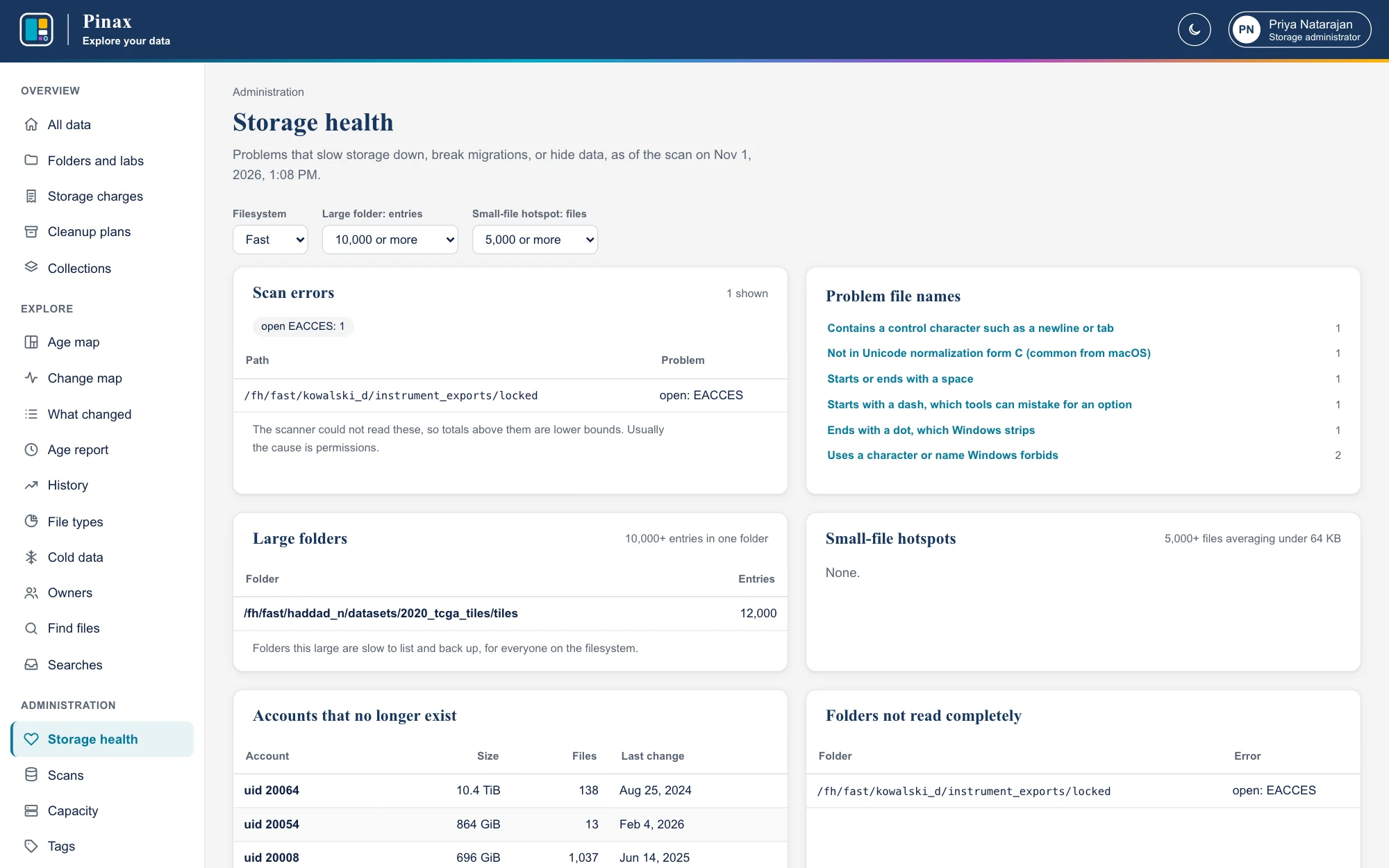
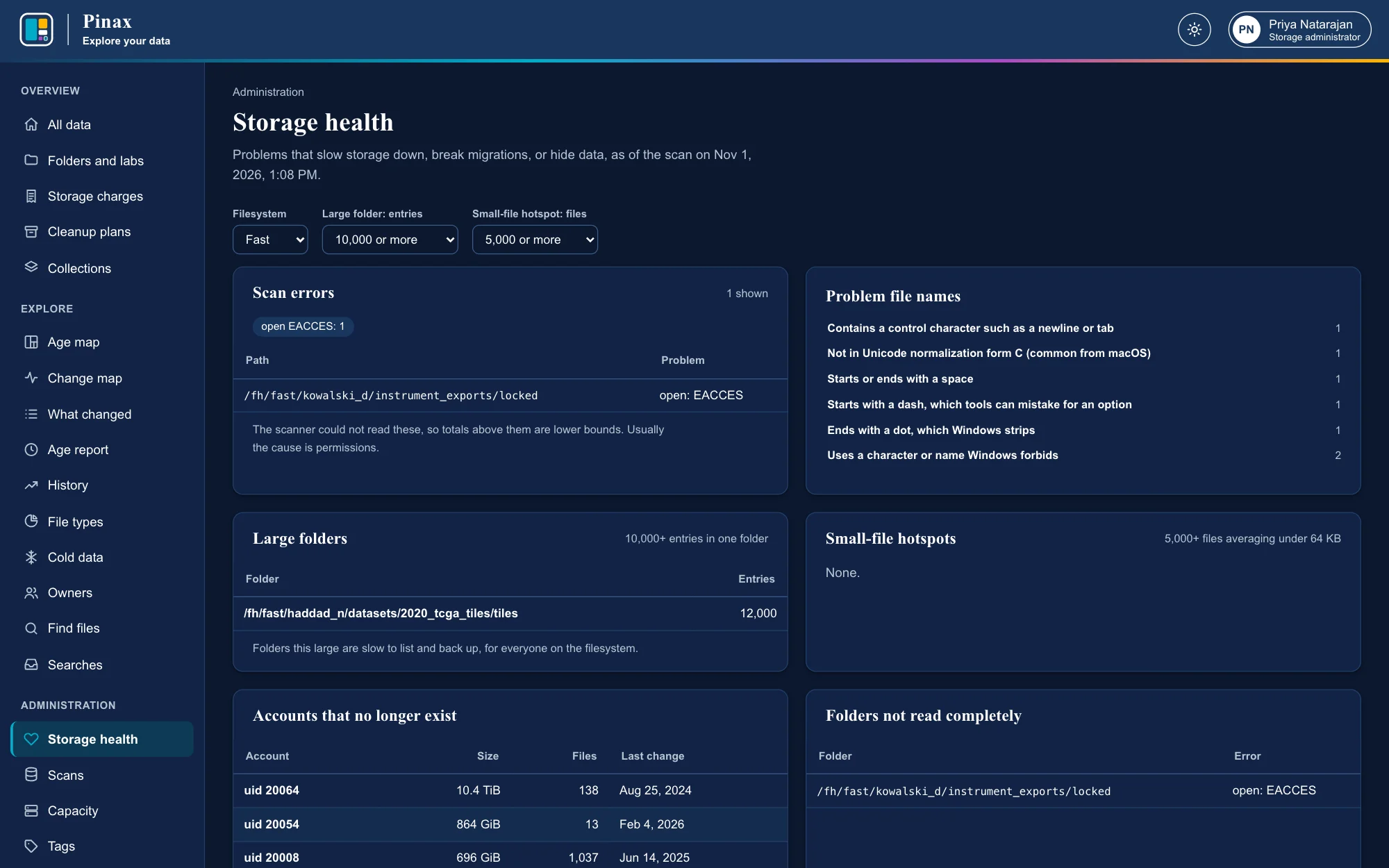
Storage health
What is wrong with the storage, as its latest scans show: scan errors (folders the scanner could not open, so their totals are lower bounds), folders not read completely, large folders (single directories with very many entries, slow for every tool), small-file hotspots (folders of many tiny files, which use space and inodes out of proportion), problem file names (names with a newline, a leading dash, characters Windows does not allow, or not in Unicode's NFC form, which break scripts and copies to other systems), and accounts that no longer exist (files owned by a uid with no account).