Finding files
Search by name, type, size, and age, and take the results away as CSV.
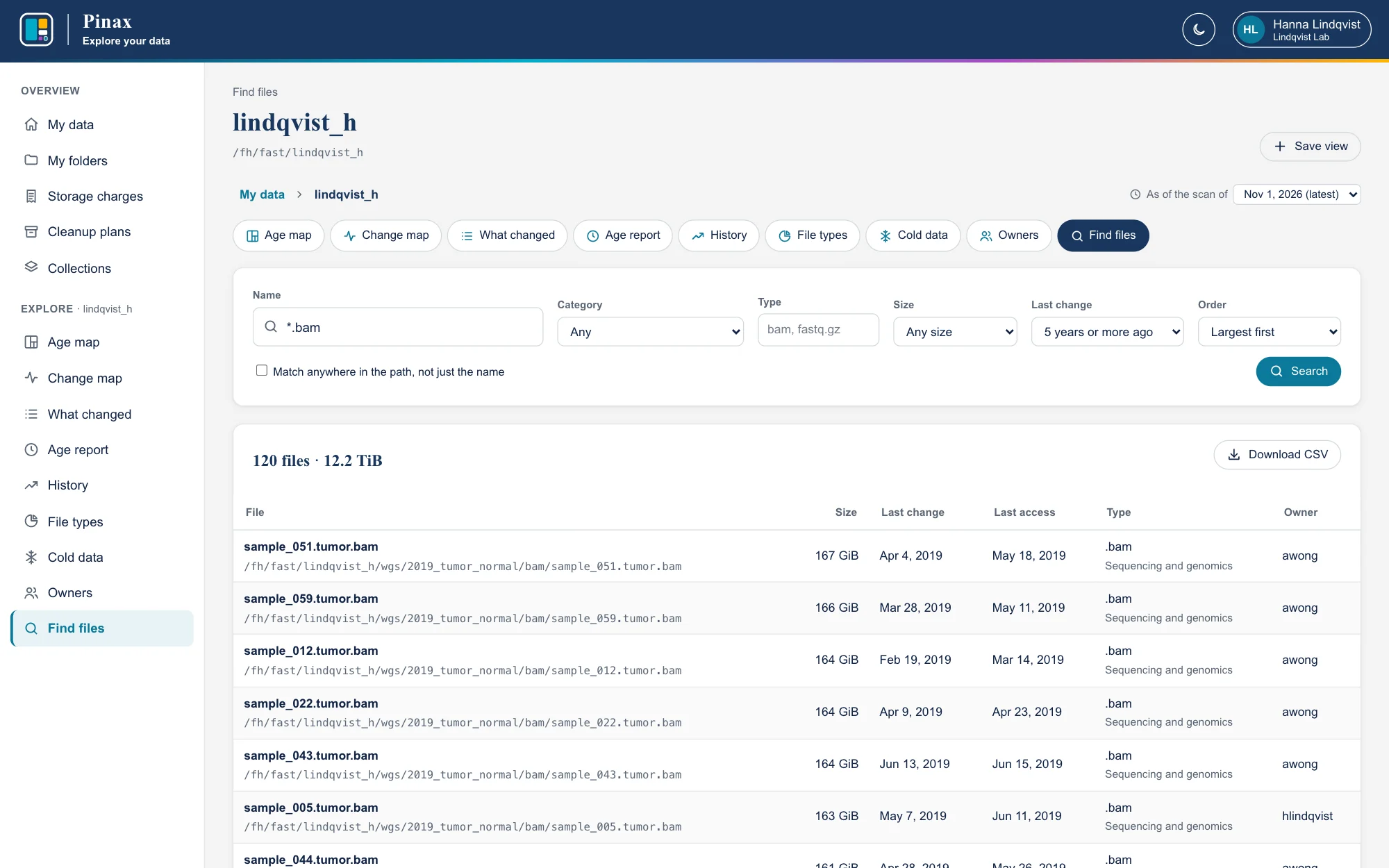
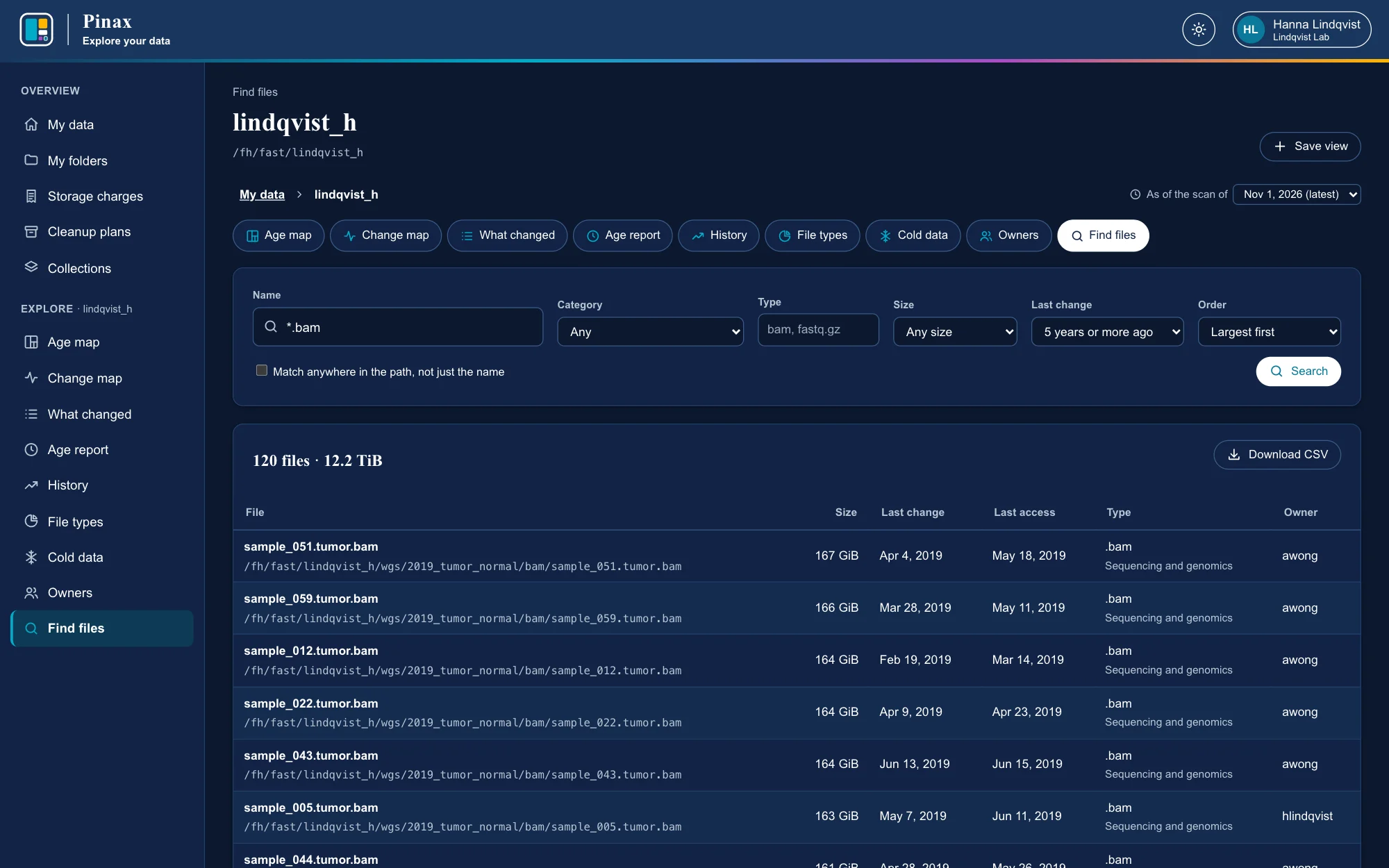
Find files searches the folder you are in by name (a pattern such as *.bam, or anywhere in the path), category, type, size, and age, ordered by size, age, or name, and shows the first 500 with the total of every match. Download CSV takes up to 100,000. Searching within a lab's folder is quick; a search of a whole filesystem reads every file in it.
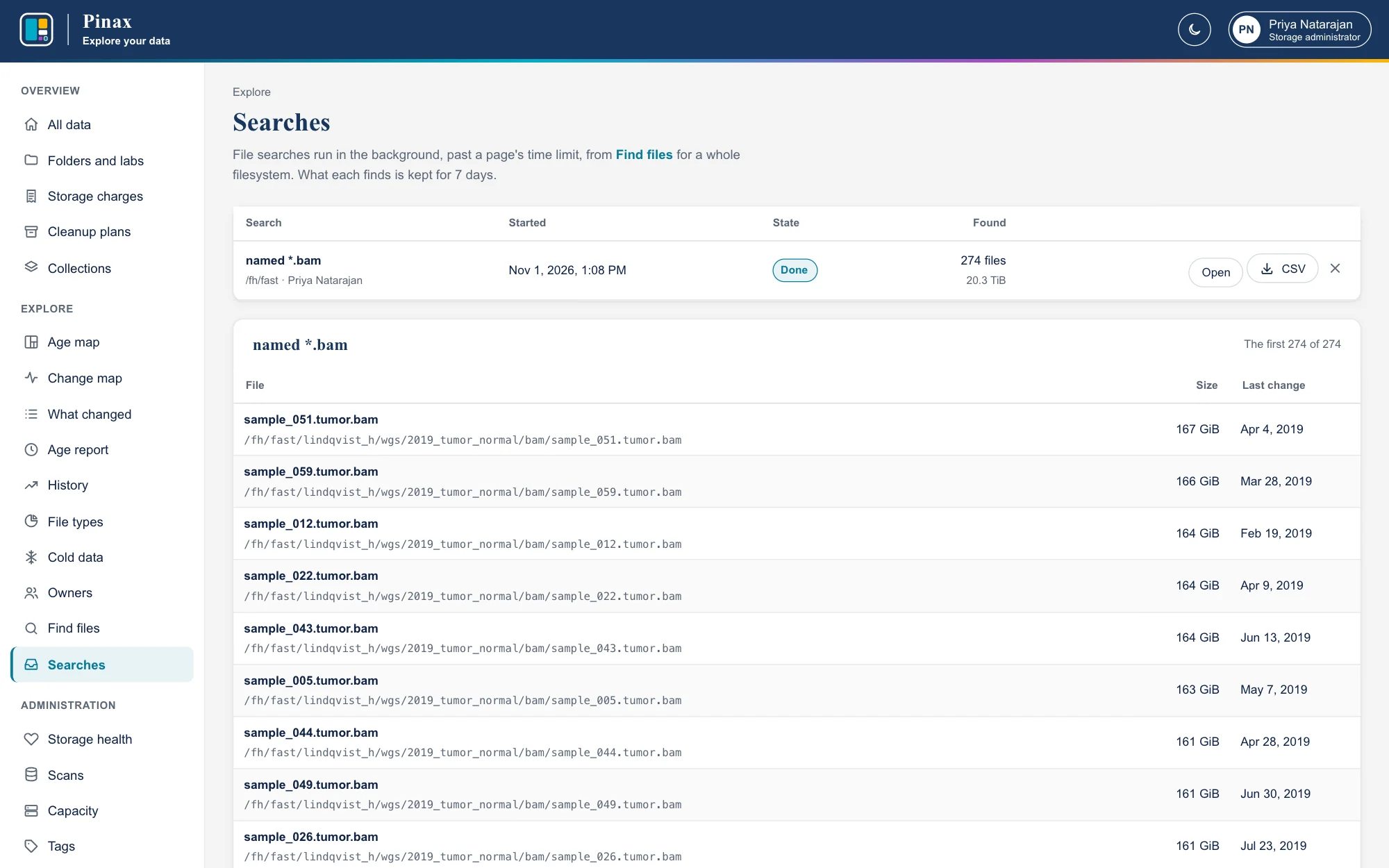
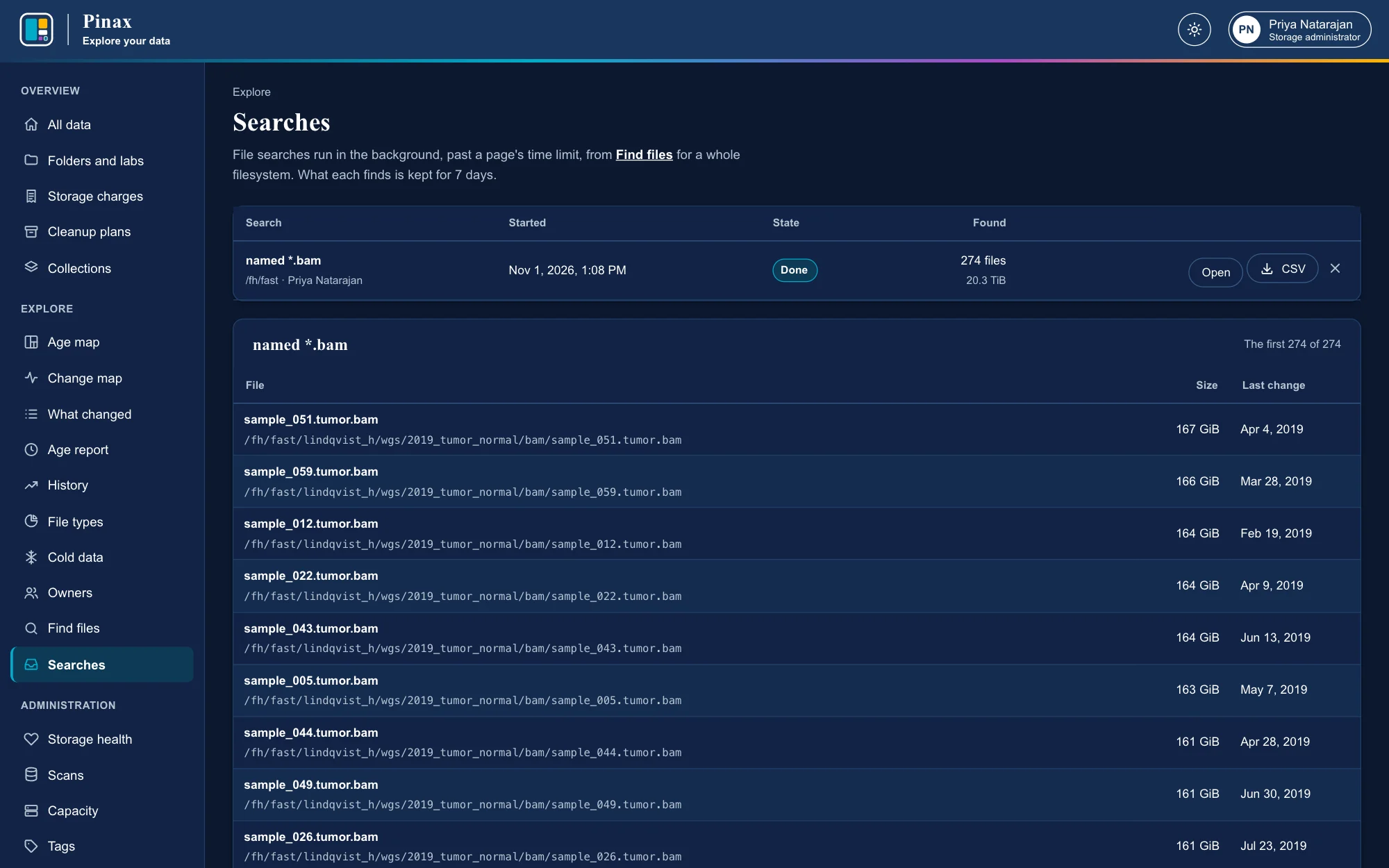
A search of a whole filesystem that would take longer than a page may wait can run in the background (administrators): Run in the background on Find files, and Searches lists it while it runs and keeps every match, as a table and a CSV, for a week.