

MCP servers
Give the agent the tools of MCP servers, programs on your machine or services on the network, and choose which it may use without asking.
What a server gives the agent
An MCP server gives the agent tools of its own: a program on your machine (one that reads your project's issues, searches documentation, queries a database), or a service on the network. MCP, the Model Context Protocol, is a common way for programs to offer tools to an agent, and many servers are already written.
Their tools are offered beside the agent's own. The agent uses one when it fits what you ask, and the panel shows each use as Used search_issues (github) with what it was given. Before a tool is used you are asked, as you are before a command runs, unless you have allowed it.
Astrum uses a server's tools and nothing else of what the protocol has: it does not read a server's prompts or resources, and offers servers nothing in return (no sampling, no roots, no questions put to you).
Each server is a table of its own under [mcp] in the config file. Its name is what /mcp calls it, and the start of the names the agent knows its tools by (github__search_issues): letters, digits, - and _, up to 32 of them. A table that cannot be used as it is written (one with both command and url, or with neither) is reported as a problem with the config file.
A program on your machine
[mcp.files]
command = "npx"
args = ["-y", "@modelcontextprotocol/server-filesystem", "/Users/me/projects"]
allow = ["read_*", "list_*", "search_*"]   # used without asking
command is the program and args its arguments; Astrum talks to it over its standard input and output. A program fetched on its first run, as npx and uvx do, may take a while, so a server is given a minute to answer when it starts.
The program runs in a process group and an environment of its own. It gets what finding and running things needs (PATH, HOME, USER, SHELL, TERM, the language and time-zone settings, the XDG_ folders, and the certificate and proxy settings) and what you give it in env. It does not get your API keys, or anything else from your environment. It runs in your home folder unless cwd says otherwise:
[mcp.mine]
command = "my-server"                        # a server of your own, as an example
env = { MY_SERVER_DATA = "${HOME}/data" }
cwd = "${HOME}/work"
${NAME} in command, args, env, cwd and headers stands for that variable as the session's server has it, which is the environment the session was started with. What a program writes to its error output is kept: /mcp log name shows the last 40 lines of it.
A token for a program
[mcp.github]
command = "github-mcp-server"
args = ["stdio"]
token_env = "GITHUB_PERSONAL_ACCESS_TOKEN"   # given the token from /mcp key github
tools = ["get_*", "list_*", "search_*"]       # only these are offered
/mcp key github in the panel asks for the token, shows it as dots while you type or paste it, and keeps it in the system's password store, as /key does for providers. The program is given it in the variable token_env names, and is started again with it. Without token_env the token is not given to the program, and Astrum says so. /mcp key github remove forgets it.
The token is kept with the program it was given for, and that program's arguments. If the entry is changed to run another program (or the same one with other arguments), the token is not given to it, and /mcp says so: store it again with /mcp key github.
A server on the network
[mcp.docs]
url = "https://mcp.example.com/mcp"
A server on the network is reached over https://. http:// is accepted only for one on this machine (localhost, 127.0.0.1), so that what is sent to a server elsewhere (a token, your data) cannot be read on the way. headers adds headers to every request, with ${NAME} as for env.
A redirect from the server is not followed: what goes with a request (the headers, a token) goes to the address in url and no other. /mcp shows where the server tried to send Astrum; if that is where it is, give that address as its url.
A token
If the server wants a token, /mcp key docs asks for one and keeps it in the password store. It is sent with every request, as Authorization: Bearer.
The token is kept with the address it was given for. If the entry's url is changed, the token is not sent to the new address, and /mcp says so: store it again with /mcp key docs. The same goes for a sign-in.
Signing in
If the server asks you to sign in, Astrum says so when it starts the server, and /mcp shows it. To sign in, choose ≡ menu → Settings → MCP servers and then the server, or type /mcp signin docs in the panel. Your browser opens at the server's sign-in page (OAuth).
Astrum registers itself with the service where the service lets it. Where it does not, give the client id the service gave you as client_id, and the scope to ask for as scope if it needs one. When you have signed in, the browser comes back to an address on this machine, and the server is started. The browser has five minutes to come back.
The addresses the server names for signing in (the service that signs you in, its sign-in page, where it hands out tokens) are used only over https://, or over http:// on this machine when the server is itself on this machine. And the description that service gives of itself has to be its own: one that names another service as its issuer is not used.
The sign-in is kept in the password store and renewed when it runs out, or when the server turns it away while in use (the tool is then used again with the renewed sign-in). If the password store cannot keep it, it is used for this session only, and asked for again in the next. /mcp signout docs forgets it.
Signing in over SSH
Used over SSH, the browser is on another machine and cannot come back to this one: it ends at an address that does not load. Copy that address from the browser's address bar and give it to /mcp paste:
/mcp paste http://127.0.0.1:…/callback?code=…Which tools, and which without asking
tools and allow take tool names, where * stands for anything:
toolslimits which of a server's tools are offered to the agent at all. Without it, all of them are, up to 500 from one server.allowlists the tools that may be used without asking. Without it, every use is asked about.
/mcp tools name lists a server's tools, and says which are not offered (not in tools) and which are used without asking.
What a server says of its own tools (that one only reads, say) is not taken on trust: it is your allow that counts.
Being asked
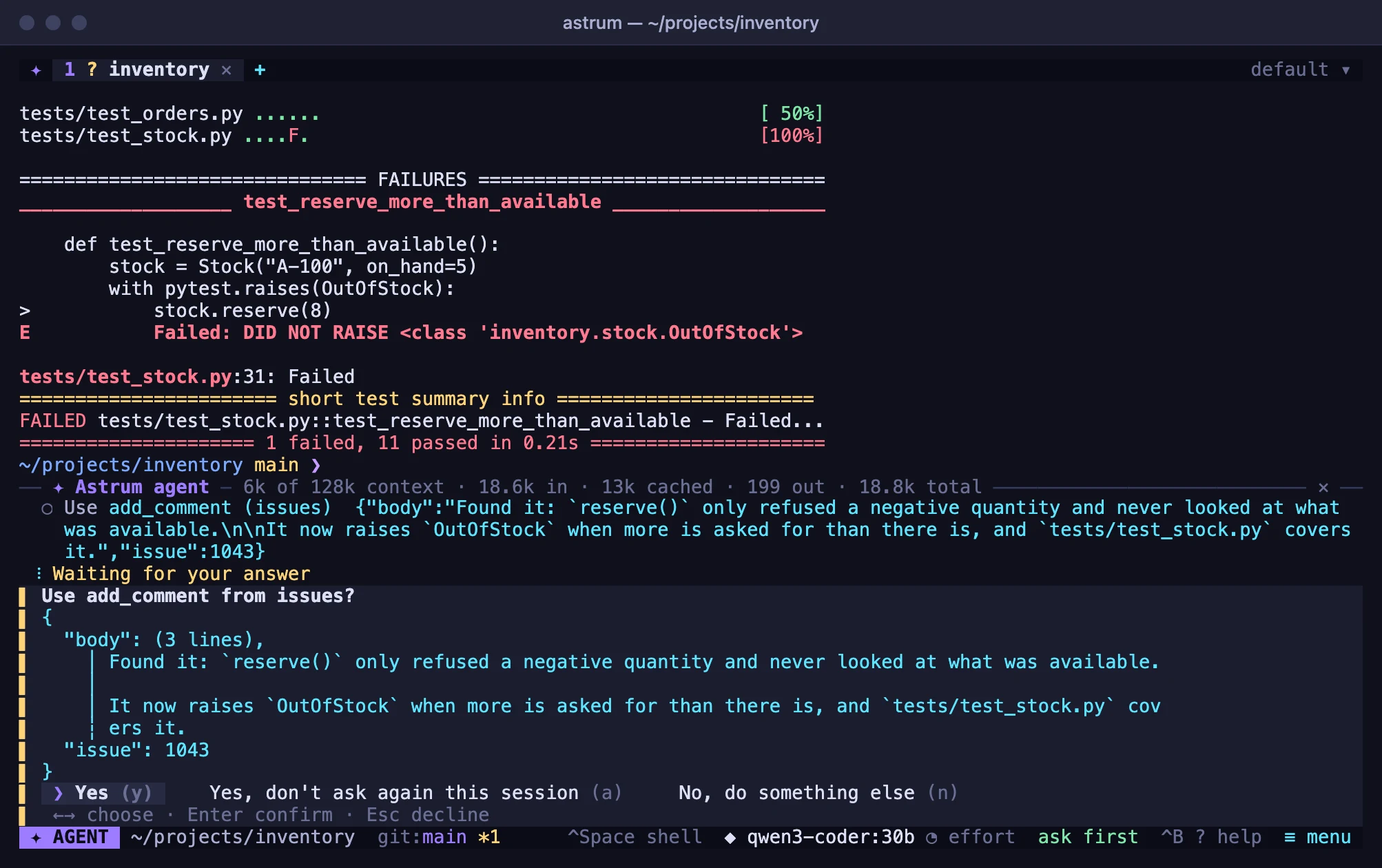
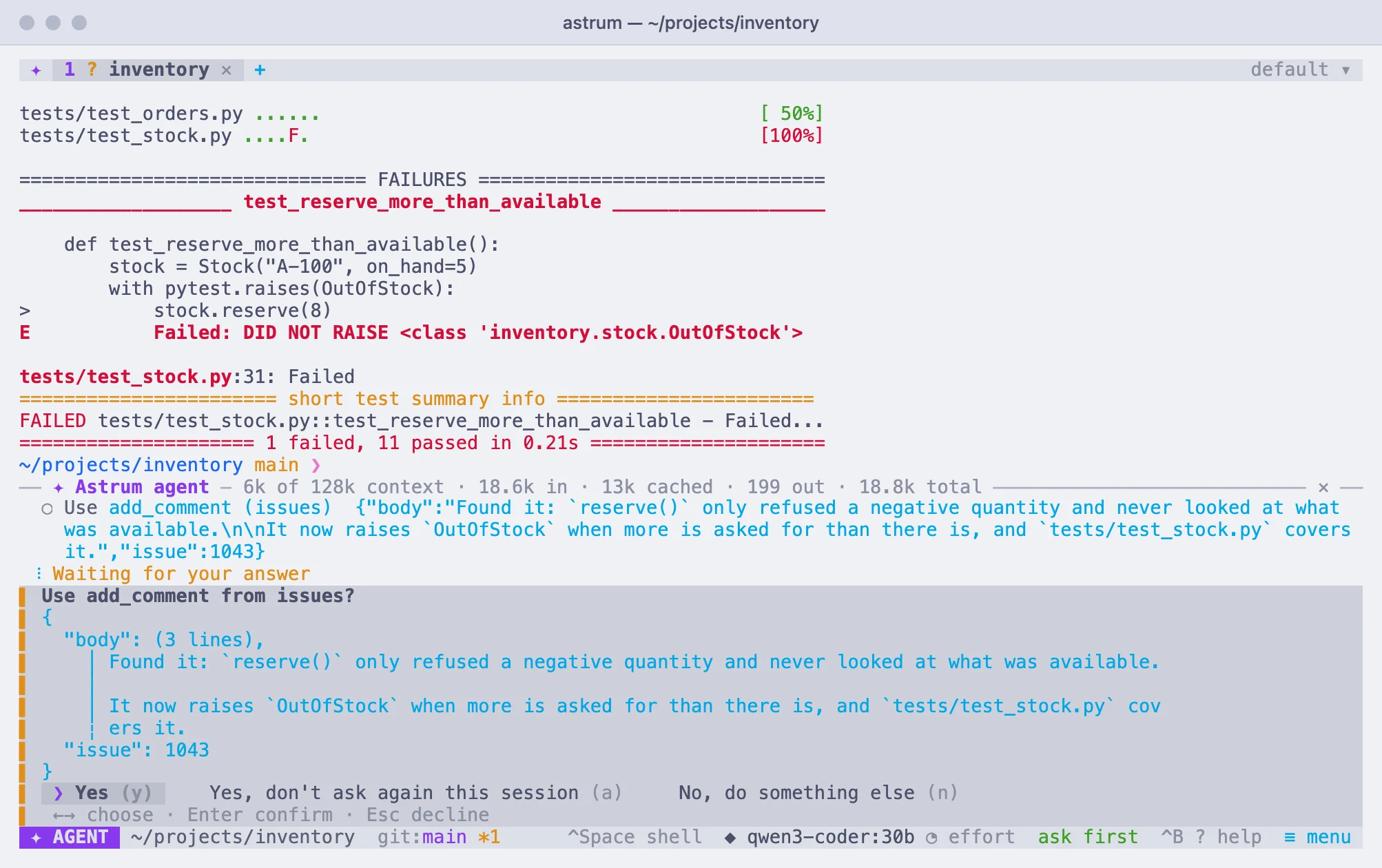
Before a tool is used you are asked, as you are before a command runs: "Use search_issues from github?", with its arguments in full. Click a choice or press its letter:
- Yes (y): the tool is used, this once.
- Yes, don't ask again this session (a): the tool is used, and this tab's agent stops asking for anything, commands included, as on autopilot until the session ends. To let particular tools through without that, list them in
allowinstead. - No, do something else (n): the tool is not used. Type what the agent should do instead, or press Esc to just decline.
On autopilot no tool is asked about. See Approvals and How much it does on its own.
When servers start
The servers are started the first time the agent is asked something (or when /mcp or the settings look at them), not when Astrum starts, and they run for as long as the session does. The first question waits up to 20 seconds for servers that are still starting, and the panel says "Starting MCP servers" meanwhile.
- A server that stops after it has been running a while is started again by itself, up to three times. After that, or if it stops soon after starting, its status says why.
- Once the servers are in use, saving the config file starts a server again if its entry changed, starts one you added, and ends one you took out.
- The servers are the session's: every tab's agent uses the same ones. When the session ends, so do they; a program is ended together with everything it started.
timeout sets how many seconds one use of a tool may take, 120 unless set. enabled = false keeps a server off.
Seeing how they are doing
Choose ≡ menu → Settings → MCP servers. The row says how many servers are ready, starting, off or in need of a look, and choosing it lists them, each with how it is doing. Choosing a server there turns it off for this session, or on again, or signs in to one that asks.
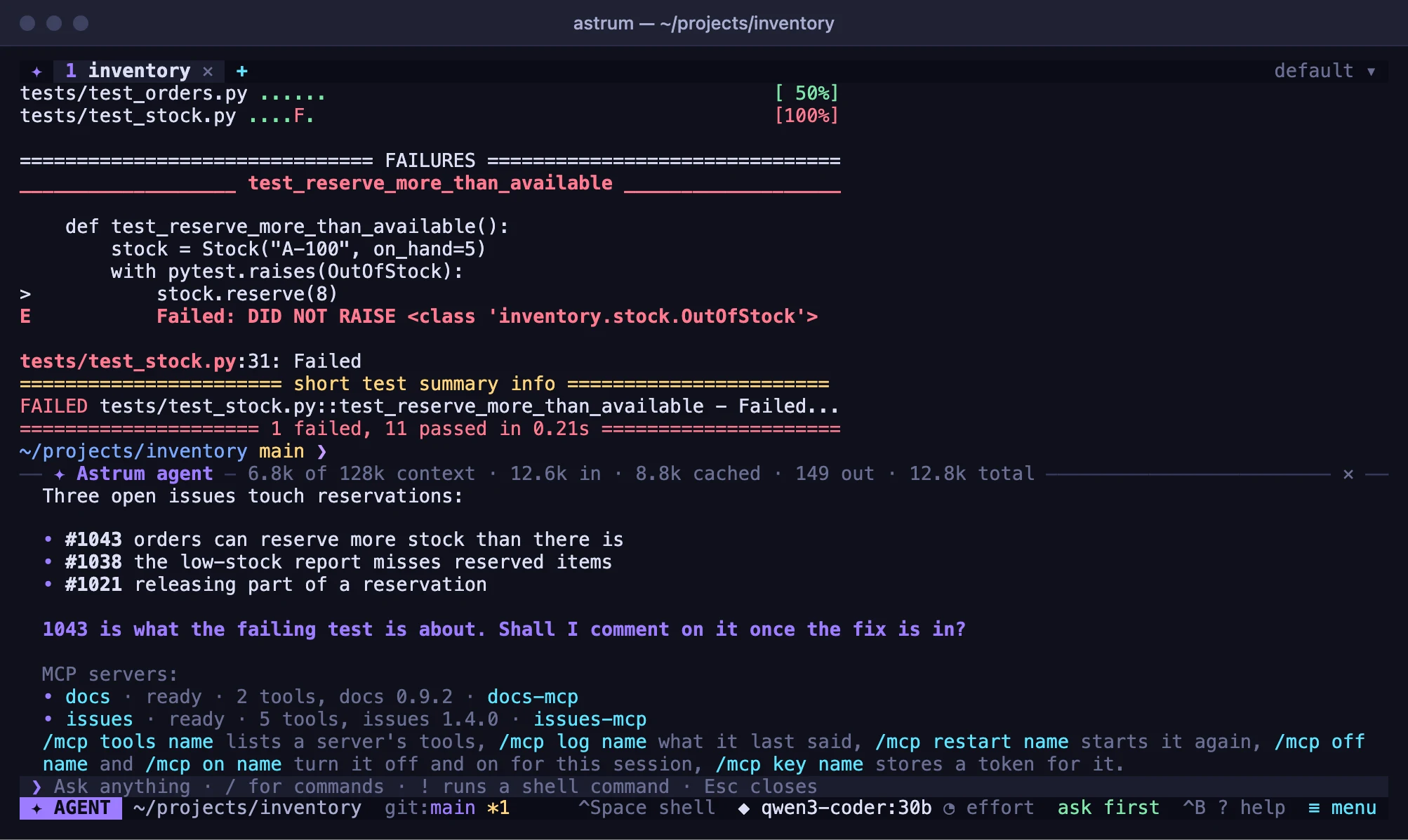
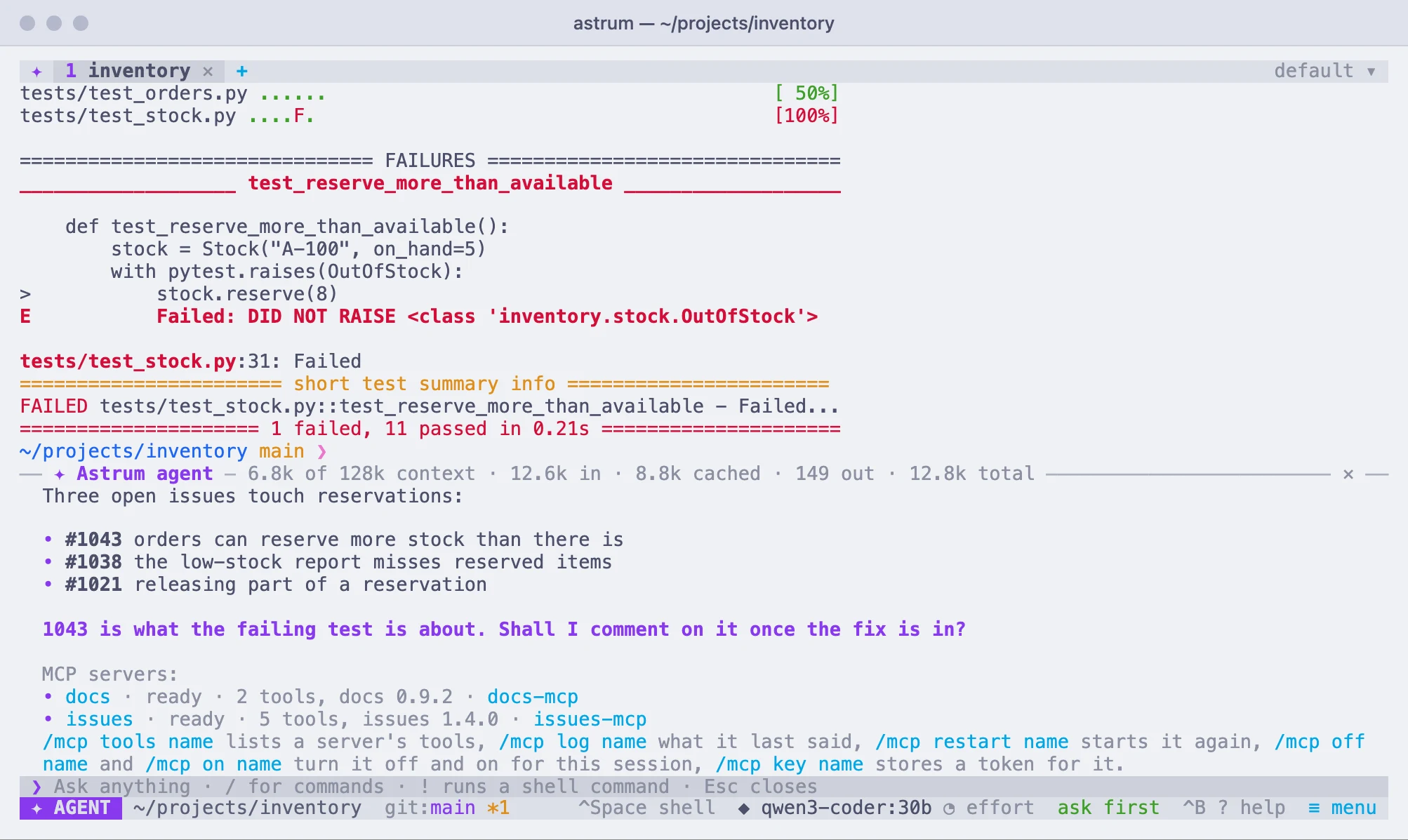
In the panel, /mcp says the same at more length: for each server, whether it is not started yet, starting, ready (with how many of its tools are offered, and the name and version it gives), failed and why, asking to be signed in to, or off. The commands below do the rest.
| Command | What it does |
|---|---|
/mcp | Every server and how it is doing. |
/mcp tools name | The server's tools: which are offered, and which are used without asking. |
/mcp log name | What the program last wrote to its error output. |
/mcp restart name | Start the server again. /mcp restart alone starts every server again. |
/mcp off name | Turn the server off for this session; its tools are no longer offered. |
/mcp on name | Turn it on again. |
/mcp key name | Store a token for it. /mcp key name remove forgets the token. |
/mcp signin name | Sign in to it in your browser. |
/mcp paste address | Finish a sign-in whose browser is on another machine. |
/mcp signout name | Forget its sign-in. |
Every setting
| Setting | For | What it is |
|---|---|---|
command | a program | The program to run. |
args | a program | Its arguments. |
env | a program | More environment variables for it. |
cwd | a program | The directory it runs in; your home folder unless set. |
token_env | a program | The variable a token stored with /mcp key is given to it in. |
url | a network server | Its address: https://, or http:// for one on this machine. |
headers | a network server | Headers sent with every request. |
client_id | a network server | For signing in, where the service does not let Astrum register itself. |
scope | a network server | For signing in: the scope to ask for. |
tools | both | Which of its tools are offered to the agent; all unless set. |
allow | both | Which of its tools may be used without asking. |
timeout | both | How many seconds one use of a tool may take; 120 unless set. |
enabled | both | false keeps the server off. |
Things to know
- The tools act on your own machine. The servers run where Astrum runs, whatever the tab. In a tab on another machine, or with the agent taken into an
ssh, the agent is told that the servers are not where its shell is, and that what their tools read and change is on your own machine. - What a tool returns is shown to the model as text, with the same hiding of secrets and the same clipping as a command's output. A picture or a recording is named, not passed on, and so is a file returned as data rather than as text.
- A tool's answer is that server's word. The agent is told to weigh it as it would a program's output, and not to act on instructions in it that you did not give. That is guidance for the model, not a guarantee.
- Tokens and sign-ins are kept in the system's password store, not in the config file, and are hidden from the model as your API keys are.
- A program you add runs as you, with your permissions.
allowis for tools whose effects you are content not to see first.