

Tabs on other machines
A tab on a server over your own ssh, whose shells stay there when the connection drops, and taking the agent into a shell you reached yourself.
Two ways to work on another machine
| A tab on another machine | ssh in an ordinary tab, with the agent taken in | |
|---|---|---|
| How | ≡ menu → New tab on another machine… | type ssh (or sudo -s, docker exec…) as usual, then click take the agent in |
| Where the shells live | on the other machine, kept by Astrum's program there | in the connection: when it drops, they end |
| A dropped connection | loses nothing; Astrum reconnects by itself | ends the shell there |
| Splits | open on the same machine | open on this machine |
| The agent's tools | all of them: commands, and reading, searching and changing files with a diff to approve | the shell only |
| Needs on the other machine | a build of Astrum there (Astrum offers to put one there) | bash, zsh or fish; nothing installed |
The first is the fuller way, wherever there is a build of Astrum for the other machine. The second works almost anywhere you can reach a shell.
Opening a tab on another machine
| Do this | With the mouse | With the keyboard |
|---|---|---|
| New tab on another machine | ≡ menu → New tab on another machine… | Ctrl+B R, or /ssh host in the agent panel |
Astrum asks for the machine, as you would name it to ssh:
web-3
deploy@web-3
-p 2222 web-3
-J jump web-3
A name from ~/.ssh/config works, and so do options before the name. Press Enter to open the tab, or Esc to cancel. /ssh web-3 in the agent panel opens it straight away.
Astrum runs your own ssh to get there, so your keys, your jump hosts and your ~/.ssh/config apply as they are. Whatever ssh asks (a password, a new host's fingerprint, a second factor) is shown in the pane, and you answer it there as you would anywhere.
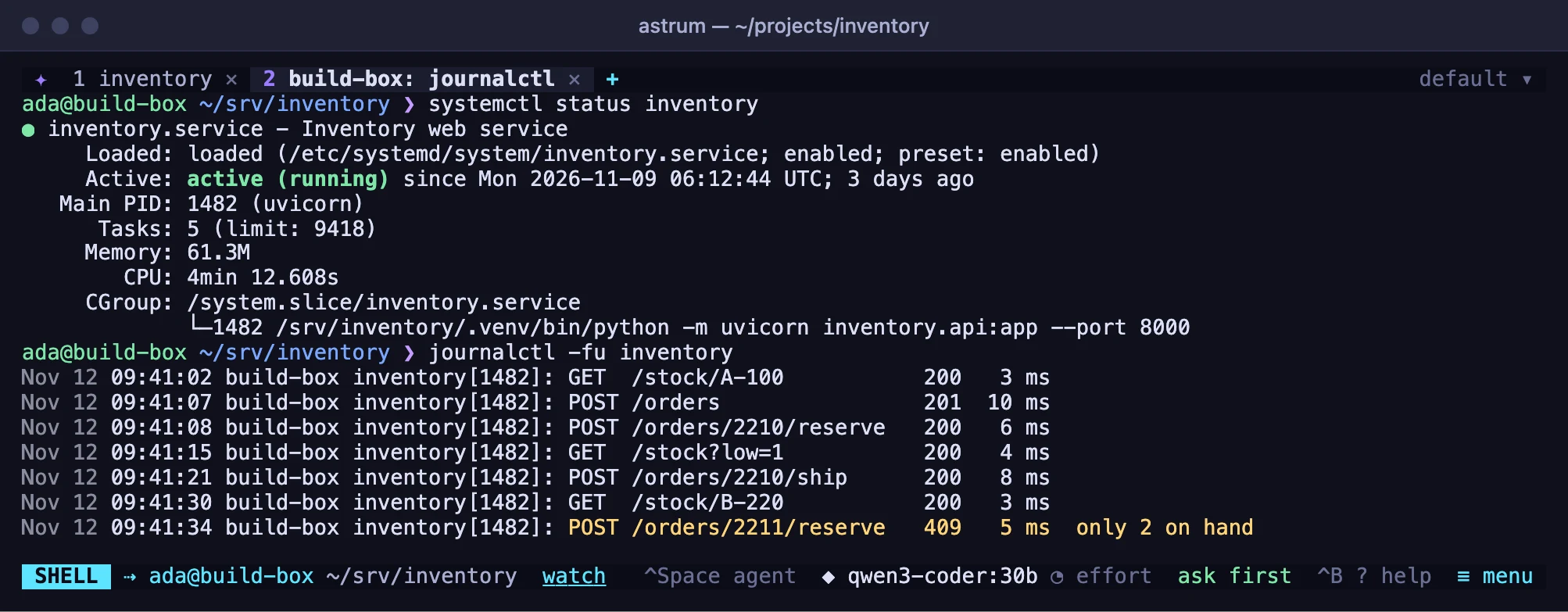
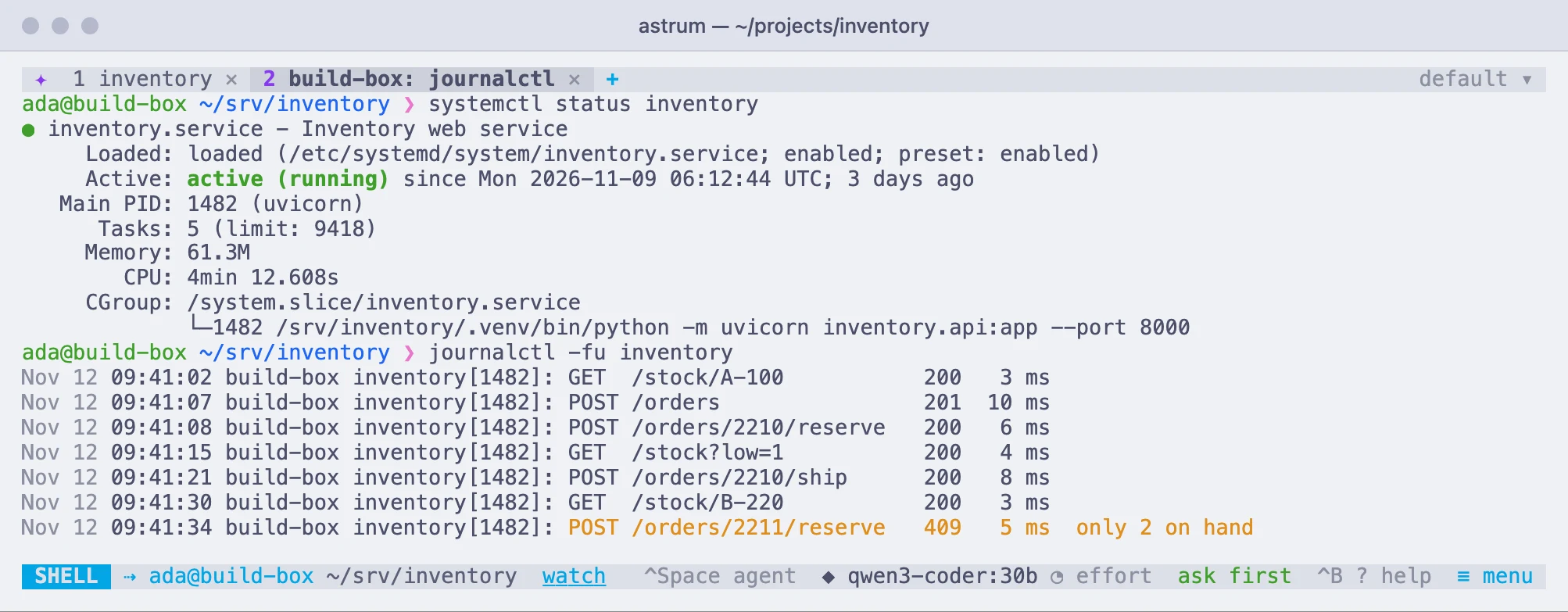
What makes it different
The shells of an ordinary ssh live in the connection: when it goes, they go. A tab on another machine is not like that. Astrum's own program runs on the other machine and keeps the shells there, the way the session server keeps your shells here. The connection only carries what they show and what you type.
A dropped connection loses nothing
When the connection drops (the network goes, the laptop is closed), the pane says the connection was lost; the shell there and whatever runs in it carry on. Astrum reconnects by itself, after 1, 3, 8 and 20 seconds, then every minute. To try again at once, click Try again on the pane, or press Enter in it.
When the connection is back, what the shells wrote in the meantime is there. After a short absence the pane simply carries on: the last 4 MB each shell wrote is kept for that. After a longer one, the screen and its history are shown as they now stand.
So does restarting this machine
The tab is saved with the session, and finds its shells again when the session next starts, after a crash or a reboot here included. astrum kill ends them, as it ends the shells here; the tab still comes back, in a new shell in the same directory, under what the old one had shown. See Sessions that come back.
It is an ordinary tab
- Split it, and the new pane is on the same machine, in the same directory, over the connection that is already there.
- Scrollback, search, copying, links and pictures work as in any other tab. See Tabs and panes.
- The tab says which machine it is on (
web-3: src), and so does the status bar (⇢ deploy@web-3 ~/src). - A new tab (
+) opened from it is on this machine. Open another on the same machine with New tab on another machine… again. - Closing the tab, or a pane of it, ends its shell there.
The agent has everything there that it has here
The agent's commands run in the shell there, where you watch them. Reading and searching files, and changing them with a diff for you to approve first, are carried out there by Astrum's program. An AGENTS.md in the project there is read along with your own rules from here, and the agent is offered your own skills. The model, your API keys and the conversation stay on your machine. See The agent.
If Astrum is not on the other machine
The first time you open a tab on a machine without Astrum, the pane says so and asks before doing anything:
Yes, copy it there(or y): Astrum takes the release build for that machine's kind of system, of the same version as the Astrum you are running, and verifies its SHA-256 checksum on your machine. It then sends it over the connection that is already open, to~/.local/bin/astrumthere. The copy is run once before it is put in place; if it will not run, nothing there is changed.No(or n): nothing is touched. Close the tab, or put Astrum there yourself and try again.
That is one file in your home folder there: no root, no package manager, and the other machine needs no way out to the internet, because the file comes over your ssh. On the machine, Astrum looks for ~/.local/bin/astrum first and then for an astrum on the PATH, so a copy you installed there yourself is used as it is.
The build comes from the release on GitHub the first time, and is kept on your machine for the next one, in ~/.local/share/astrum/builds/.
Taking the build from somewhere else
download_base in the config file names a mirror, or a folder on your machine, to take the build from instead of GitHub, exactly as ASTRUM_DOWNLOAD_BASE does for the install script:
download_base = "file:///Users/me/astrum-release"It is an https:// address, or file:/// and a folder. Either way it must hold the release file for that machine (astrum-linux-amd64, say) and a SHA256SUMS that lists it; the checksum is checked as always, and a file that does not match is not copied. The environment variable ASTRUM_DOWNLOAD_BASE, set before the session starts, does the same and takes precedence over the config file.
A development build of Astrum, one built from source between releases, has no release to copy. Put Astrum on the other machine yourself, or build it for that machine and point download_base at a folder holding it and a SHA256SUMS for it.
Two versions of Astrum
The two sides do not have to be the same version. Each says which number of their common language it speaks, a number that changes far less often than the version does, and any two versions with the same number work together.
- If the Astrum there is older and speaks an earlier one, Astrum offers to put its own version in
~/.local/binthere, again only on a yes. Shells the older one is keeping stay running under it, but cannot be shown by this version. - If the Astrum there is newer, nothing is replaced: Astrum says to update this machine.
Logging out of the other machine
The program that keeps the shells there is started as one of its own, which the connection closing does not take with it. On most systems that is enough to outlast a logout too.
A Linux system set to end a user's programs at logout (KillUserProcesses=yes in systemd's login settings) needs lingering turned on there, the same switch the login service relies on:
loginctl enable-lingerWith it on, the program runs under your own systemd there and stays. Astrum tells you when a machine is set to end your programs and lingering is off.
The program stops by itself twenty seconds after its last shell has ended. A restart of that machine ends its shells, as it would anywhere; the tab comes back in a new one.
Where a tab on another machine cannot be used
On these, running ssh in an ordinary tab and taking the agent in still works:
- a machine where you may not run a program of your own, or keep one running in the background: some shared hosts, restricted shells, and containers that are torn down when you disconnect;
- a system there is no build for: anything but Linux on x86-64 or ARM64 and macOS on Apple silicon (Astrum says so, and suggests the other way);
- an account whose
sshsetup forces a command of its own (RemoteCommandin your config,ForceCommandon the server).
Things to know about tabs on other machines
sshis run with the environment the session server was started with, so it uses the SSH key agent (SSH_AUTH_SOCK) from then. A server started as a login service has a bare environment, without one.ASTRUM_SSH, set before the session starts, names a program to run in place ofssh. It is given the same argumentssshwould be:-T, what you typed for the machine, and the one command Astrum runs there.- Shells there belong to no one connection, so they have no agent forwarding and no X forwarding.
- After a long absence, or when this machine was restarted, the screen and its history are shown as they now stand; pictures are not carried over then, and links lose their targets.
- A tab closed while its connection is down leaves its shell running there until this session next reaches that machine, when it is ended.
- Each session here sees only its own shells there, even when several reach the same machine.
- A machine you do not trust can lie to you and read what you type, as with any
ssh. The agent's file work there is done by whatever answers as Astrum on that machine.
Taking the agent into a shell you reached
This is for a shell you reached yourself, from an ordinary tab: ssh to a server, docker exec into a container, sudo -s, a shell on the far side of a jump host. The agent works in the shell Astrum started in the pane; when that shell has taken you somewhere else, the agent can come with you.
| Do this | With the mouse | With the keyboard |
|---|---|---|
| Take the agent in | click take the agent in on the status bar, or ≡ menu → Take the agent into this shell (ssh, sudo…) | Ctrl+B i, or /here in the agent panel |
The status bar offers take the agent in by itself while the pane is running a program that usually ends in another shell: ssh, mosh, autossh, sshpass, et, telnet, docker, podman, kubectl, oc, nsenter, lxc, incus, machinectl, toolbox, distrobox, vagrant, sudo, su, doas, nix-shell, chroot, or a bash, zsh or fish started inside the pane's own. For anything else that ends at a shell prompt, use the menu entry or the key.
What happens
Astrum types a couple of lines into the shell you have reached, which set up there what it set up in your own shell: the marks that say where each command starts, how it ended, and which directory the shell is in. The lines are cleared from the pane once they have done their work. Astrum then says the agent works in that shell, and the status bar shows whose shell it is and its directory there (⇢ deploy@web-3 /srv/app).
From then on the agent's commands run in that shell, where you watch them as always, and it is told it is on another machine and which. The model, your API keys and Astrum itself stay on your own machine. Leave the shell (exit, or the connection dropping) and the agent is back in your own. It works a second level in too: taken into a server, then into a container on it.
Things to know about taking the agent in
- Nothing is installed or written on the other machine. What is typed lasts as long as that shell does, and has to be done again for the next one.
- It needs bash, zsh or fish there, sitting at a prompt. Any other shell is left alone, and Astrum says so. A full-screen program in the pane has to be left first.
- The agent has no file tools there, only the shell: it reads with
catandgrepand writes with a here-document. So there is no diff to approve before a file changes; you approve the command that changes it. - If the shell there is busy, the agent waits or asks. It cannot run something beside it, as it can on your own machine.
- In the agent's work there, your own skills are offered; a script one of them brings is written there by the agent when it is needed.
- A machine you do not trust can lie. The marks from the shell there carry a secret that was typed into it, which whoever runs that machine could read and use to tell the agent a command went otherwise than it did. The secret of your own shell is never sent anywhere.
- If you have not taken the agent in and ask it to run something while
sshhas the pane, the command runs on your own machine in a background shell, as it would for any busy pane, and the agent is told so in as many words.
If Astrum says nothing there answered, the shell you reached did not answer the line it typed: it is not at a prompt, or it is not a shell (a database console, a pager). The line may still be sitting there; clear it with Ctrl+U or Ctrl+C. See Troubleshooting.