
Overview
MaveScape takes the count tables of a deep mutational scan to functional scores with standard errors, quality control, an interactive map and a record a reviewer can repeat. This guide follows that path.
MAVEs in brief
A multiplexed assay of variant effect (MAVE) measures what thousands of variants of a gene or protein do, in one experiment. A library of variants is put through a selection (cells grow, a protein binds, or cells are sorted by a fluorescent reporter), and sequencing counts every variant before and after. In a selection for function, a variant that becomes rarer has probably lost some of it; what a score means always depends on what the assay selects for. Protein deep mutational scanning (DMS) is the most common MAVE, and the one MaveScape starts with; other MAVEs test regulatory sequences or edit variants into the genome.
experiment → sequencing reads → variant counts → MaveScape → (optionally) MaveDB
Tools such as Enrich2, DiMSum or dms_variants turn the reads into counts; MaveScape starts there. MaveDB is the public repository of MAVE data. MaveScape is a separate program that needs no MaveDB account; it writes scores in MaveDB's columns, and a run as a deposit MaveDB takes. Published scores without their counts can be explored, but they cannot be rescored or checked by count-based quality control.
The path through an analysis
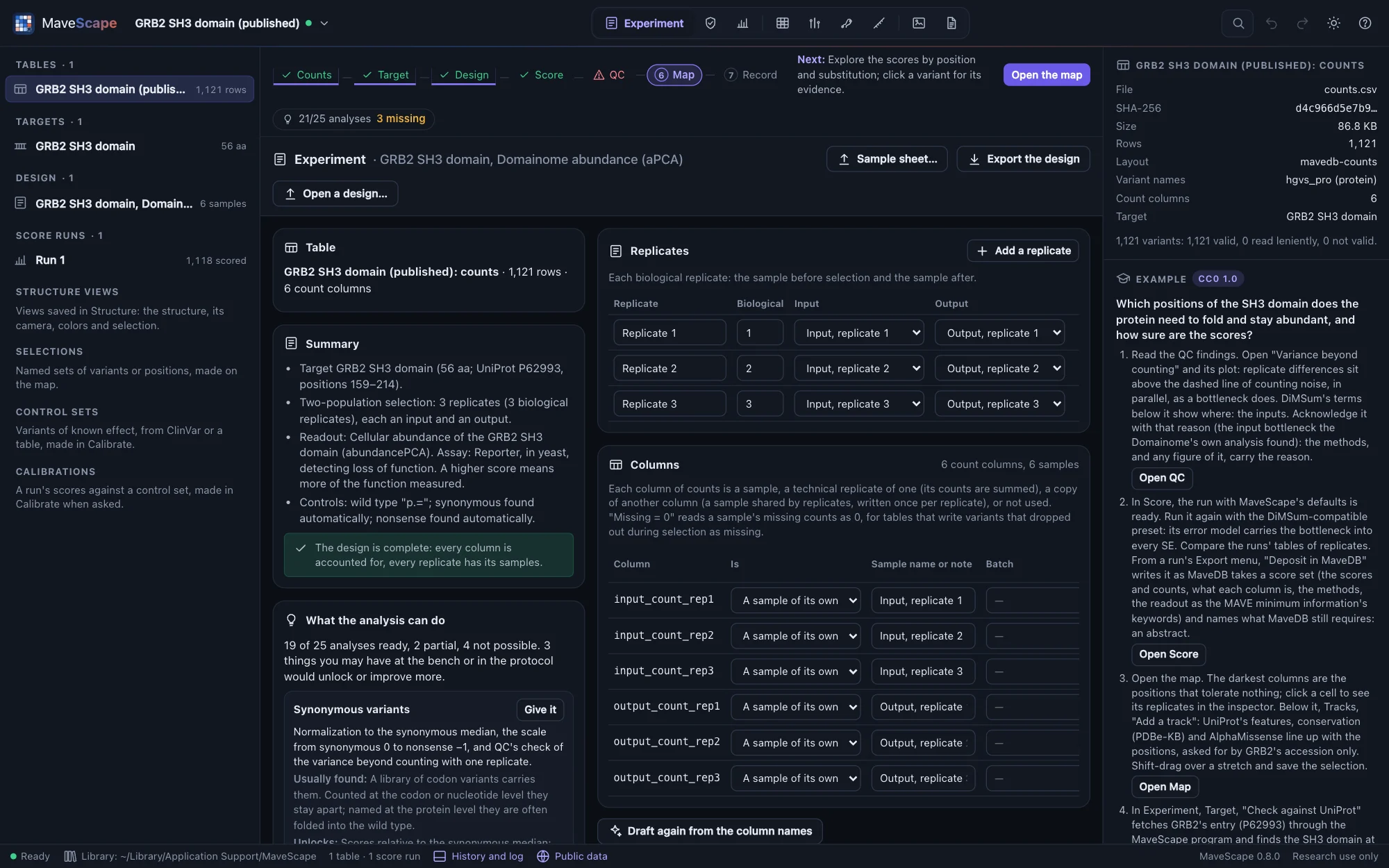
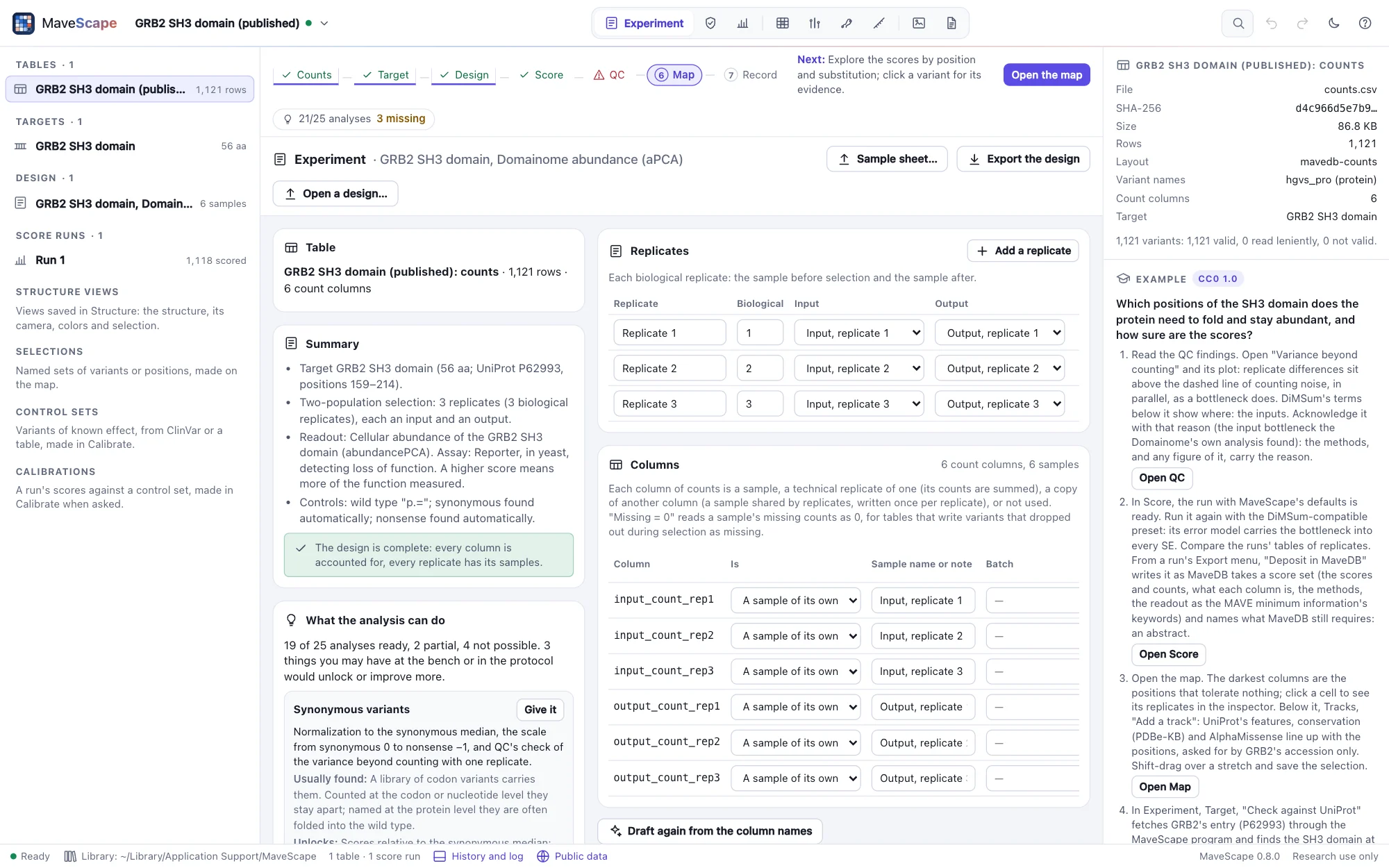
The workflow strip above every view shows the steps, which are done, and the one to take next:
- Counts: a table with one row per variant and one column per sequenced sample (Opening your data).
- Target: the sequence the variants are named against, from a FASTA file.
- Design: which column is which sample, replicate and time point, and what the assay measures (The design).
- Score: functional scores with standard errors, a run kept with everything needed to repeat it (Scoring).
- QC: whether the experiment supports the scores (Quality control).
- Map: every substitution by position, tracks of what else is known about each position, and each variant's evidence (The map and the inspector).
- Record: scores in MaveDB's columns, a run as a MaveDB deposit, the methods with references, and the workspace as one archive (Exports and the record).
Where to start
- New to MaveScape: Getting started, then an example.
- Bringing your own data: Opening your data says what to bring and how MaveScape reads it.
- What MaveScape fetches from public services, what it sends, and working offline: Public data.
- Selecting variants in words (
missense at 40-80 with se < 0.2), saving and combining them: Selections. - Whether two replicates agree, or a rescoring reproduces the published scores: Comparisons.
- A structure of the protein, from the PDB, AlphaFold DB or a file of your own: Structures.
- Letting an AI agent work in MaveScape, scripting it from R or Python, or running it in a pipeline: Agents and scripts.
What MaveScape is not
MaveScape starts from counts: reads (FASTQ) are counted by the tools upstream of it, such as Enrich2, DiMSum or dms_variants. It reports experimental functional effects for research and does not classify variants as pathogenic or benign. Barcodes, DiMSum's error model and comparisons between conditions arrive in 0.2; the roadmap lists what comes when.